Features
Every feature, on every plan
CPR Enroll runs the whole life of a course, from the calendar to the requalification reminder. Here is everything it does, grouped the way you work.
Card required. No charge during your trial. Cancel any time before it ends.
Courses and scheduling
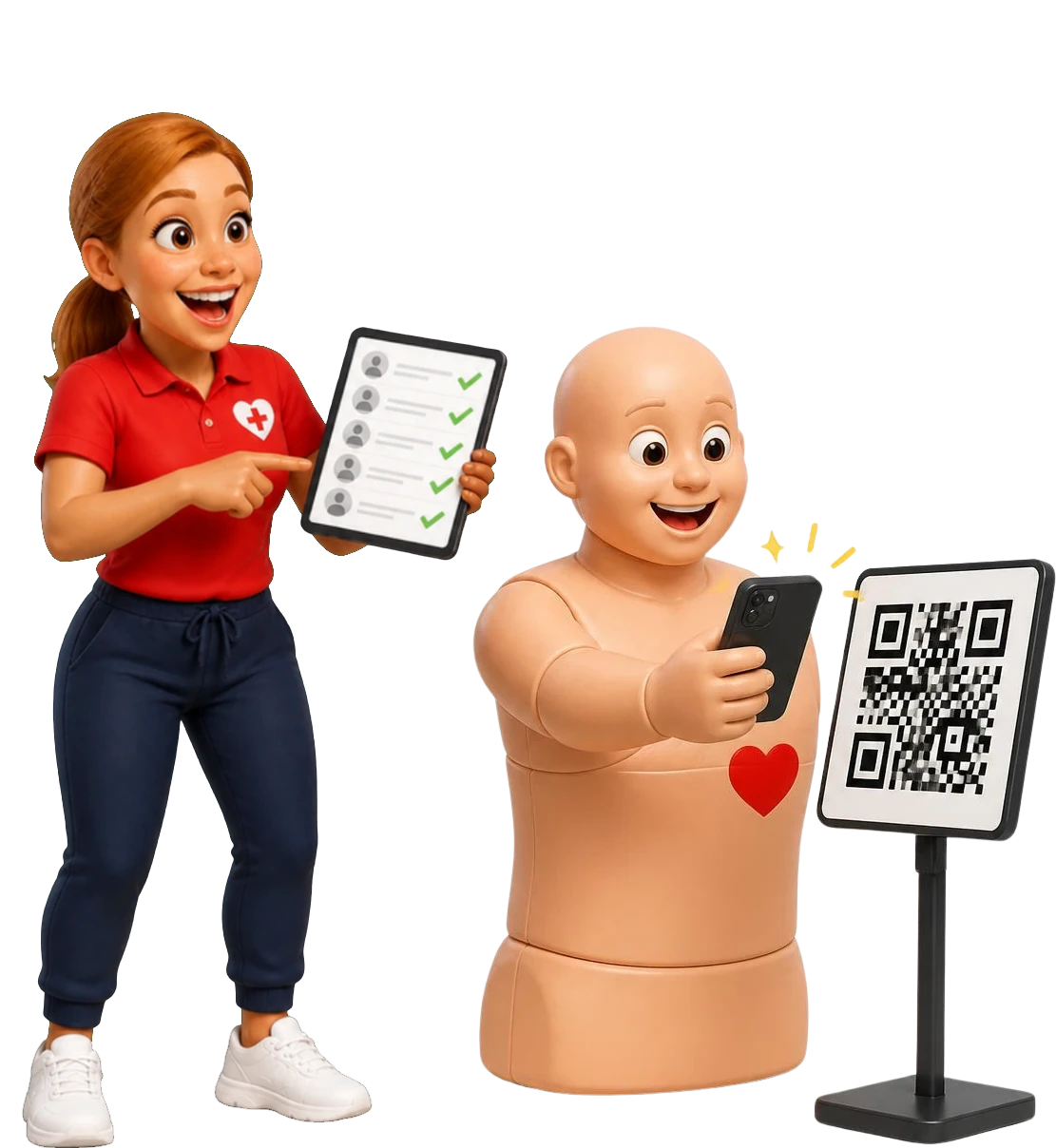
Publish every kind of first aid course from one calendar.
Explore courses and scheduling
Every course format
Open, closed, on-site, multi-day, recurring, blended, virtual, online and flexible courses.
Reusable courses
Build a course once and create course dates from it.
Flexible appointments
Delegates pick from open slots by venue and trainer.
Publish before staffing
Schedule a course date before you assign the trainer.
Capacity and waiting lists
Place limits, waiting lists and booking deadlines on every course date.
Calendar sync
Assigned courses sync to Google Calendar, assistants included.
Virtual sessions
Google Meet or Zoom links created for you, or a static link.
Saved views
List, board and calendar views with filters each user can save. Weeks start on Monday.
Mobile booking
Course pages and checkout that work on any phone.
Custom forms
Booking questions and acknowledgements set per course.
Group booking
One person books several delegates, each with their own add-ons.
Payments and deposits
Full payment or a deposit through Stripe, with balances tracked.
Invoices and manual payments
Invoice an employer or record cash and cheque payments.
Add-ons and promo codes
Sell face shields, books and keycodes at checkout, and run promotions.
VAT, fees and delivery
VAT on bookings, set up at the 20% standard rate for UK organisations and controlled by you, plus processing charges and delivery.
Self-service rebooking
No-login rebooking links that follow your rules and fees.
Automatic messages
Confirmations, reminders, updates, cancellations and receipts.
Paperwork and compliance
Put down the clipboard and keep every record with the course.
Explore paperwork and compliance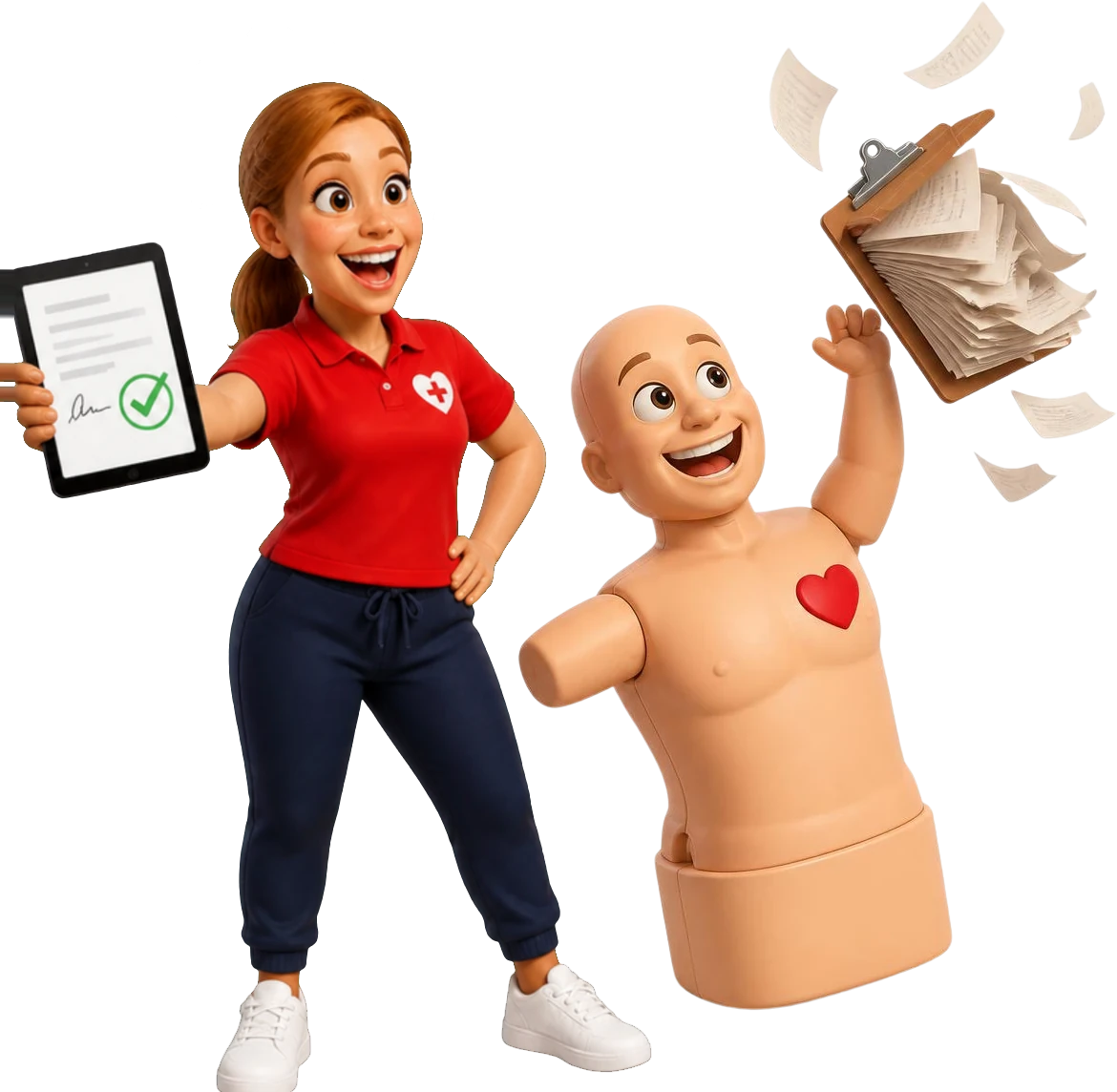
Template builder
Drag-and-drop documents with merge fields, or start from an uploaded PDF form.
Fillable fields and signatures
Text, date, tick box, initials and signature fields.
Trainer checklists
Required items, completed on a phone, with drafts saved.
Submit and lock
Finalised records are locked as a PDF, with authorised reopening.
Paperwork inbox
See what is in draft, submitted, returned or approved.
Course document package
Download one file or every document for a course.
Audit history
Who submitted what, when, and which version is final.
Certificates and requalification
Keep every certificate on the record that produced it, and bring delegates back.
Explore certificates and requalification
Awarding organisation registration
Your centre number and approved qualifications for each awarding organisation.
Certificate claims
The claim built from the register, exported as a CSV file, with claimed and approved status tracked.
Certificate records
Certificate numbers, issue and expiry dates and documents on each booking. Default validity is three years.
Resit tracking
Reassessments tracked against the original attempt, typically one resit.
Expiry tracking
Current, coming up for expiry and expired views and reports.
Requalification reminders
Messages with a direct link to book the requalification course.
Certificate templates by location
Map certificate templates and date formats to locations.
Trainer qualifications
Track your trainers’ own qualifications and expiry dates too.
Operations and growth
Run the business behind the courses, and find the next delegate.
Explore operations and growth
Roles and permissions
Unlimited staff users, each with the access their job needs.
Clients and group leads
Group training request forms, a lead pipeline and employer records.
Trainer jobs
Post open training work across courses and award it.
Equipment tracking
Manikins and AED trainers checked out, maintained and returned.
Keycode banks
E-learning code stock with low-stock alerts and awaiting-code queues.
Shop
Physical and digital products for delegates and trainers.
QR codes and links
Send flyers and posts straight to the right booking page.
Public team page
Trainer profiles for your website in five layouts, kept up to date by your team.
Reports
Courses, bookings, revenue, balances, attendance and certificates.
Integrations
Google Calendar, Google Meet, Zoom, Slack, Microsoft Teams and webhooks.
Courses you can run: First Aid at Work, Emergency First Aid at Work, Paediatric First Aid, Basic Life Support, CPR and AED, Requalification courses, Annual refreshers, Blended learning, On-site workplace training
All 42 features. Every plan.
No feature tiers and no add-on modules to unlock. Pick the plan that fits your number of locations and delegates, and change it as you grow.
CPR Enroll is independent software and is not affiliated with, approved by or endorsed by any awarding organisation or certifying body.
- Unlimited trainers and staff users
- Every feature on every plan
- No per-enrolment fee
- Guided setup in Launchpad
Questions about features
Are all features included on every plan?
Yes. Every plan includes every feature, with unlimited trainers and staff users. Plans differ by the number of locations and delegates a year. Card processing and optional services are billed separately.
Do I have to use every feature?
No. Most training providers start with scheduling, bookings and payments, then turn on paperwork, certificates and the operations tools as they need them.
Does CPR Enroll work with the qualifications I deliver?
You can run courses from more than one awarding organisation, and your own unaccredited courses, side by side. CPR Enroll is independent software and is not affiliated with, approved by or endorsed by any awarding organisation or certifying body.
Is it set up for the UK?
Yes. UK organisations get the UK time zone, weeks that start on Monday, VAT at the 20% standard rate (which you control) and a default certificate validity of three years.
Is there a mobile app?
Yes. CPR Enroll runs in the browser and has apps for iOS and Android, so trainers can check delegates in and finish paperwork from a phone.
Your next course shouldn't come with three hours of admin.
Set up your first course in an afternoon. Gemma and Pulse will be waiting.
Card required. No charge during your trial. Cancel any time before it ends.