For blended and flexible training

Let delegates pick the time

Not every practical session needs a fixed course date. When delegates do the theory online, publish your practical session availability by venue and trainer and let them book the slot that suits. The training record stays complete either way.

Card required. No charge during your trial. Cancel any time before it ends.

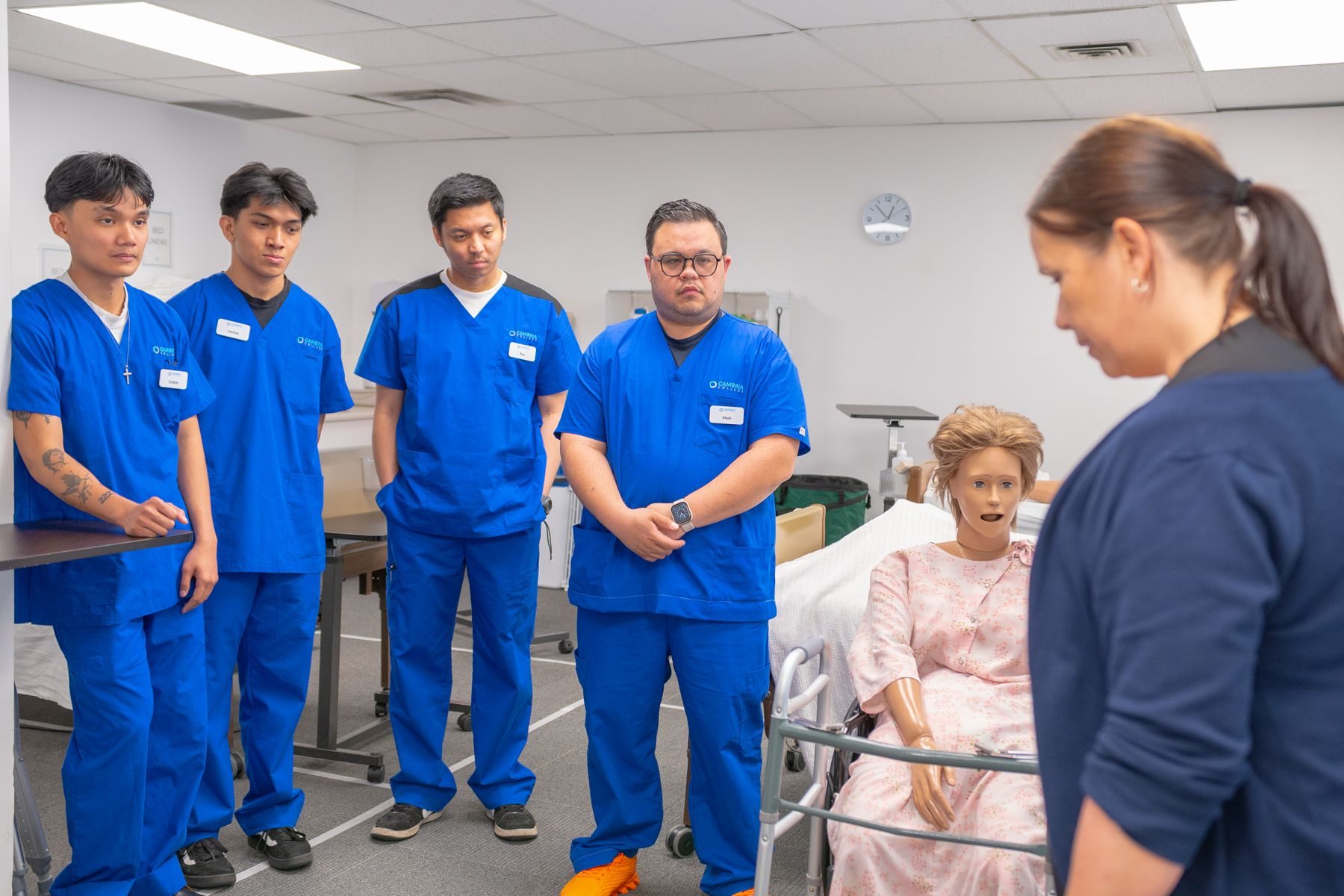
A delegate practising CPR on a manikin during a practical session

The delegate’s side

What the delegate sees

Course, then venue, then a time. Your trainer schedules, room limits and pricing rules stay behind the scenes.

Generic booking apps stop at the appointment

They reserve a time. You still need the right course, the right price, a trainer, a payment, paperwork and a certificate.

  • Availability changes by trainer, venue, room and day.
  • The delegate needs the right course, not just an open slot.
  • Price can depend on the trainer.
  • Equipment and room capacity limit what can be booked.
  • You still need attendance, paperwork, payment and certificate records.

Illustration of the booking screen: the delegate picks a venue, a day and an open time, then continues to booking and payment.

The selected slot pulses at 110 beats a minute. Old habits.

How CPR Enroll handles it

Flexible for the delegate, visible to you

Publish availability, not a hundred course dates

Set the times each trainer and venue is available. Delegates see only the slots that are open and pick one. Let the system assign any available trainer, or let delegates choose.

  • Several venues in one flexible course
  • Blocked slots show staff why a time is unavailable
  • Google Meet or Zoom for virtual sessions

The price follows the choice

Flexible sessions can carry a different price for each trainer. The delegate sees the right total at checkout, with no manual adjustment afterwards.

  • Trainer pricing for flexible sessions
  • Choice, payment, add-ons and receipt saved together

From online theory to the practical session

Delegates receive or buy their e-learning keycode when they book, choose a practical session, get directions and what to bring, and turn up. Attendance, the assessment checklist, paperwork and certificate details are recorded like any other course.

  • Keycodes delivered at booking
  • Confirmation, directions and reminders sent for you
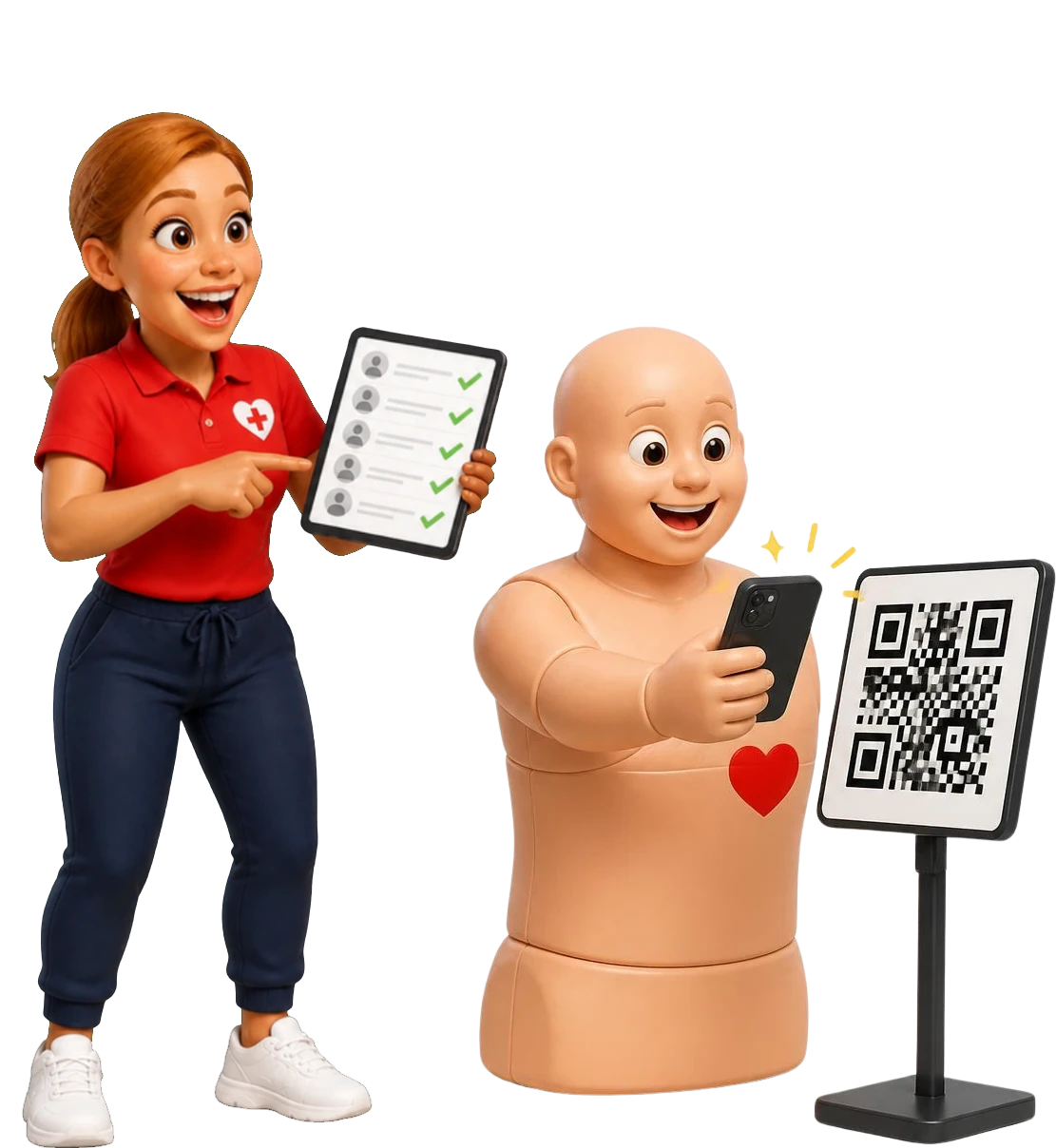
Pulse scanning a course QR code while Coach Gemma watches the register fill with ticks

Rebooking without starting over

Appointments move. Eligible delegates use a no-login link to pick a new slot within your rebooking window and fees. Their history, payment and notes come with them.

  • Card or list view, filtered by type, format, venue and date
  • Updated details sent after the change

Oversight

Automation should not hide the exceptions

Self-service booking still needs a person watching for the things software cannot fix. CPR Enroll puts them in front of you.

  • Unavailable slots

    A room is out of use, or a trainer’s availability changed after a booking was made.

  • Low keycodes

    An alert when a bank of e-learning keycodes hits your threshold or runs out.

  • Balances to collect

    Unpaid and part-paid bookings, filtered and ready for follow-up.

  • Paperwork waiting

    Records not started, partly done, returned or waiting for review.

  • Equipment issues

    Missing, checked out or flagged for maintenance.

  • Certificates needing action

    Coming up for expiry, expired or incomplete certificate records.

Your 14-day trial

What to set up in your trial

Build one flexible course and try to break it before your delegates do.

Card required. No charge during your trial. Cancel any time before it ends.

  1. Create a test course with two venues or two trainers.
  2. Give them different availability or prices.
  3. Book a slot from your phone and pay.
  4. Rebook that booking with the delegate link.
  5. Review the paperwork and certificate steps for the session.

Questions about blended and flexible training

What is a flexible course in CPR Enroll?

A course where delegates pick from available dates and times based on the trainers, venues and rules you set, instead of one fixed course date.

Can delegates choose any available trainer?

Yes. Delegates can pick a time and let the system assign any available trainer, or choose a specific trainer if you turn that on.

Can trainers charge different prices?

Yes. Flexible courses can be priced by trainer, so the total at checkout matches the delegate’s choice.

Does CPR Enroll check that a delegate finished the online theory?

Not automatically for every course. Use keycodes, uploaded documents or your own review step, depending on the course.

Do blended delegates get a certificate record?

Yes. Once the course is complete, the certificate details sit on the delegate’s booking like any other course, and for awarding organisation qualifications CPR Enroll builds the certificate claim.

Does CPR Enroll decide whether a blended format is allowed?

No. CPR Enroll is independent software and is not affiliated with, approved by or endorsed by any awarding organisation or certifying body. Check the qualification and your awarding organisation’s requirements before you offer a blended version.
Build practical session booking that fits how you train.

Set up one flexible course with two venues in your trial and book it from your phone.

Card required. No charge during your trial. Cancel any time before it ends.

Coach Gemma cheering as Pulse shows a certificate on his phone