Paperwork and compliance

Finish the course with the paperwork already done

Reusable templates become course-specific documents. Trainers complete checklists and collect signatures on their phone, then submit. You get a locked PDF filed with the course it belongs to, ready for your next quality assurance visit.

Card required. No charge during your trial. Cancel any time before it ends.

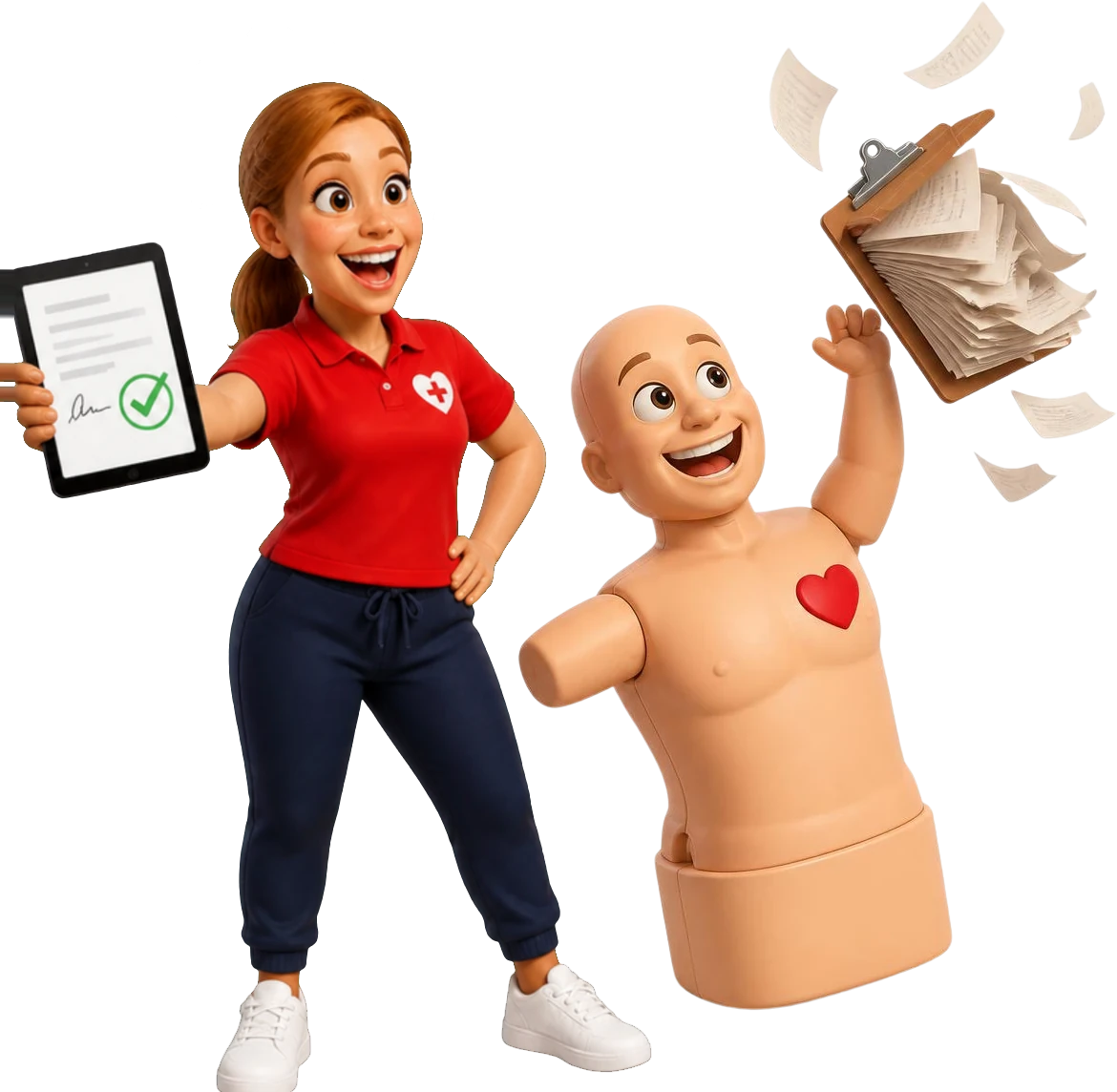
Pulse tossing away a clipboard while Coach Gemma holds up a signed digital form

The course is over. The paperwork is not.

Retire the clipboard relay

Today

  1. Paper register
  2. Scanned PDF
  3. Email attachment
  4. Shared drive, maybe

With CPR Enroll

  1. Reusable template
  2. Course document
  3. Signed and submitted
  4. Locked PDF on the course

Templates, documents and checklists

Build the process once, run it every course

Build a form once, use it on every course

Drag content into a template, add fillable fields, and use merge tags to fill in the delegate’s name, course date and your terms automatically. You can also start from a PDF form you already use.

  • Signature, initials, text, date and tick box fields
  • Merge tags such as delegate name and course date
  • Uploaded PDF forms
  • Organise templates by qualification and subject

The right documents on the right course

Attach templates to a course and every future date gets its own copy for before, during and after the course. Documents stay editable until they are finalised, and you choose who signs: the trainer, an administrator or another authorised signer.

  • Before, during and after course paperwork
  • Applied by course and by venue
  • Signer chosen per document

Checklists trainers can finish on a phone

Build a checklist for each course: check delegate ID, confirm the course requirements, complete the practical assessment, collect the final signature. Trainers see progress and required items, save a draft and submit when they are done.

  • Required items and progress shown
  • Collapsible sections and draft saving
  • Submitting locks the checklist

Resits tracked, not forgotten

When a delegate does not pass an assessment first time, record it and track the reassessment. Their resit sits on the same delegate record, so nobody has to remember who still needs one.

  • Reassessment recorded against the original course
  • Resit status on the delegate record
  • Set up for the usual single resit

Status and history

Every document has a status

See what is still missing before anyone marks the course done, where each document stands, and who moved it there.

  1. Draft Editable by the people assigned.
  2. Submitted Time stamped, with who submitted it.
  3. Recalled or returned Pulled back before review, or sent back for a fix.
  4. Approved Reviewed and marked complete.
  5. Final PDF View only. Reopened only by an administrator, with history kept.

Records and quality assurance

Records you can find again, and show your quality assurers

Find the record without opening twelve folders

The paperwork inbox lists every document by status. Open PDFs, Word and Excel files right in the browser, and download one document, a selection, or the full course pack.

  • Work by status
  • View documents in the browser
  • Download one, several or the whole course

Ready when your quality assurers are

Every course keeps its registers, checklists, assessment records and resits together, so a quality assurance visit starts with a download, not a box of files. Screens for internal quality assurance (IQA) sampling and read-only access for an external quality assurer (EQA) are coming soon.

  • Course records in one place, not a box of files
  • Download one document or the full course pack
  • IQA sampling and EQA visit access: coming soon

Know who did what, and when

Every submission records who sent it and when. Status changes are logged, versions are kept and the final PDF is preserved, so you can show how each record reached its final form.

  • Submission and status history
  • Versions and the final PDF kept
  • Reopening by an administrator, with history kept
Pulse tossing away a clipboard while Coach Gemma holds up a signed digital form

CPR Enroll gives you the tools to collect, sign and keep course records. It does not decide your legal requirements, your awarding organisation's requirements, retention periods or whether an electronic signature is valid for a given purpose. Your centre sets those rules.

Paperwork questions

Can CPR Enroll create course paperwork from templates?

Yes. Templates attached to a course create documents for every date published from that course.

What kinds of fields can I add to a form?

Signature, initials, text, date and tick box fields, plus merge tags that fill in details such as the delegate’s name and course date.

Can trainers complete checklists from a phone?

Yes. Checklists show progress and required items, have collapsible sections, and save as a draft until the trainer submits.

Can I give an external quality assurer access?

Not yet. Time-limited, read-only access for an EQA visit is coming soon. Today you can download one document, a selection or the full course pack to share with them.

Can submitted paperwork be corrected?

Yes. A submitter can recall a document before it is reviewed, and an administrator can reopen a finalised one. The history is kept either way.

Does CPR Enroll make my centre compliant?

No. CPR Enroll gives you templates, checklists, signatures and records. Your centre decides which forms, signatures and retention periods apply, and your awarding organisation sets its own requirements.
Make paperwork part of the course, not the part everyone avoids.

Turn your current consent form and assessment record into templates during your trial.

Card required. No charge during your trial. Cancel any time before it ends.

Coach Gemma cheering as Pulse shows a certificate on his phone