For independent first aid trainers

Deliver the course. Skip the second shift.

You are the trainer, the bookings clerk, the bookkeeper and the person who refills the printer. CPR Enroll takes the admin off your plate so the business keeps running while you teach.

Card required. No charge during your trial. Cancel any time before it ends.

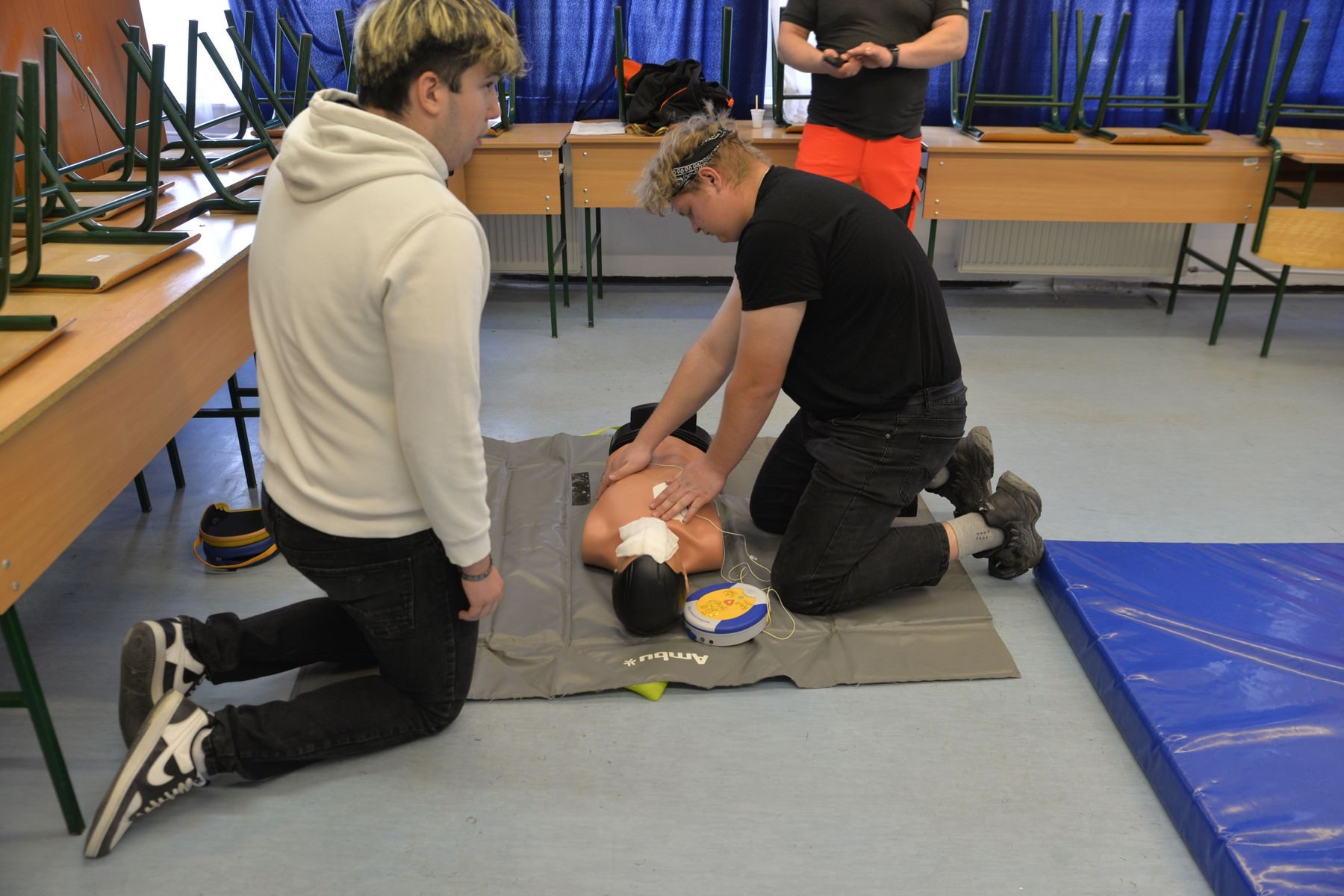
An independent first aid trainer coaching a small group on manikins

One trainer, a lot of moving parts

Six jobs. One of them is training.

Most independent trainers start with whatever is to hand: a calendar, a form builder, a payment link, copied emails, paper registers and one spreadsheet that slowly runs the whole business. It works for a few courses. Then delegates rebook, an employer asks for a closed course and the spreadsheet gets a second tab.

  • Scheduler Open courses, closed courses for employers and practical sessions in separate calendars. CPR Enroll has it
  • Bookings clerk Copying delegate details out of emails and messages into a register. CPR Enroll has it
  • Bookkeeper Matching payment links and bank transfers to the right delegate. CPR Enroll has it
  • Records clerk Paperwork that starts when the course ends at 4 and finishes at 9. CPR Enroll has it
  • Requalification desk Remembering whose certificate expires in March, three years from now. CPR Enroll has it

TrainerThe one you signed up for.

A day with CPR Enroll

A Saturday course, without the paperwork hangover

Here is what a typical course day looks like once CPR Enroll is doing the admin.

  1. Tuesday

    The course fills itself

    You published Emergency First Aid at Work from a saved course. Delegates book and pay from their phones, including the one who found you through a QR code on a flyer.

  2. Friday

    Reminders go out

    Delegates get the address, parking notes and what to bring. Nobody messages you asking where the venue is. Well, fewer people do.

  3. Saturday, 8.45am

    Check-in at the door

    Delegates scan the course QR code and confirm their details. You can see who is here and who still owes a balance.

  4. Saturday, 3pm

    Paperwork done on the day

    Your assessment checklist and course records are filled in and signed on your phone, then locked as a PDF with the course.

  5. Monday

    Certificates sorted

    For awarding organisation qualifications, the certificate claim is built from the register and exported as a CSV file. Each delegate’s expiry date starts counting towards a requalification reminder.

How CPR Enroll handles it

The office staff you never hired

Build the course once

Save your pricing, booking questions, add-ons, paperwork, messages and certificate validity on the course. Every course date you create from it starts with all of it.

  • Scheduled, closed and flexible course dates from the same course
  • Capacity and waiting lists on every course date
  • Closed courses stay off your public list

Get paid before the course, not after

Delegates pay in full or pay a deposit when they book. Add-ons like a CPR face shield go on the same receipt, and you can see who has paid, who owes and what was refunded.

  • Card payments through your connected Stripe account
  • Invoices and manual payments for cash or cheque
  • Detailed receipts delegates can download again

Messages that send themselves

Confirmations, reminders, course changes, cancellations, receipts and requalification notices go out from the same record that holds the course details, so an old time or address never sneaks into a copied email.

  • No-login rebooking links that follow your rules
  • Requalification messages when a certificate is coming up for expiry
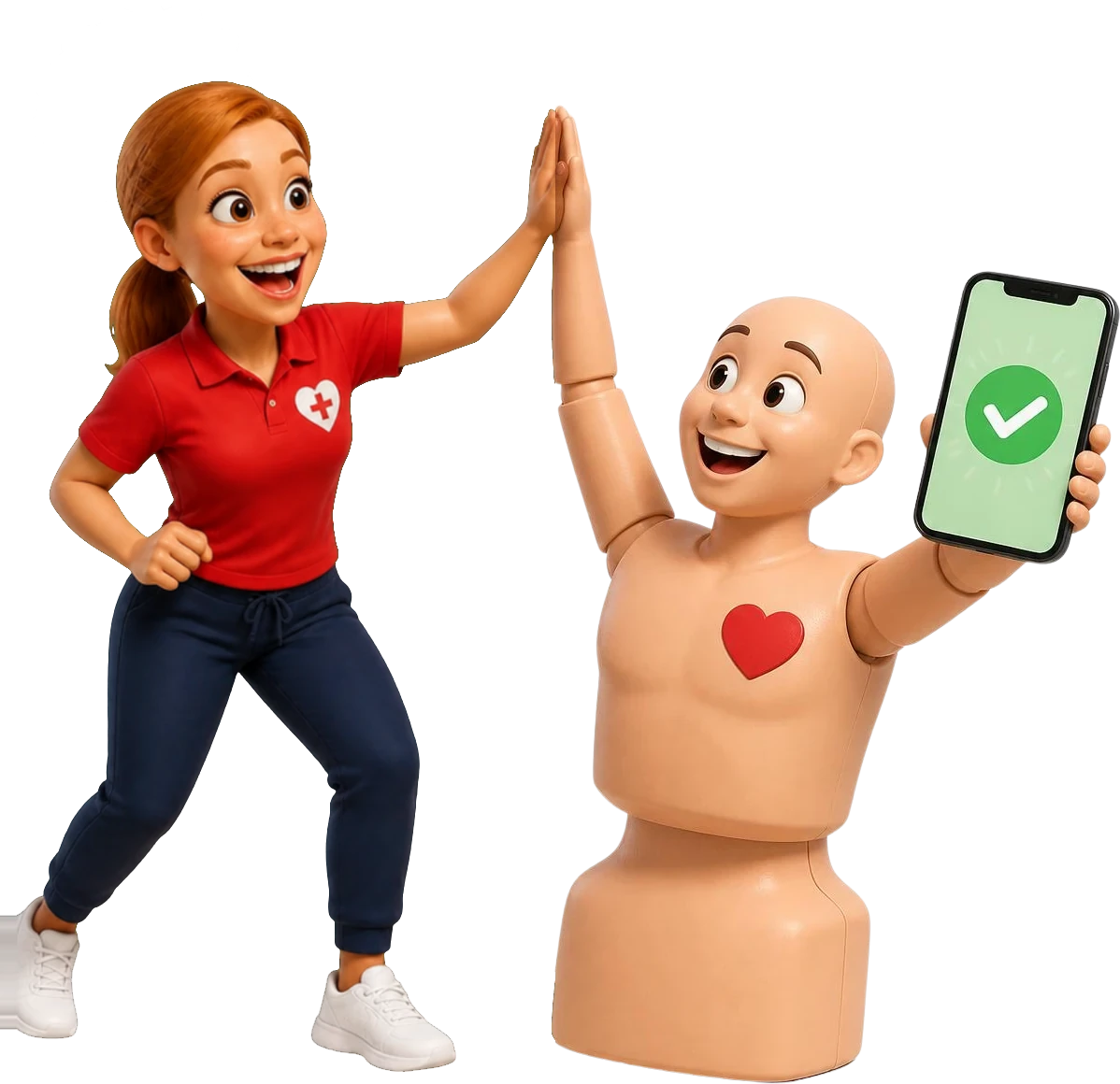
Pulse holding a phone with a payment confirmed as Coach Gemma gives him a high five

Help the next delegate find you

Share a course link, print a QR code on a flyer or link to your open courses from your website. Employers can send a group training request that lands as a lead you can follow up.

  • Search-friendly course pages (no software can promise rankings)
  • QR codes for flyers, partner sites and social posts
  • Group training requests with a notification

Wherever your business is right now

  1. Just getting started

    You hold your trainer qualifications, have a few courses and a social media page. Set up a real booking and payment process before the workarounds become permanent.

  2. Part-time with a full diary

    You train evenings and weekends around another job. Automatic messages, online payment and paperwork on your phone give you your free time back.

  3. Full-time and growing

    You are adding assistant trainers, a second venue or employer clients. Add trainers and staff users at any time. Every plan includes unlimited users.

A trainer checking course bookings on a phone between courses

Your 14-day trial

What to set up in your trial

Follow one real course from setup to certificate. Use made-up delegate details if you would rather not test on a live course.

Card required. No charge during your trial. Cancel any time before it ends.

  1. Add your business profile, logo, venue and payment connection.
  2. Create one course with pricing, booking questions, messages and paperwork.
  3. Publish a test course date or flexible session times.
  4. Book and pay for it from your phone.
  5. Check the confirmation, receipt, paperwork, attendance and certificate steps.
  6. Make a QR code or share link and look at what delegates see.

Questions independent trainers ask

Is CPR Enroll a good fit for an independent trainer?

Yes. A one-person business gets the same scheduling, booking, payments, paperwork and certificate tools as a larger training centre, and you can add trainers later.

Do I need my own website?

No. You can share CPR Enroll course pages and booking links directly. If you already have a website, link to your courses from it.

Does it make sense if I only run a few courses a month?

It can. Compare the plans with your course volume on the pricing page before your trial ends.

Can delegates book and pay without ringing me first?

Yes. For published courses, delegates book and pay online from any phone or computer.

Can I offer practical sessions instead of fixed course dates?

Yes. Flexible courses let delegates pick from the time slots and venues you make available.

Can delegates rebook themselves?

Yes, when you allow it. Eligible delegates get a no-login link that only shows the courses and times your rules permit.

Will CPR Enroll get my courses to the top of Google?

No software can promise that. CPR Enroll publishes search-friendly course pages with structured course information, which helps search engines understand them.
Run the business. Deliver the course.

Set up your first course in an afternoon, then let CPR Enroll handle the admin while you train.

Card required. No charge during your trial. Cancel any time before it ends.

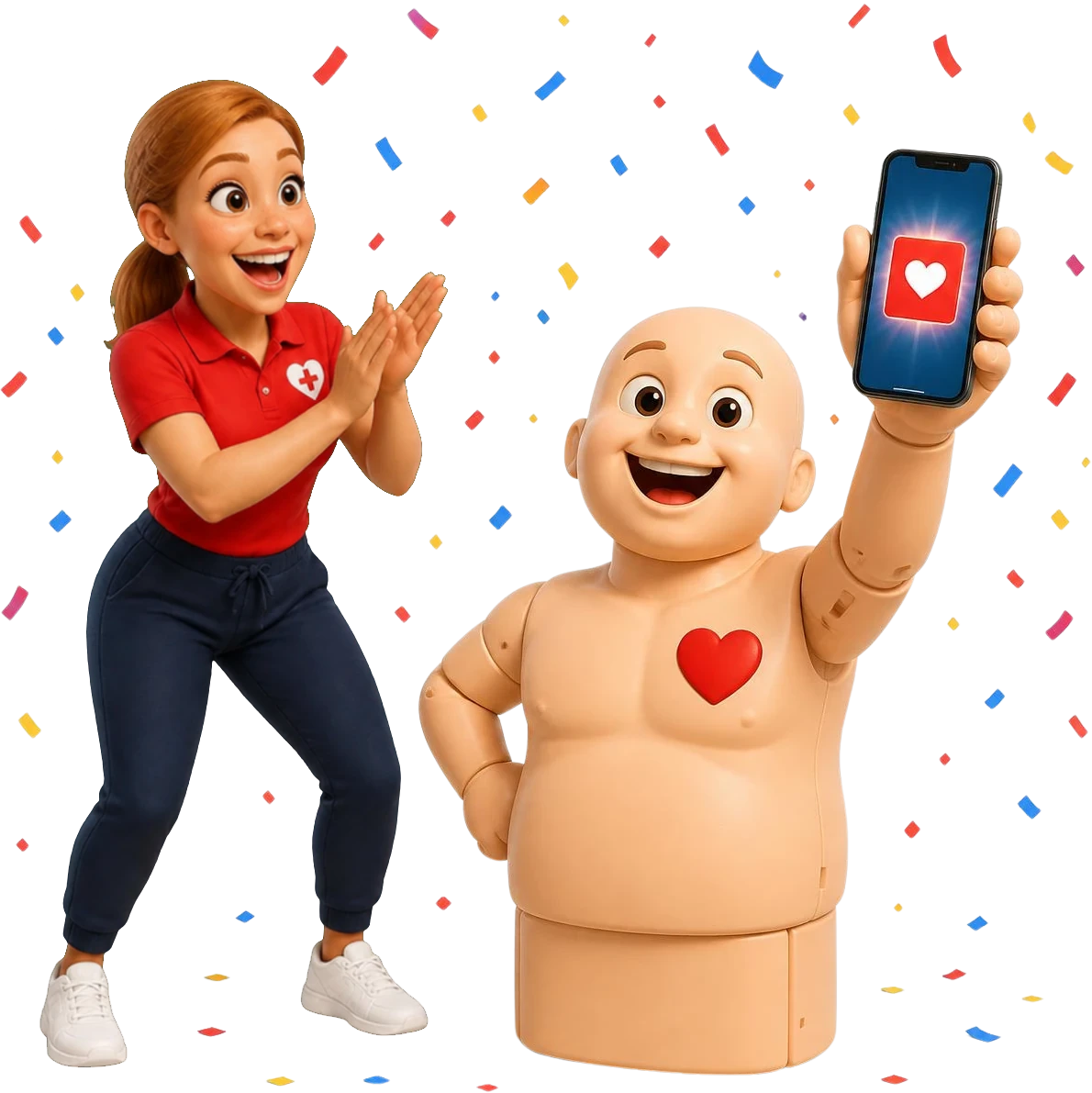
Coach Gemma cheering as Pulse shows a certificate on his phone