For first aid training centres

More courses without more chaos

Your centre runs on courses, trainers, rooms, delegates, payments, paperwork and certificates. CPR Enroll keeps them in one place so growth does not depend on the one person who knows where everything is.

Card required. No charge during your trial. Cancel any time before it ends.

A full training centre classroom with delegates practising on manikins

Their day

Monday morning in the office

Volume makes small gaps expensive. These are the questions that eat a coordinator’s morning, and where the answer lives in CPR Enroll.

  1. 8:02

    “Who is delivering Thursday’s First Aid at Work?”

    The course shows its lead and assistant trainers, and assigned courses can sync to their Google Calendar.

  2. 8:20

    “Has Pennine Freight Ltd paid?”

    Every booking shows paid, part paid, unpaid, refunded or settled outside checkout.

  3. 9:05

    “Where is last week’s assessment paperwork?”

    It is on the course: submitted, locked and downloadable as one package.

  4. 9:30

    “Have last week’s certificates been claimed?”

    Each delegate shows whether their certificate has been claimed and approved by the awarding organisation.

  5. 10:15

    “Can someone cover Saturday?”

    Post the opening as a job across one or more courses, review who is interested and award it.

How CPR Enroll handles it

One standard, every course, every trainer

Set up for awarding organisation work

Record your centre’s registration with each awarding organisation you work with, including your centre number and approved qualifications. When a course is complete, CPR Enroll builds the certificate claim from the register, exports it as a CSV file, then tracks what has been claimed and approved.

  • Centre number and approved qualifications for each awarding organisation
  • Certificate claims built from the register, with a CSV export
  • Claimed and approved status for every delegate

Records ready for quality assurance

Registers, assessment records, checklists and signed paperwork stay with the course as locked PDFs, with a history of who submitted what and when. Screens for internal quality assurance (IQA) sampling and read-only access for an external quality assurer (EQA) are coming soon.

  • Locked course records with submission history
  • Reassessments tracked against the original attempt, typically one resit
  • IQA sampling and EQA visit access: coming soon

Standardise the course, then every course date matches

Set pricing, add-ons, booking questions, messages, paperwork, checklists and certificate settings on the course. Whoever creates the course date, it starts from the same standard.

  • Paperwork and checklists attach automatically
  • Consistent course naming for internal and external IDs
  • Default certificate validity of three years, changeable per course

Every delivery model in one calendar

Open courses, closed courses for employers, blended courses with a practical session, virtual sessions on Google Meet or Zoom and flexible appointments sit side by side, with list, board and calendar views. Weeks start on Monday.

  • Multi-day and recurring courses
  • Saved views so each staff member opens what they use most

Paperwork that is done when the course is done

Trainers fill in checklists and documents on their phone, sign and submit. Administrators see what is in draft, submitted or returned without chasing anyone.

  • Submit and lock, with authorised reopening
  • Download one file or the whole course package
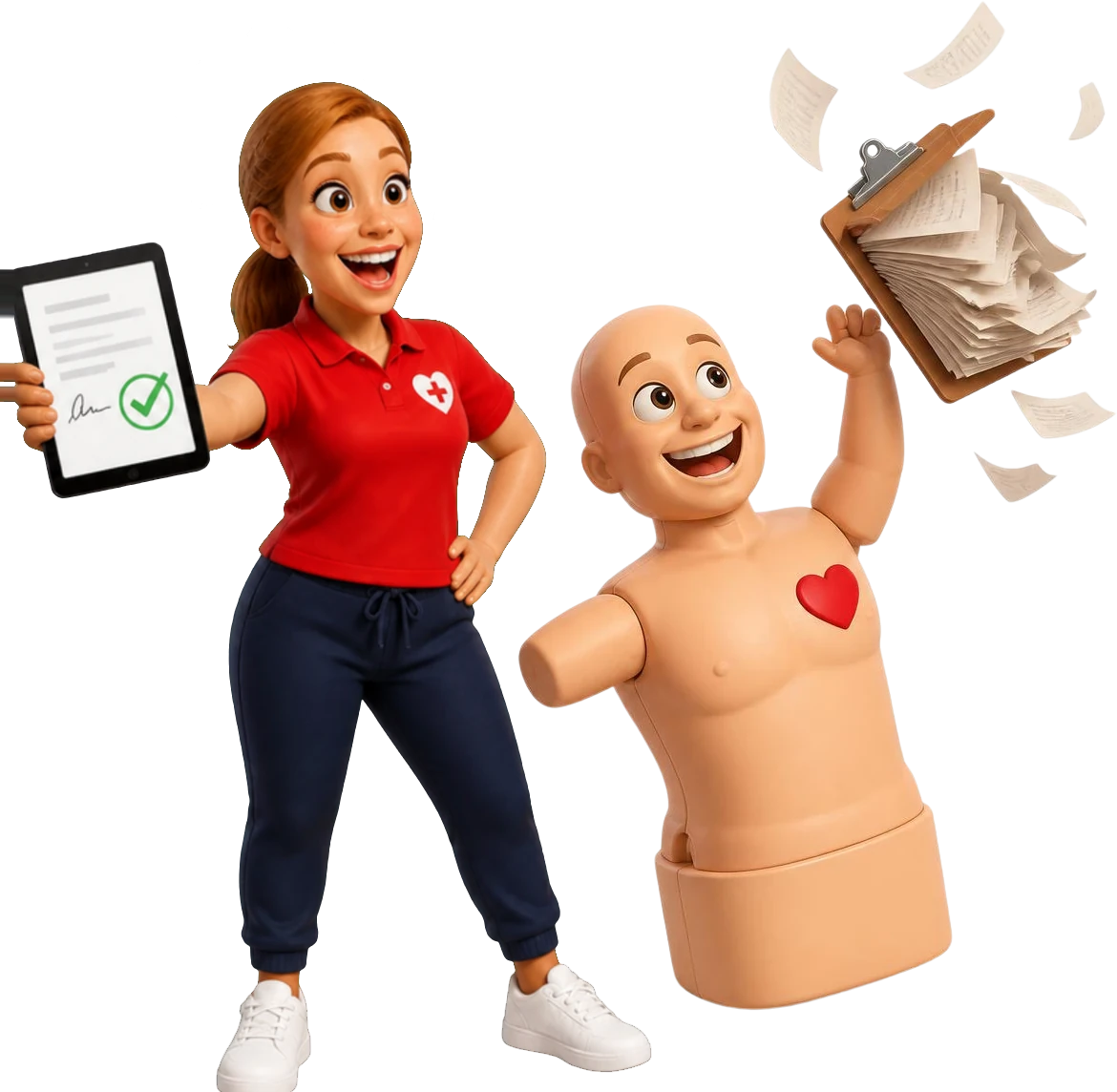
Pulse tossing away a clipboard while Coach Gemma holds up a signed digital form

Clients, equipment and keycodes, too

Track employer clients and group requests, sign manikins and AED trainers in and out, and get an alert before a bank of e-learning keycodes runs low.

  • Group training leads from New to Converted
  • Equipment checkout, condition and maintenance
  • Shop items and booking add-ons

A team page that keeps up with your trainers

Trainers come and go. Your website team page should not need a developer every time. Each trainer keeps their own public profile, you approve it if you want to, and your site shows the current team in the layout you pick.

  • Grid, list, compact circles, featured plus grid or carousel
  • Profiles go live on their own or after your approval
  • Optional next three courses on each profile, with a link to book

Roles and permissions

Everyone gets the access their job needs

No more sharing one admin login. Give each person a role and decide what they can see and change.

  • Owner Every location, setting and report, including revenue.
  • Administrator Courses, bookings, payments, paperwork review and settings.
  • Coordinator Course schedules and delegate details, with financial access only if you allow it.
  • Trainer Assigned courses, registers, check-in, checklists and paperwork.
  • Assistant trainer The courses they are assigned to, in the portal and their calendar.

These are examples. You choose what each role can do. Every plan includes unlimited trainer and staff users.

A training centre administrator reviewing the day's courses at a desk

Reporting

The questions your reports should answer

  • Which courses are coming up, and which still have places?
  • Which bookings are unpaid or part paid?
  • Which paperwork is still in draft?
  • Which certificate claims are waiting for approval?
  • Which delegate certificates and trainer qualifications are expiring?
  • Which trainer or equipment assignments need attention?

Save any filtered view as a tab, so each person opens straight to the list they use most.

Your 14-day trial

What to set up in your trial

Start with one workflow your team runs every week and follow it end to end.

Card required. No charge during your trial. Cancel any time before it ends.

  1. Add your awarding organisation registration and the qualifications you are approved for.
  2. Configure your most common course with pricing, paperwork and certificate settings.
  3. Add two staff users with different roles and compare what each one sees.
  4. Create a test course date, assign a trainer and complete a booking and payment.
  5. Submit an assessment checklist from a phone.
  6. Review the certificate claim and your reports.

Questions training centres ask

Can CPR Enroll handle several trainers and staff roles?

Yes. Every plan includes unlimited trainer and staff users, with roles and permissions for people who create courses, deliver them, coordinate, manage payments, review paperwork and run reports.

Does CPR Enroll work with awarding organisations?

It records your centre’s registration with each awarding organisation, including your centre number and approved qualifications, and builds certificate claims from your registers, with a CSV export and claim tracking. It is independent software and is not affiliated with, approved by or endorsed by any awarding organisation.

Can an external quality assurer see our records?

Read-only access for an EQA visit is coming soon. Today you can download a course’s records, one document or the full pack, to share with them.

Can we standardise course settings?

Yes. Pricing, booking questions, messages, paperwork, checklists, add-ons and certificate settings live on the course and carry into every course date created from it.

Can we invoice employers?

Yes. You can invoice a client and record payments made outside online checkout. VAT on bookings is set up at the 20% standard rate for UK organisations, and your centre controls it. How you bill stays up to your payment terms and your accountant.

Can we track trainer qualifications?

Yes. Trainer qualifications show the discipline, programme, expiry and status, so you can see who is coming up for requalification.

Does CPR Enroll guarantee we meet awarding organisation or regulatory requirements?

No. It gives you tools to standardise and keep records. Your centre stays responsible for knowing and meeting the requirements that apply to you.


Give your team one place to run every course.

Set up your first course in an afternoon. Gemma and Pulse will be waiting.

Card required. No charge during your trial. Cancel any time before it ends.

Coach Gemma cheering as Pulse shows a certificate on his phone