Demo room
See a whole class run, start to finish
Click through the six steps every class follows, or ask Rae, our AI guide, to walk you through them and answer your questions as you go.
Step 1 of 6
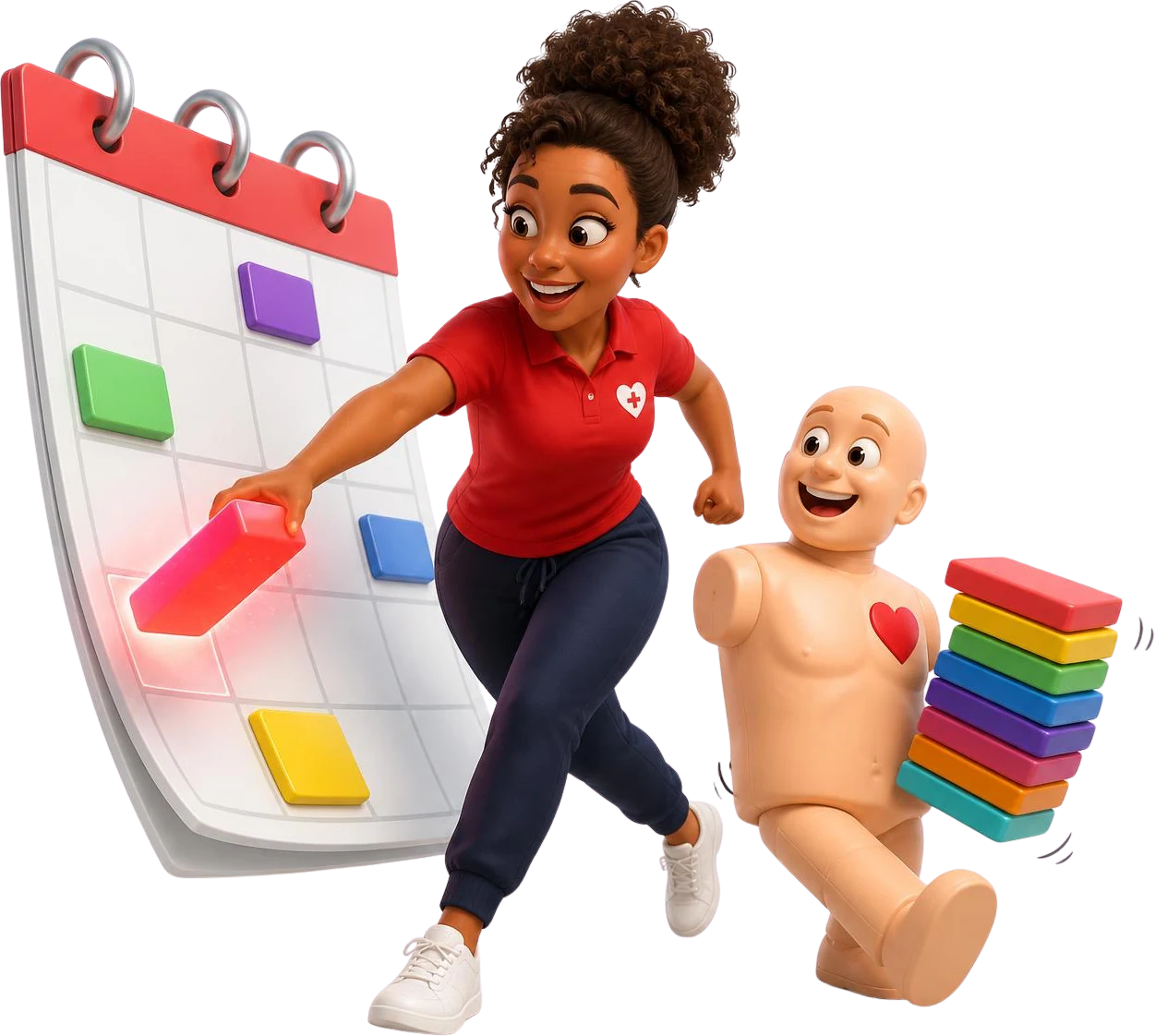
Schedule every kind of class from one calendar
Build a course once with its price, card period, paperwork and visibility. Every class you create from it starts out right: public, private, virtual, blended, flexible or kiosk.
- Recurring, multi-day and private classes
- Capacity, waitlists and registration deadlines
- Lead and assistant instructors on each class
Step 2 of 6
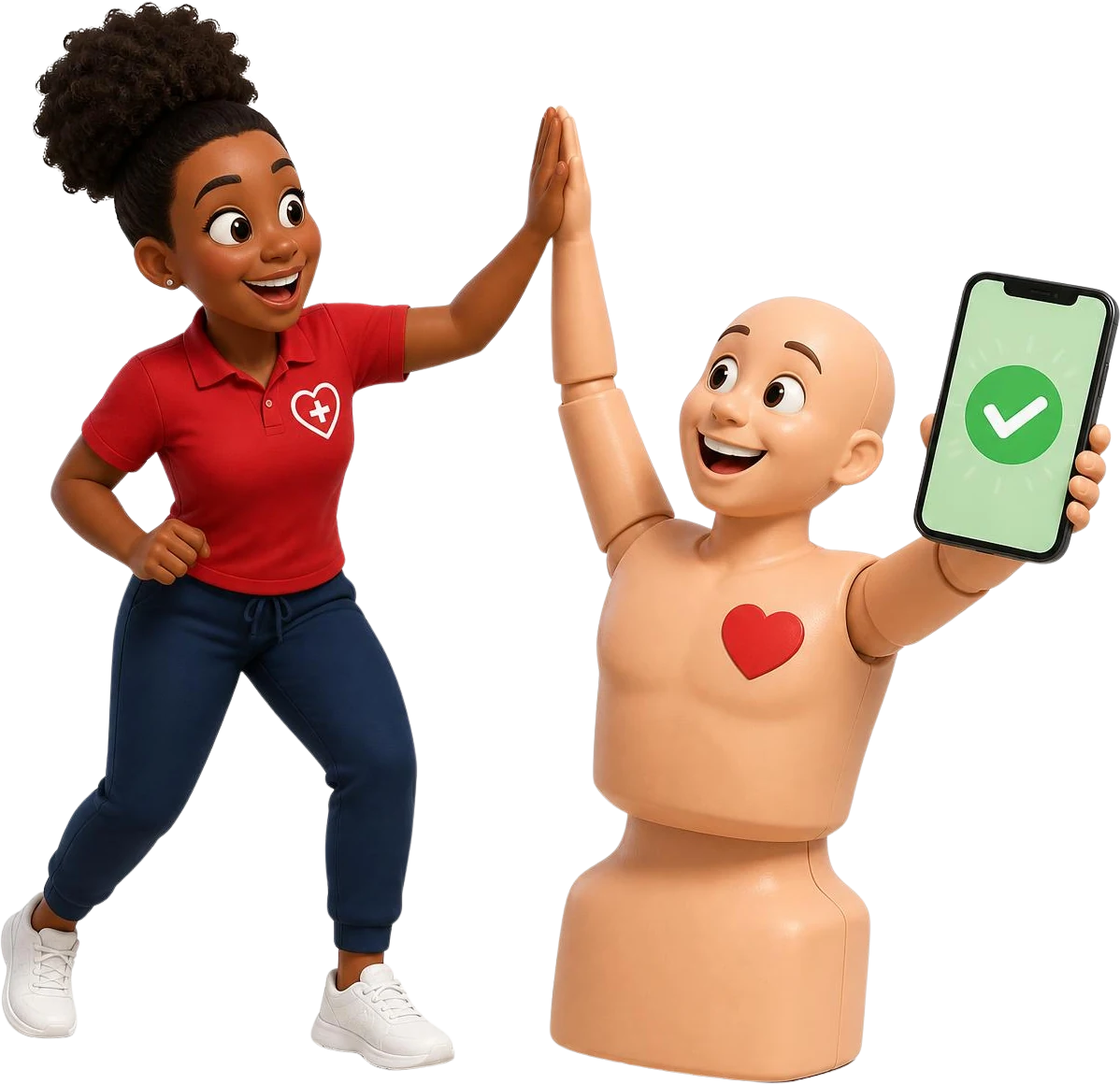
Students register and pay from their phone
Your class pages and checkout work on any phone. Students pay in full or leave a deposit, one person can register a group, and every balance is tracked on the enrollment.
- Payments through your own Stripe account
- Deposits, add-ons and promo codes
- Company invoices and manual payments
Step 3 of 6
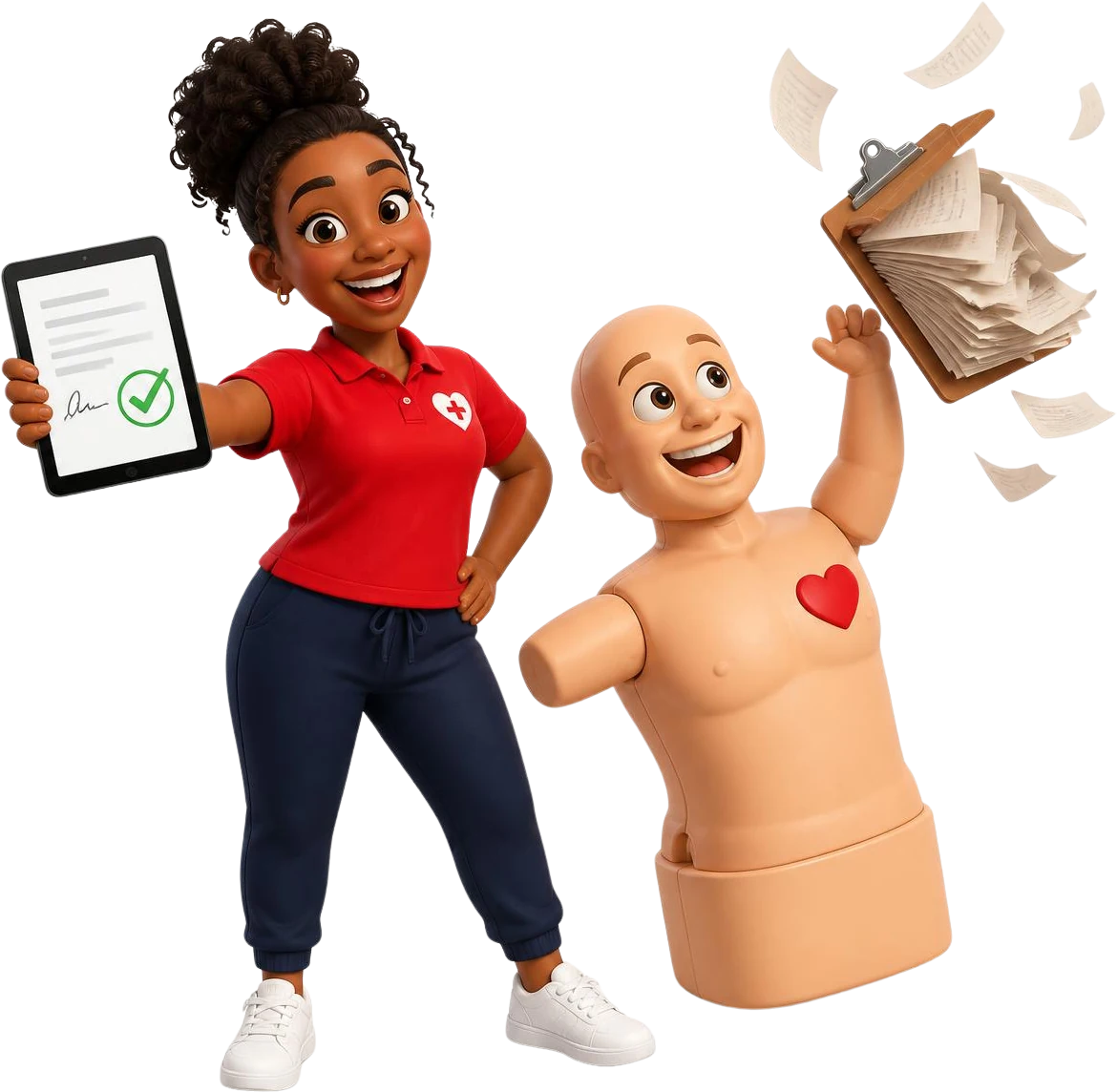
Paperwork done before everyone leaves
Templates attached to a course become class documents. Instructors fill in checklists and collect signatures on a phone, then submit, and you get a locked PDF filed with the class.
- Signature, initials, date and checkbox fields
- Instructor checklists with required items
- Download one document or the whole class package
Step 4 of 6
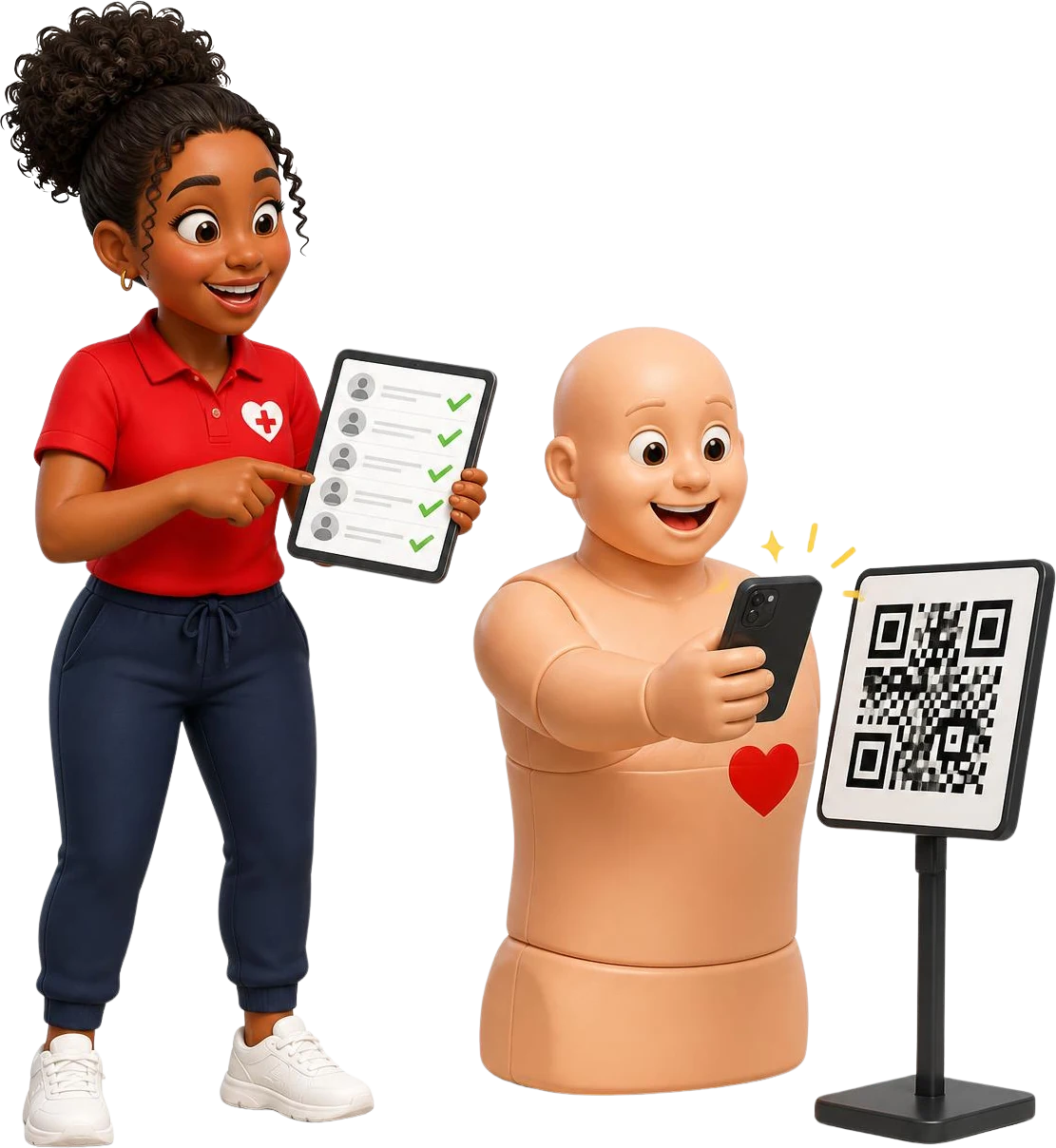
Check-in at the door, from a QR code
Students scan the class QR code to check in and confirm their details. The instructor sees who is here and who still owes a balance, on the roster they already have open.
- QR code check-in for each class
- Attendance and balances on one roster
- Instructors work from a phone
Step 5 of 6
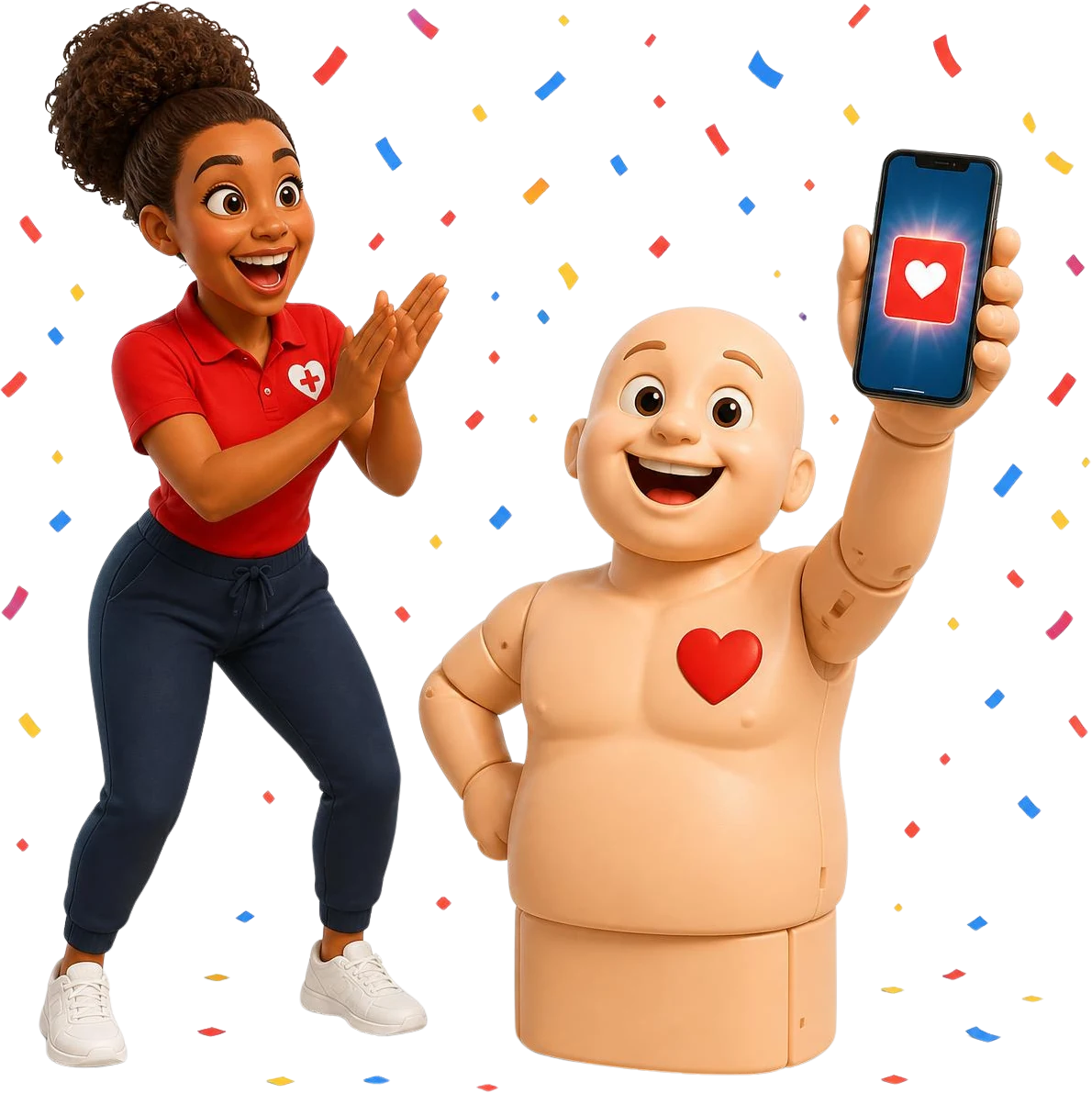
Record cards once, and students carry them
Add card numbers or eCard codes and the issue and expiration dates to each completed enrollment. Students can add an Apple Wallet or Google Wallet pass, and its QR code opens a verification page.
- Card details kept on the enrollment
- Wallet passes with your branding
- QR verification employers can open
Step 6 of 6
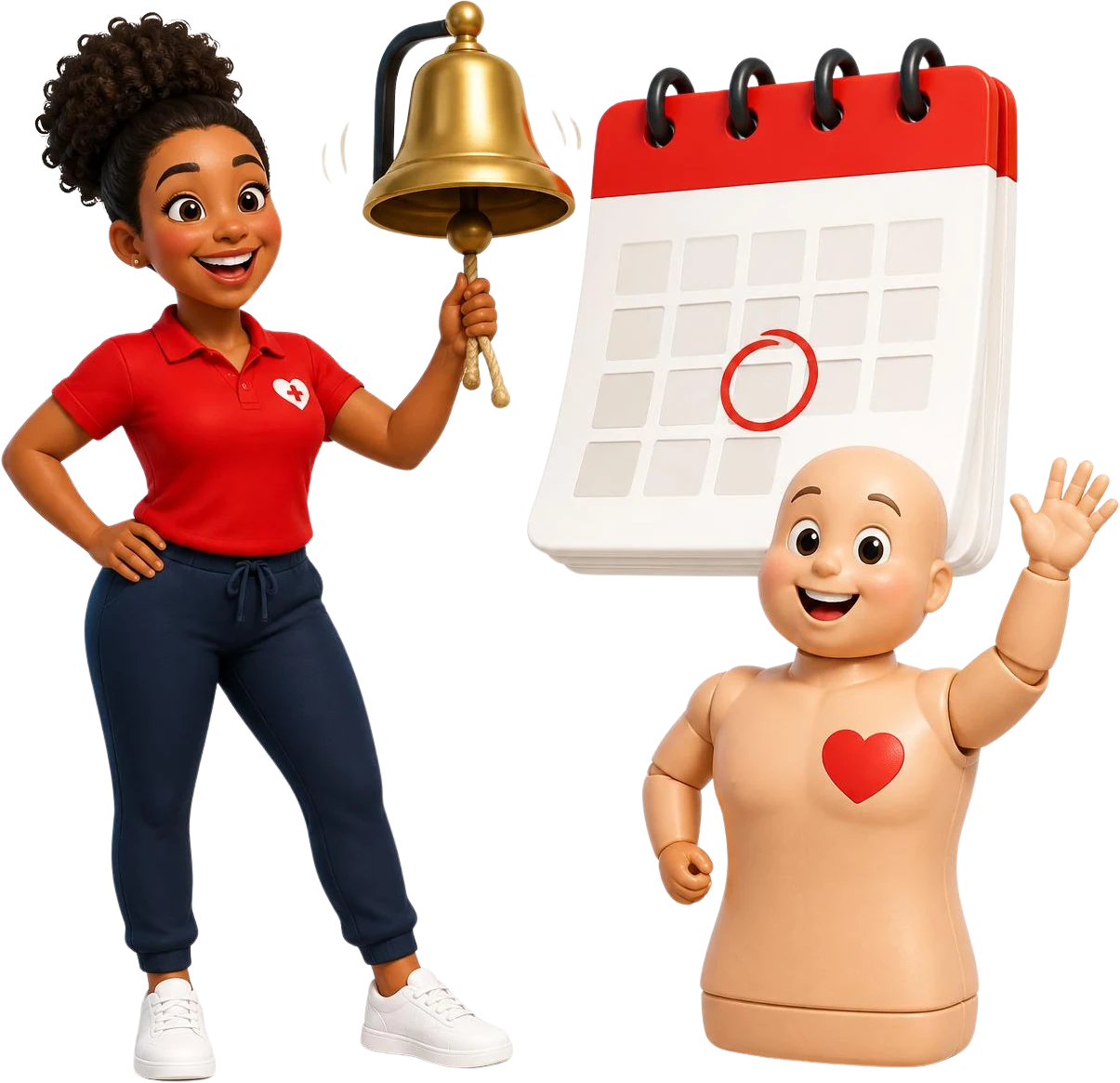
Turn an expiration date into the next booking
Every card carries its expiration date. Students get reminders before it lapses, with a link straight to the right renewal class, and you see what is current, coming due and expired.
- Current, coming due and expired views
- Reminders with a renewal link
- Instructor credentials tracked too
Standard
$30 a month
+ $2 per student-paid online enrollment
or $300 a year
Unlimited+
$302 a month
No platform fee
or $3,020 a year
Plans
Every feature on every plan
Two plans with the same features, unlimited instructors, staff and students. They differ only in how you pay. Start with a 14-day free trial.
- Standard: $30 a month, plus $2 only when a student pays online through your checkout
- Unlimited+: $302 a month, no platform fee
- No fee on corporate classes or invoiced enrollments
Card required. No charge during your trial. Cancel anytime before it ends.
Want a person on the call?
If you run 5 or more training locations, or you are looking at a partner, franchise or reseller arrangement, Rae will give you a link to book a call with Joe, our founder. Tell the guide a little about your organization.
Everyone else can see everything right here, then try it with real classes.
Card required. No charge during your trial. Cancel anytime before it ends.
CPR Enroll is independent software and is not affiliated with or endorsed by any certifying body.
About the demo room
Am I talking to a person?
No. Rae is an AI guide trained on how CPR Enroll works. It can show you every part of the product and answer questions. When something needs a person, it says so and gets the team to confirm.
Can I talk to someone on the team?
Yes. Organizations with 5 or more locations, and partner, franchise or reseller prospects, get a link in the chat to book a call with Joe, our founder. Anyone can email hello@cprenroll.com.
Can I schedule the demo for later?
Yes. Ask the guide to book a time. You get an email with a calendar invite and a link that reopens this room, and the link works any time.
What happens to what I type?
Chats are saved so we can follow up and improve the guide. See the privacy policy for how long we keep them and who processes them.
Does voice work?
In browsers that support speech, you can turn on spoken replies and hold the microphone button to talk. It is off by default and the room works fully without it.