Certificates and requalification

From the last session to the certificate claim to requalification

When a course ends, CPR Enroll builds the certificate claim for your awarding organisation and tracks it to approval. Each certificate keeps its expiry date, and when that gets close the delegate gets a link to their next course.

Card required. No charge during your trial. Cancel any time before it ends.

Pulse proudly showing a certificate in his phone wallet while Coach Gemma cheers

Claims and records

From course results to an approved claim

Certificate claims, built for you

Certificates for regulated qualifications come from your awarding organisation. CPR Enroll takes the results from the course, builds the claim and exports it as a CSV file. You submit the claim through the awarding organisation’s own portal, and CPR Enroll tracks what has been claimed and approved, so nobody wonders whether Tuesday’s course went in.

  • Claim built from the course results
  • CSV export of the claim
  • Claimed and approved status for every delegate

Your centre’s registrations in one place

Record your centre number with each awarding organisation you work with, and the qualifications you are approved to deliver. Claims pick up the right details, and staff can see at a glance which qualifications you can offer.

  • Centre number per awarding organisation
  • Approved qualifications listed
  • Used on every claim

A wallet pass on the delegate’s phone

Delegates can add an Apple Wallet or Google Wallet pass with your branding, the course and the correct expiry date. When the record changes, supported details on the pass update too.

  • Apple Wallet and Google Wallet, when set up
  • Your branding on the pass
  • Supported details update automatically

Settings that match how you train

Certificates are valid for three years by default, and you can change that per course. Different courses and venues can use different templates and branding, and dates show the way your delegates expect: 12 August 2026.

  • Three-year validity by default
  • Template and branding by venue
  • UK date format

Verification

Scan the pass, read the record

The QR code on a wallet pass opens a clear, mobile-friendly verification page. Employers check a certificate in seconds, without a screenshot or a phone call to your office.

  • Delegate name
  • Course and qualification
  • Issue and expiry dates
  • Current status

The verification page shows the information stored in CPR Enroll. It is not an independent guarantee of identity or qualification, and it does not replace the certificate issued by the awarding organisation. CPR Enroll is independent software and is not affiliated with or endorsed by Resuscitation Council UK, any awarding organisation or any other certifying body.

The life of a certificate

More than an expiry date

A certificate has a life after the course. CPR Enroll follows it from the last session, through the claim, to the next booking, so requalification is a step in the process, not a scramble.

  1. Completed The course ends and results are recorded.
  2. Claimed The claim is built and uploaded to the awarding organisation.
  3. Certified Approval recorded and the wallet pass issued.
  4. Nearing expiry The expiry date gets close and shows on your list.
  5. Requalified A reminder links the delegate to the right course, and the new certificate replaces the old one.

Expiry and requalification

See it coming, then send them back

See what is current, nearing expiry and expired

Every certificate has a status. Filter the list and report on certificates that are nearing expiry or have already run out.

  • Current, nearing expiry and expired status
  • Filter by course and venue
  • Expiry reports

Turn an expiry date into the next booking

Expiry reminders and the wallet pass can carry a link that opens a specific course, category or booking page, so the delegate lands on the right requalification or refresher course.

  • Reminders before the certificate expires
  • Requalify link on the wallet pass
  • Links to a course, category or date
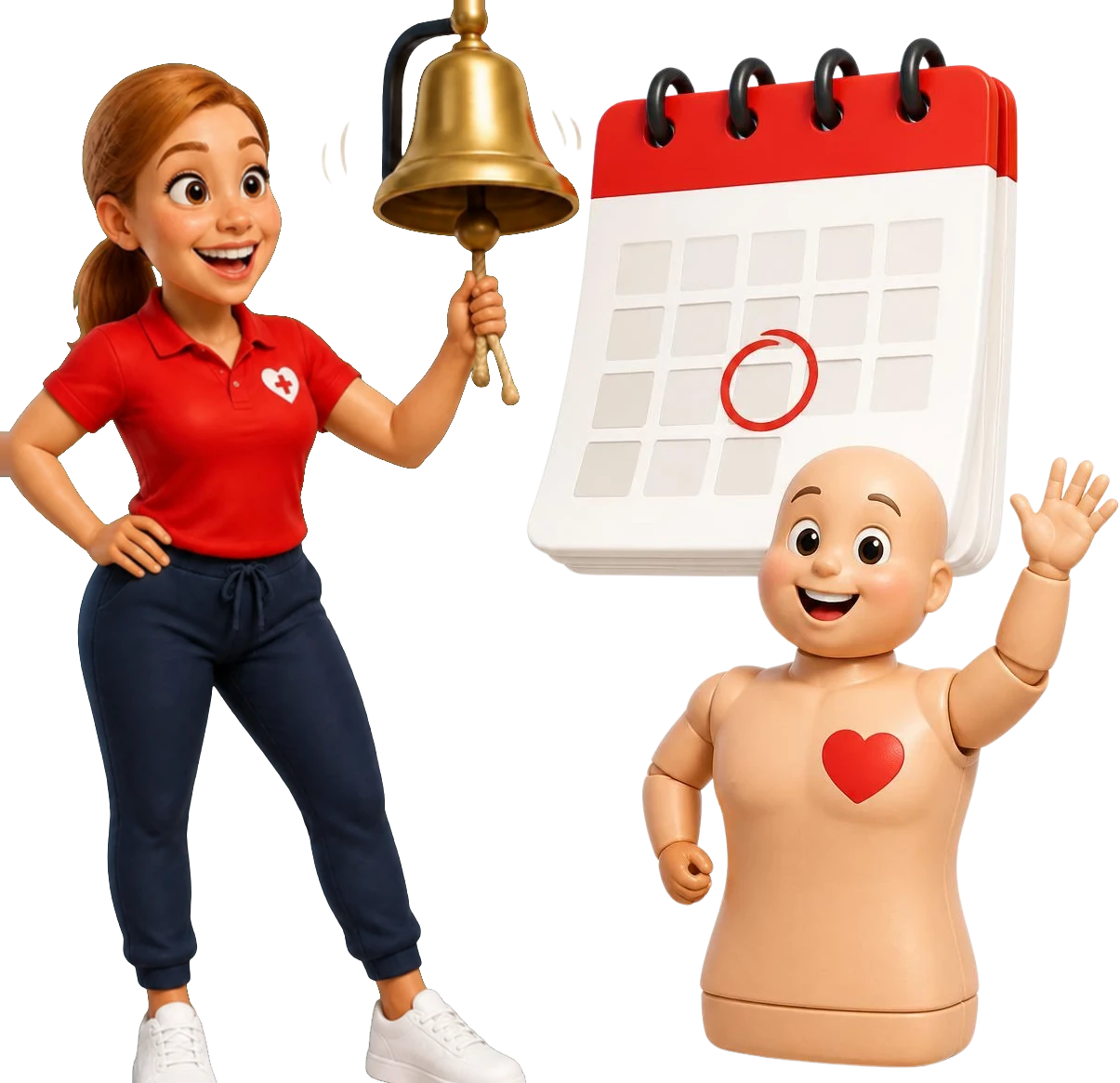
Coach Gemma ringing a reminder bell next to a calendar date while Pulse waves

Keep track of your trainers, too

Keep each trainer’s qualifications by subject, with nearing expiry and expired status and their delivery history, so you spot a lapse before it affects a course.

  • Trainer qualifications by subject
  • Nearing expiry and expired alerts
  • Connected delivery history

Certificate questions

Does CPR Enroll issue the certificate?

No. Certificates for regulated qualifications come from your awarding organisation. CPR Enroll builds the claim and a CSV export of it, records what has been claimed and approved, and keeps the expiry date and reminders.

Does CPR Enroll send claims to my awarding organisation for me?

No. It builds the claim from the course results and exports it as a CSV file. You submit it through the awarding organisation’s own portal, and CPR Enroll tracks what has been claimed and approved.

How long is a certificate valid?

Three years by default for UK centres. You can change the validity for each course to match the qualification.

Does CPR Enroll support Apple Wallet and Google Wallet?

Yes, when set up. Delegates can add a pass with your branding, and supported details update when the record changes.

What happens when someone scans the QR code?

It opens a mobile verification page showing the details stored in CPR Enroll for that certificate.

Can I track trainer qualifications too?

Yes. Trainer qualifications have the same current, nearing expiry and expired status as delegate certificates.


The course is finished. The relationship with the delegate is not.

Build your first certificate claim and send your first expiry reminder during your trial.

Card required. No charge during your trial. Cancel any time before it ends.

Coach Gemma cheering as Pulse shows a certificate on his phone