For workplace first aid training

From “Can you train 12 of our staff?” to a finished course record

The employer sees one course. You manage everything around it: the request, dates, delegates, payment, paperwork, certificates and the requalification three years later. CPR Enroll keeps it on one track instead of one long email thread.

Card required. No charge during your trial. Cancel any time before it ends.

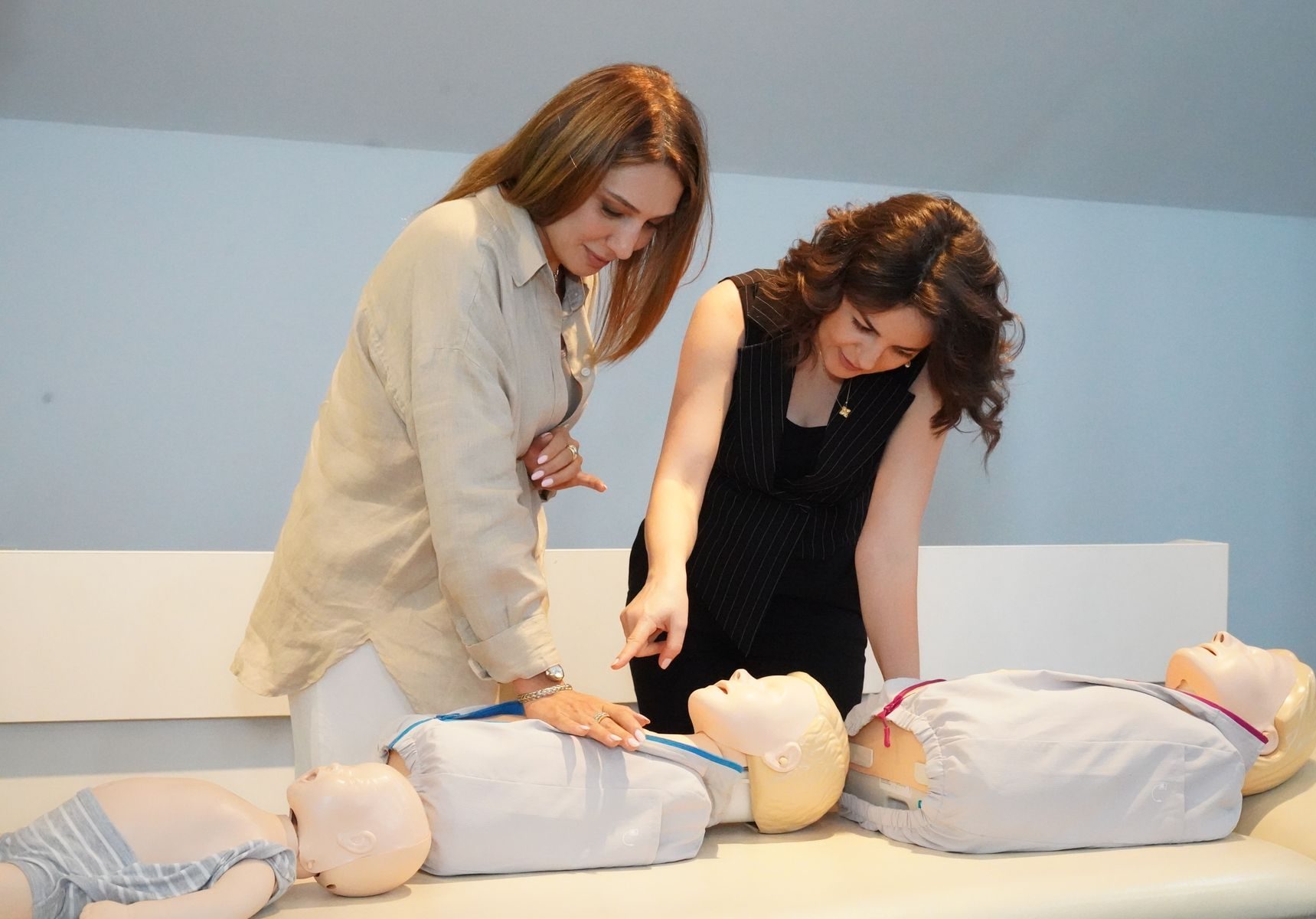
Employees practising CPR on manikins during an on-site workplace course

The employer sees one course

Your team sees everything around it

The usual way: an email thread

  • Hi! Can you train 12 of our warehouse team next month?
  • Of course. Emergency First Aid at Work or the full First Aid at Work? And which dates suit?
  • EFAW I think? Mornings. Actually, make it 14 people.
  • Also, can you invoice us? And we need the register for our files.

…and three years later, nobody remembers when their certificates expire.

With CPR Enroll: one track

  1. Request

    A group training form captures the employer, course, number of delegates, dates and venue as a lead.

  2. Closed course

    Create the course date from your standard course, kept off your public calendar.

  3. Booking

    Delegates book themselves through a private link, or you add the list yourself.

  4. Payment

    Invoice the employer, take individual payments, or both.

  5. Records

    Attendance, paperwork and certificate details stay with the course.

  6. Requalification

    Expiry dates show you when each delegate needs their next course.

How CPR Enroll handles it

Request in, records out

A request form instead of an email chain

Put a group training request form on your website or share it as a link. Each request becomes a lead with a notification, and you move it from New to In review to Converted or Lost.

  • Organisation, contact, course, number of delegates, dates and venue
  • Notes like “mornings preferred, sign in at reception”

Book the delegates the way the employer wants

Some employers want staff to book themselves. Others send a spreadsheet. Many do both as names change. Share a private booking link, add or upload delegates yourself, or mix the two.

  • Private links keep the course off your public list
  • Each delegate’s answers and acknowledgements on file

Know who is paying for what

Invoice the employer, record a payment made outside checkout, take delegate payments or deposits, and see what is still owed. Your accounts stay in your accounting software.

  • Invoices and paid-by-client records
  • Unpaid and part-paid balances
  • Receipts delegates and employers can download
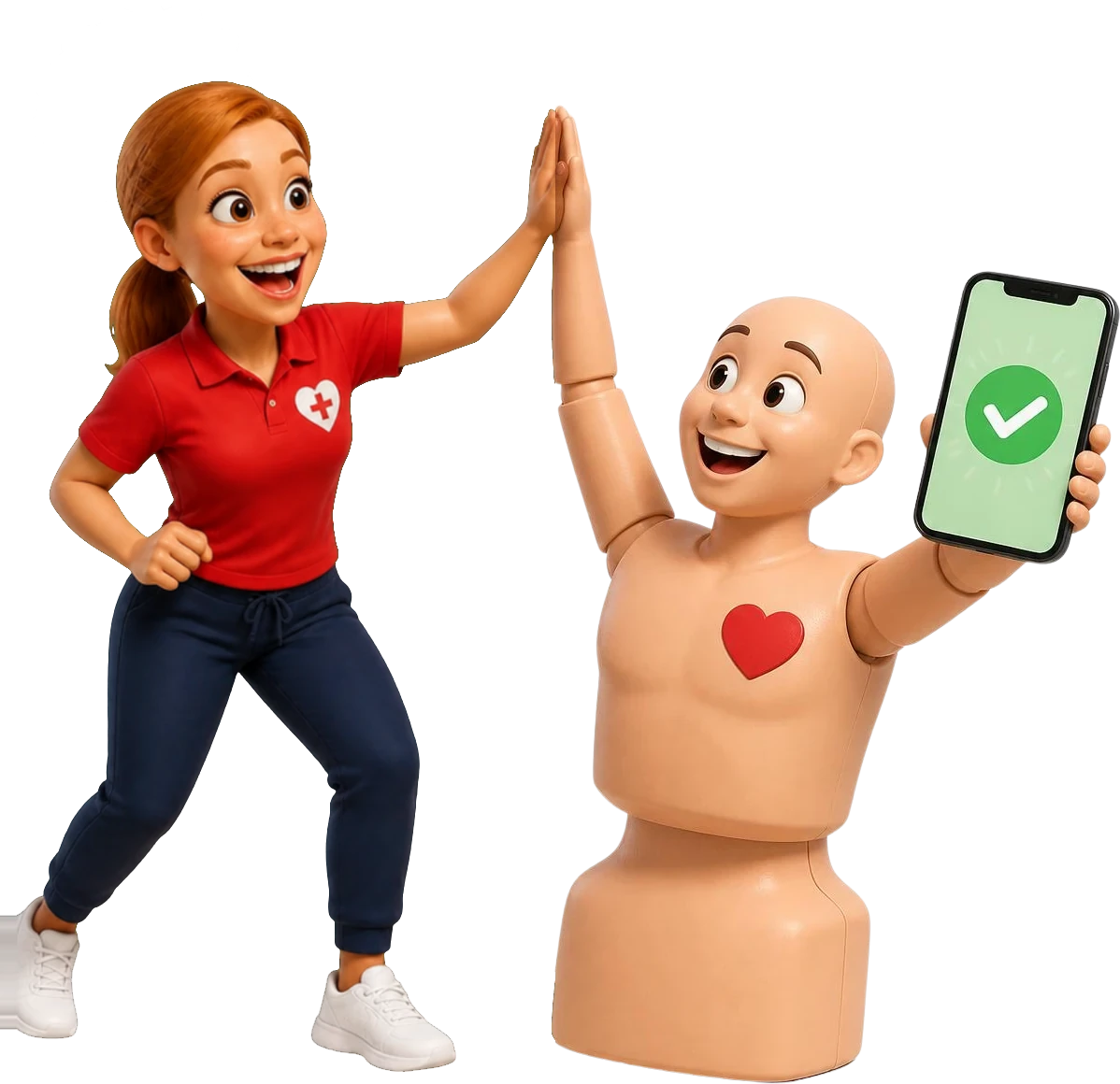
Pulse holding a phone with a payment confirmed as Coach Gemma gives him a high five

Hand the employer a clean record

When the HR or health and safety manager asks for the register, attendance and certificate details, it is all on the course: generated paperwork, signed checklists, completion status and certificate details, ready to export.

  • Course document package as one download
  • Certificate numbers, issue and expiry dates
  • Client and course history for next time

Requalification

The course ends. The employer relationship doesn’t.

Certificates expire, people change jobs and new starters need training. Because every certificate’s expiry date sits on the course record, you can see which of an employer’s staff hold a current certificate, spot their requalification coming and send the team a private link to the next course.

  1. Certificate recorded
  2. Expiry coming up
  3. Requalification course created
  4. Link shared with the team
  5. New certificate recorded

Who it’s for

Who runs workplace training on CPR Enroll

  • Training providers with employer clients

    One path from enquiry to closed course, payment, records and requalification for every employer.

  • Employers training their own first aiders

    First aid at work, CPR and AED courses for departments, shifts and new starters.

  • Healthcare and care teams

    Scheduled courses and flexible practical sessions across departments and shifts, with certificate records.

  • Schools, nurseries and childcare

    Paediatric first aid and on-site staff training, with completion records kept on file.

  • Construction and field teams

    Training by site, changing numbers of delegates, invoices and repeat training for crews.

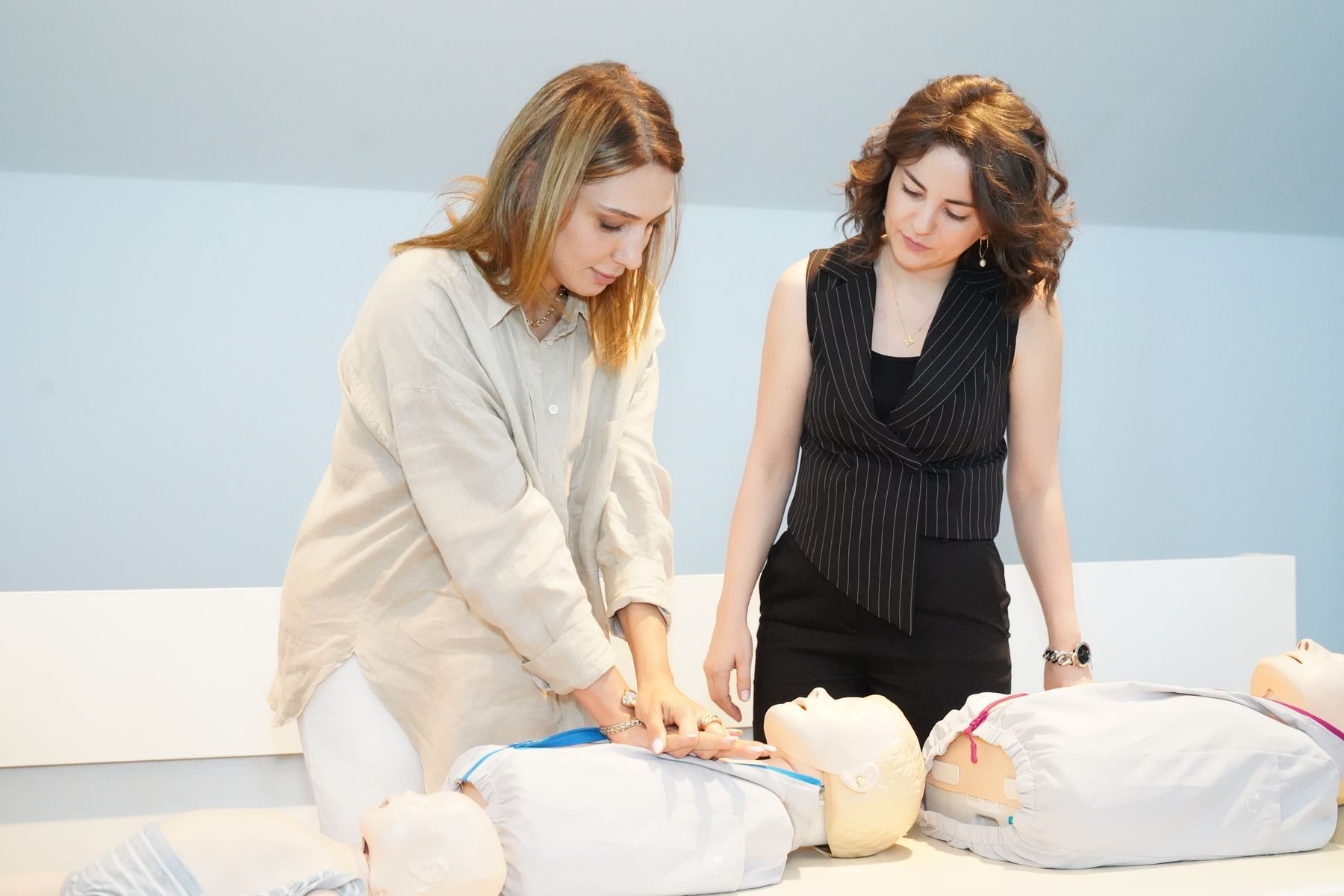
A trainer coaching a group of employees through chest compressions

Questions about workplace training

Can an employer request a closed course through CPR Enroll?

Yes. Your group training request form collects the organisation, contact, course, dates, number of delegates and venue, then creates a lead for you to follow up.

Can we keep a workplace course off the public calendar?

Yes. Closed courses use their own booking link and do not appear in your public listings.

Can delegates book themselves, or can we add the list?

Either, or both. Share a private link for delegates to book themselves, or add and upload delegates yourself.

Can the employer pay instead of each delegate?

Yes. You can invoice the employer or record a payment it made outside checkout. Delegates can also pay individually when that is the arrangement.

Can we give the employer its course records?

Yes. Registers, attendance, paperwork, payment records and certificate details stay with the course and can be downloaded or exported.

Can we see which staff hold a current certificate?

Yes. Certificate issue and expiry dates sit on each delegate’s record, so you can see who is current, who is coming up for requalification and who has expired.

Does CPR Enroll manage contracts?

No. It handles the training, booking, payment and records side. Contracts and purchase orders stay in your own process.

Can an in-house training team use it?

Yes. Internal teams use the same tools to take requests from departments, run courses, keep records and track requalification.

Build a workplace training process you can repeat.

Capture the request, run the course, hand over the records and be ready for requalification.

Card required. No charge during your trial. Cancel any time before it ends.

Coach Gemma cheering as Pulse shows a certificate on his phone