 Skip to content
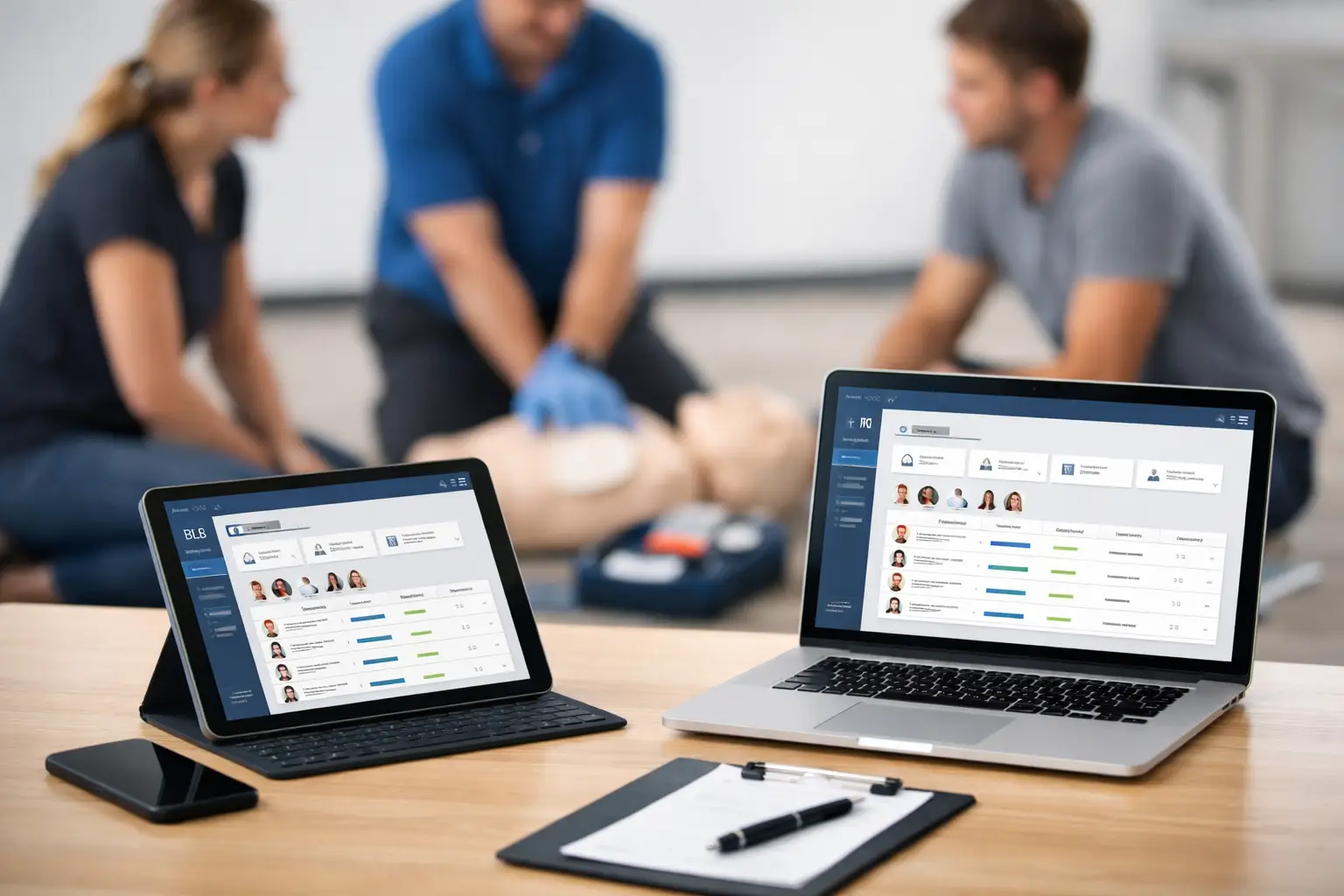
A full BLS class can fall apart over small administrative misses. A student enrolls but never gets the confirmation email. An instructor prints the wrong roster. A skills check is completed, but the record is saved in the wrong folder. None of those problems are about teaching quality, but they still affect the student experience and your ability to run a reliable training business. That is exactly where bls class management software becomes operationally important.
For BLS providers, administration is not a side task. It is part of delivery. Every class involves scheduling, enrollment, payment collection, student communication, instructor coordination, course documentation, and certification follow-up. When those tasks are split across spreadsheets, paper forms, inboxes, calendar tools, and generic booking apps, the workload expands fast. The issue is not just inefficiency. It is inconsistency.
What BLS class management software should actually solve
The best systems do more than put your classes on a calendar. They should support the real workflow of a BLS training operation from the moment a seat is offered to the moment records need to be retrieved months later.
That starts with class scheduling that reflects how BLS courses are actually delivered. Many providers offer multiple formats, including full in-person classes, blended learning with skills sessions, renewals, group training, and employer-hosted events. Software that treats every class like a basic appointment usually creates extra work because BLS operations are not appointment-based in the usual sense. They are structured around rosters, certifications, prerequisites, and repeat training cycles.
Enrollment is the next pressure point. If students cannot clearly find the right class, complete registration, pay, and receive immediate confirmation, your staff ends up doing manual support that software should have handled from the start. Good BLS class management software reduces back-and-forth by making registration straightforward and by automatically sending confirmations, reminders, and any required pre-class instructions.
Then there is recordkeeping. In BLS training, records are not optional housekeeping. They are part of compliance, customer service, and business continuity. If a student calls six months later asking for proof of attendance, or a client wants a roster for an employer-paid session, you need fast access to accurate records. Systems built for training operations make that possible without forcing staff to search email threads or shared drives.
Why generic scheduling tools usually break down
At first glance, a basic booking platform can seem adequate. It may let students choose a date, submit payment, and receive a calendar invite. For a solo business with very low volume, that can work for a while.
The problem appears when your operation becomes more structured. BLS providers often need to assign instructors by class, manage different course types, store signed documents, track certification status, handle blended learning prerequisites, and organize recurring clients. Generic scheduling tools are designed for broad use cases, so they rarely account for the specific administrative requirements that healthcare and safety training businesses face.
That mismatch usually leads to workarounds. Staff export bookings into spreadsheets, manually build rosters, send separate reminder emails, and maintain certification logs somewhere else. Over time, the software does not reduce complexity. It simply moves it around.
A purpose-built system is different because it is organized around the workflows training providers already manage. That means enrollment is tied to class records, payments connect to registrations, documents stay attached to the student or class, and certification tracking is part of the same operational process instead of a separate system.
Core functions that matter in BLS class management software
If you are evaluating platforms, the question is not whether a system has a long feature list. The question is whether the features remove friction from your daily workflow.
Scheduling should support multiple class formats, instructor assignments, capacity limits, private sessions, and location-specific details. If your team has to maintain a second scheduling system to fill the gaps, the platform is not doing enough.
Enrollment should be self-service but controlled. Students need a clear registration path, but staff also need visibility into who registered, what they selected, whether they completed payment, and whether they still owe prerequisite items. This matters even more for blended learning BLS classes where the classroom or skills-check portion depends on earlier student actions.
Payments should not sit outside the registration process. When payment tracking is disconnected, revenue reporting and roster accuracy both suffer. The administrative burden shows up in refunds, unpaid seats, manual invoices, and reconciliation issues.
Roster and document automation are often undervalued until volume increases. Once you are managing frequent classes, employer groups, or multiple instructors, manually preparing sign-in sheets, completion records, and follow-up documentation becomes a bottleneck. Automation helps standardize those outputs and reduce avoidable mistakes.
Certification and renewal tracking are also central. BLS students often return on a recurring cycle, which means each completed class is not just a one-time transaction. It is part of a continuing relationship. Software that helps track completions and trigger renewal outreach can directly support retention and repeat revenue.
How BLS class management software affects growth
The most practical reason to adopt better software is not convenience. It is capacity.
Many training businesses hit a ceiling before demand actually slows down. The owner or admin team simply runs out of time. They spend too many hours answering registration questions, updating class records, moving students between sessions, confirming payments, and searching for old certifications. At that point, growth creates more administrative strain than operational benefit.
BLS class management software changes that by standardizing repeatable processes. A class gets posted once, students enroll through the same structured workflow, notifications go out automatically, records stay attached to the class, and reporting becomes easier to review. That does not remove the need for oversight, but it reduces the amount of manual coordination required per class.
For multi-instructor providers, the value is even clearer. Once several instructors are teaching across locations or serving corporate clients, consistency matters as much as speed. You need everyone working from the same class data, the same roster process, and the same documentation standards. Without that structure, quality control becomes difficult and administration gets fragmented fast.
Choosing software based on your actual operating model
Not every BLS provider needs the exact same setup. A solo instructor offering a few public classes each month has a different operating model from a training center managing blended learning, employer contracts, and a growing instructor team.
That is why software selection should start with workflow mapping, not feature marketing. Look at where your team loses time now. It may be class setup, student communication, payment follow-up, certification storage, or employer account coordination. The right platform should improve those pressure points first.
It is also worth considering how your business is likely to grow. If you expect to add instructors, increase corporate training, or expand into ACLS, PALS, First Aid, or AED offerings, the system should be able to support that structure without forcing another software change later.
This is where specialized platforms tend to outperform broad scheduling products. They are designed around class operations, compliance needs, recurring certifications, and training-specific documentation. For providers who are serious about operational consistency, that industry fit matters.
A platform such as CPR Enroll is built around that exact reality. Instead of asking BLS providers to adapt their workflow to generic software, it organizes scheduling, enrollment, payments, rosters, certification tracking, and communication inside one training-focused system.
The trade-offs to think through
There is no software decision without trade-offs. A specialized system may require more thoughtful setup at the beginning because it supports more of your actual process. You may need to define class types, configure notifications, organize instructors, and standardize how records are handled.
But that upfront structure is often what creates long-term efficiency. If your current process depends on tribal knowledge, scattered files, and manual fixes, then simplicity at setup usually means complexity later in operation.
The other consideration is volume. If you run only occasional classes and keep records in a manageable way, a full management platform may feel like more system than you need right now. On the other hand, if you are already dealing with repeat students, frequent renewals, blended learning workflows, or corporate accounts, the cost of staying manual is usually higher than it first appears.
The right time to improve your system is usually before administration starts affecting class quality, response times, or staff capacity. Once those problems become visible to students and clients, they are much harder to reverse.
BLS training is built on precision, repeatability, and trust. Your administrative system should reflect the same standard. When software matches the way your classes actually run, it does more than organize tasks. It gives your business room to operate professionally at every stage, from first enrollment to the next renewal cycle.
