 Skip to content
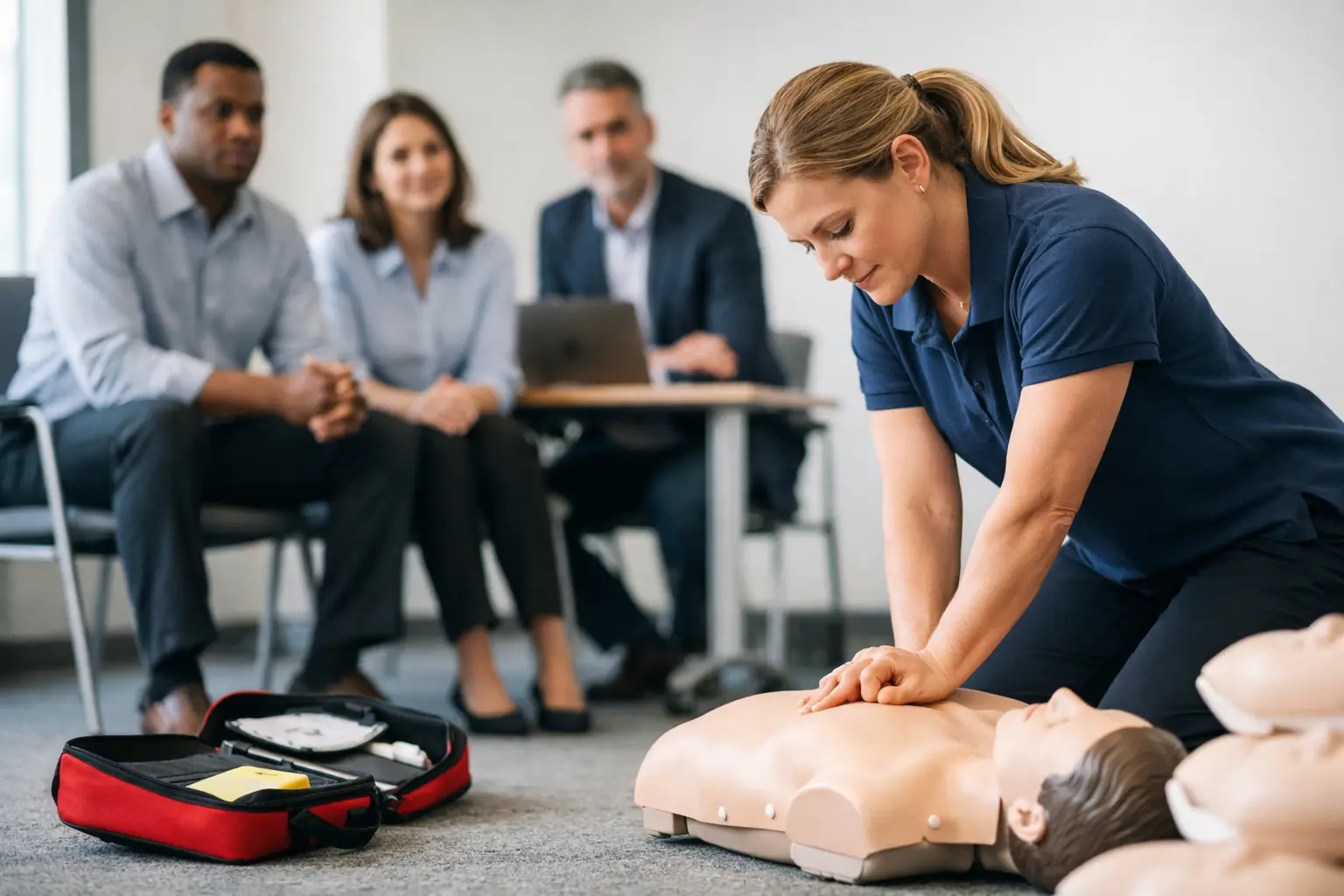
When a corporate client says they need CPR training for 120 employees across three locations, the class itself is only part of the job. The real pressure sits in everything around it – scheduling multiple sessions, assigning instructors, tracking blended learning completion, collecting rosters, issuing cards, and making sure next year’s renewals do not disappear into a spreadsheet.
That is why corporate CPR training management matters so much for training providers. It is not just about delivering a good class. It is about running a repeatable process that supports compliance, protects records, and gives corporate clients confidence that your operation can handle volume without creating more administrative work for them.
What corporate CPR training management actually includes
For most CPR and first aid training businesses, corporate work introduces a different operational model than public enrollment classes. Instead of marketing to individual students, you are coordinating with HR managers, safety directors, office administrators, or healthcare supervisors. They care about timing, documentation, employee attendance, and reporting. If your process is loose, they notice quickly.
Corporate CPR training management includes the full workflow behind those client relationships. That starts with intake and scheduling, then moves through enrollment control, instructor assignment, class delivery, roster accuracy, certification tracking, invoicing, and long-term record retention. In many cases, it also includes renewal planning, especially when a client needs recurring BLS, CPR, AED, or First Aid training for staff.
The challenge is that many providers still manage these steps across disconnected tools. A calendar handles scheduling. A form tool collects names. A payment app tracks invoices. Paper rosters handle attendance. Certification records live in email folders or spreadsheets. That setup can work for a small number of contracts, but it becomes unreliable as corporate volume grows.
Why generic scheduling tools fall short
Generic booking software usually treats a CPR class like any other appointment. That sounds efficient until you run into the realities of certification-based training.
Corporate classes often require closed enrollment, employer-specific rosters, custom billing, and records tied to individual certifications. Some groups need blended learning workflows with online coursework completed before an in-person skills session. Others need multiple sessions under one agreement because staff work different shifts. A front-desk scheduler or standard appointment app rarely handles that cleanly.
The issue is not just convenience. It is control. If your system cannot track who was registered, who attended, what certification was issued, and when renewal is due, then corporate accounts become risky to manage. You spend more time verifying records manually, and every manual correction increases the chance of an error.
That is where purpose-built systems have an advantage. Software designed around CPR and healthcare training operations can support the actual sequence of work instead of forcing your staff to build workarounds around a generic tool.
The operational problems that slow down corporate accounts
Most training providers do not lose time on one big problem. They lose it in repeated admin friction.
Scheduling is usually the first pressure point. Corporate clients may request on-site classes, staggered sessions, or recurring training across departments. If you cannot see instructor availability, class capacity, and location logistics in one system, every booking becomes a manual coordination project.
Roster management is another common bottleneck. Employers often send student names late, change attendees the day before class, or need records sorted by department. If your team is updating spreadsheets by hand and retyping names into multiple documents, mistakes become hard to avoid.
Documentation creates the next layer of complexity. Attendance records, liability forms, course completion status, and certification data all need to stay organized. For healthcare-aligned courses such as BLS, ACLS, and PALS, the stakes are even higher because clients may need accurate records for audits, onboarding, or credential verification.
Then there is renewal management. Corporate clients do not want to start from zero every time certifications expire. They expect you to know who trained, when they trained, and when they need to return. If you are not tracking that lifecycle systematically, you are leaving both revenue and client retention on the table.
What an efficient corporate CPR training management process looks like
An efficient process is not necessarily complicated. It is structured.
The first stage is client setup. You need a clean way to capture the training request, define the course type, confirm the class format, assign the location, and establish the billing arrangement. Some clients want a single invoice for the whole group. Others need department-level separation or purchase order references. If those details are scattered across emails, problems show up later.
Next comes controlled enrollment. Corporate classes usually work best when the client or your admin team can manage a dedicated roster tied to that employer account. This reduces duplicate records and gives you a clearer line from registration to attendance to certification.
Instructor coordination should happen in the same operational flow. Once a class is confirmed, the assigned instructor needs access to the correct roster, course format, location details, and any blended learning requirements. If instructors are depending on last-minute texts or forwarded emails, the chance of missed information increases.
After delivery, the focus shifts to completion and recordkeeping. Attendance should update quickly, certifications should be issued without re-entering data, and client records should remain accessible for future reporting. This is where workflow consolidation matters most. The more times your team has to move the same information from one place to another, the more expensive each corporate class becomes to manage.
How automation improves corporate training operations
Automation helps most when it removes repeat administrative steps, not when it tries to replace human oversight.
For example, automated confirmations and reminders reduce back-and-forth before class. That is especially useful for corporate groups with shifting attendee lists. Automated document collection can keep required forms connected to the student record instead of buried in email attachments. Certification tracking and renewal reminders extend the value of every completed class by making follow-up more systematic.
Reporting is another area where automation pays off. Corporate clients often want visibility into who completed training and who still needs it. If you can generate that information from a live system rather than compiling it manually, your service becomes more professional and easier for the client to work with.
There is a trade-off, though. Automation only helps if the underlying workflow is accurate. A poorly configured system can send the wrong reminder, assign the wrong roster, or create duplicate records faster than a human can fix them. That is why training businesses need software built for certification operations, not just software with generic automation features.
Managing growth without adding admin headcount
Many training companies reach a point where corporate demand increases faster than their administrative capacity. They can teach the classes, but the office work starts to strain the business.
That is usually the signal that the current process does not scale. If every new corporate client requires more spreadsheets, more manual follow-up, and more staff intervention, growth becomes expensive. The business may still be generating revenue, but margins erode because too much labor sits behind each booking.
A better approach is to standardize the workflow before volume creates more chaos. That means using one system to manage scheduling, enrollment, payments, rosters, instructor assignments, certifications, and reporting. For providers handling recurring employer accounts, it also means maintaining long-term records in a way that supports future renewals instead of treating each class as a one-time event.
This is where a specialized platform such as CPR Enroll fits naturally for many providers. The value is not just software consolidation. It is the ability to manage corporate class operations around the real requirements of CPR and healthcare training businesses.
What training providers should evaluate in a system
If you are reviewing your current setup, focus less on broad software claims and more on workflow fit.
Ask whether the system supports closed corporate enrollments, multi-session scheduling, instructor coordination, certification record management, and renewal follow-up. Look at how easily it handles blended learning students alongside traditional in-person classes. Consider what happens after class, not just before it. That is often where the biggest time loss occurs.
Also pay attention to client experience. Corporate contacts want a provider that appears organized, responsive, and consistent. If your back office is disjointed, clients can feel it through delayed confirmations, unclear billing, and slow access to records.
The right system will not remove every operational challenge. Large groups still change schedules. Clients still submit last-minute roster updates. Instructors still need coordination. But with a structured platform behind the process, those issues stay manageable instead of turning into repeated fire drills.
Corporate work can become one of the strongest growth channels for a CPR training business, but only if the administration keeps pace with delivery. When your process is built for compliance, repeatability, and record control, you are not just booking classes. You are building an operation that corporate clients trust to come back to.
