 Skip to content
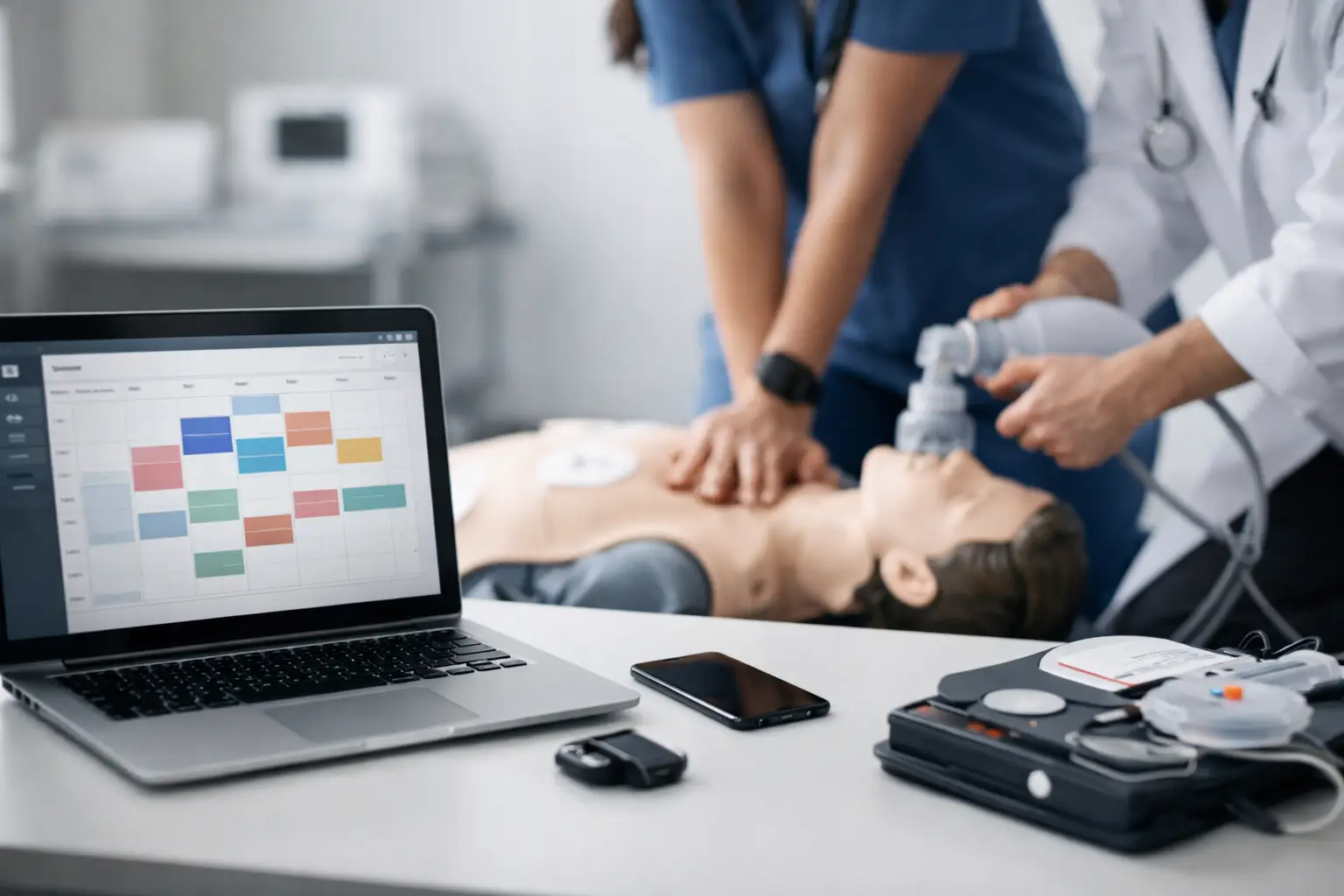
If you run ACLS classes, scheduling is rarely just about putting dates on a calendar. An acls course scheduling system has to manage class capacity, blended learning steps, instructor assignments, roster accuracy, payment collection, and certification-related records without creating more admin work for your team. That is where many generic booking tools start to break down.
ACLS training has tighter operational requirements than a standard appointment workflow. Students may need to complete online coursework before a skills session. Hospital groups may send mixed rosters with different billing arrangements. Renewal students often register close to expiration deadlines, which makes reminders and documentation timing more sensitive. When those moving parts are handled through spreadsheets, email chains, paper sign-in sheets, and separate payment apps, errors become expensive fast.
What an ACLS course scheduling system actually needs to do
A workable system for ACLS scheduling should support the entire class lifecycle, not just the registration form. That starts with publishing courses in a way that reflects the actual delivery model. If you offer initial ACLS, renewal ACLS, and blended learning skills checks, each format has different timing, prerequisites, and communication needs. A scheduling system should account for those differences from the start rather than forcing your staff to create workarounds.
Enrollment is the next pressure point. Students want a simple registration path, but training providers need structure behind the scenes. That includes seat limits, waitlists when applicable, payment handling, confirmation messages, and clear instructions on what students must complete before arrival. If your team is manually sending those details after each booking, the scheduling system is not doing enough.
Then there is instructor coordination. ACLS classes are not interchangeable calendar blocks. You may need to assign specific instructors based on location, client contract, teaching credentials, or availability. In a multi-instructor business, that becomes difficult to track across multiple class types unless the scheduling system connects instructors directly to each event.
Why generic schedulers cause problems for ACLS providers
A general booking platform can usually let someone pick a date and pay online. That sounds useful until the operational details start stacking up. ACLS providers are not managing hair appointments or open gym sessions. They are managing compliance-driven training with rosters, course records, certification timelines, and repeat student relationships.
The first issue is usually workflow fragmentation. A generic scheduler captures registration, but your roster still lives somewhere else. Payment records may sit in a separate processor dashboard. Student reminders are sent from email templates outside the system. Instructor notes are stored in a shared document. Certificates and renewal tracking happen later, often manually. At that point, scheduling is no longer the problem. Disconnected administration is.
The second issue is poor fit for blended and healthcare training models. ACLS often includes an online portion plus an in-person session, and students need specific instructions tied to that format. If the scheduler cannot distinguish those steps clearly, you end up answering the same questions repeatedly or turning students away because prerequisites were not completed.
There is also a client service issue. Hospital departments, clinics, and corporate healthcare groups often expect a more organized process than individual consumer bookings. They may need reserved seats, group invoicing, roster updates, or historical training records. Generic tools tend to treat every registrant the same, even when your business does not.
Core functions to look for in an ACLS course scheduling system
The strongest ACLS scheduling systems are built around operations, not just calendar visibility. They should let you create classes with accurate start times, seat limits, pricing, and location details while also accounting for course-specific requirements. That matters when you are running different formats across multiple instructors or training sites.
Registration and payment should be tied directly to the class record. When a student enrolls, the system should update availability immediately, generate a confirmation, and store the registration details where your staff can actually use them. If payment status, enrollment status, and attendance status are split across different tools, staff time disappears into reconciliation.
Automated communication is another non-negotiable area. ACLS students need confirmations, reminders, and pre-class instructions at the right time. Administrative staff need fewer manual follow-ups. A system that automates those messages reduces no-shows and cuts down on repetitive communication.
Roster and document management are equally important. Once a class fills, your staff should not have to rebuild the roster by hand or transfer student details into another file. The scheduling system should support attendance tracking, document collection when needed, and record retention tied to the class itself.
For many providers, renewal visibility is where the real long-term value appears. An ACLS course scheduling system should not treat each class as an isolated event. It should help you maintain a history of student training and support future renewal outreach. That turns scheduling from a one-time transaction into a repeatable business process.
How the right system improves daily operations
When scheduling is connected to enrollment, payments, instructors, and records, the biggest improvement is not convenience. It is control. Your team can see what is happening in one place instead of piecing together a class status from multiple sources.
That changes daily decision-making. If a class is under-enrolled, you can identify it early and adjust marketing or reschedule. If an instructor becomes unavailable, you can review assignments without searching through separate calendars and emails. If a student says they registered and paid, staff can confirm that quickly instead of checking several platforms.
There is also a professionalism benefit that matters more than many providers expect. A clean registration process, timely reminders, organized rosters, and reliable records shape how students and client organizations view your training business. For healthcare-facing courses like ACLS, operational credibility is part of the service.
As volume grows, the value becomes even more practical. The owner-operator who can manage classes manually at ten enrollments a week usually hits a wall at fifty. Multi-instructor businesses feel that pressure sooner because coordination multiplies. A purpose-built system helps you scale without hiring administrative support for every increase in class volume.
Choosing an ACLS course scheduling system for your business model
Not every training provider needs the exact same setup. An independent instructor offering a few monthly ACLS renewals may prioritize fast enrollment, payment capture, and automated reminders. A larger training center may need instructor management, client portals, reporting, and long-term certification records. The right fit depends on how your classes are sold and how much operational complexity you manage after registration.
It is worth looking closely at your current bottlenecks before evaluating software. If your biggest issue is missed follow-up, automation should be a priority. If you spend too much time coordinating group training, client-specific workflows matter more. If compliance documentation is the pain point, records and roster management deserve more weight than front-end design.
You should also consider whether the system is built for healthcare and CPR education specifically. This is often the dividing line between software that looks good in a demo and software that actually reduces workload. A platform designed around CPR, BLS, ACLS, PALS, and related training workflows is more likely to support renewals, blended learning steps, document handling, and repeat training relationships in a practical way.
For providers that need all of those pieces connected, CPR Enroll fits the operational model more closely than a generic scheduler because it is structured around training business workflows rather than simple appointment booking.
What implementation should look like
A scheduling platform only helps if your team can use it consistently. Implementation should start with your live class structure – course types, locations, instructors, pricing, and communication rules. From there, the system should support standardization. If every ACLS class is built differently by different staff members, the software will reflect that inconsistency.
It is also smart to clean up your course categories and naming conventions early. Students should be able to tell the difference between initial ACLS, renewal ACLS, and blended skills sessions without calling your office. Clarity at the scheduling level prevents confusion later in the workflow.
Finally, think beyond launch day. The best results come when the system becomes the operating record for class delivery, not just the public calendar. When staff trust one place for enrollment status, payments, rosters, and training history, administrative friction starts to drop in a measurable way.
A good ACLS scheduling setup should make your business easier to run next month, not just easier to book this week. That is the standard worth holding.
