 Skip to content
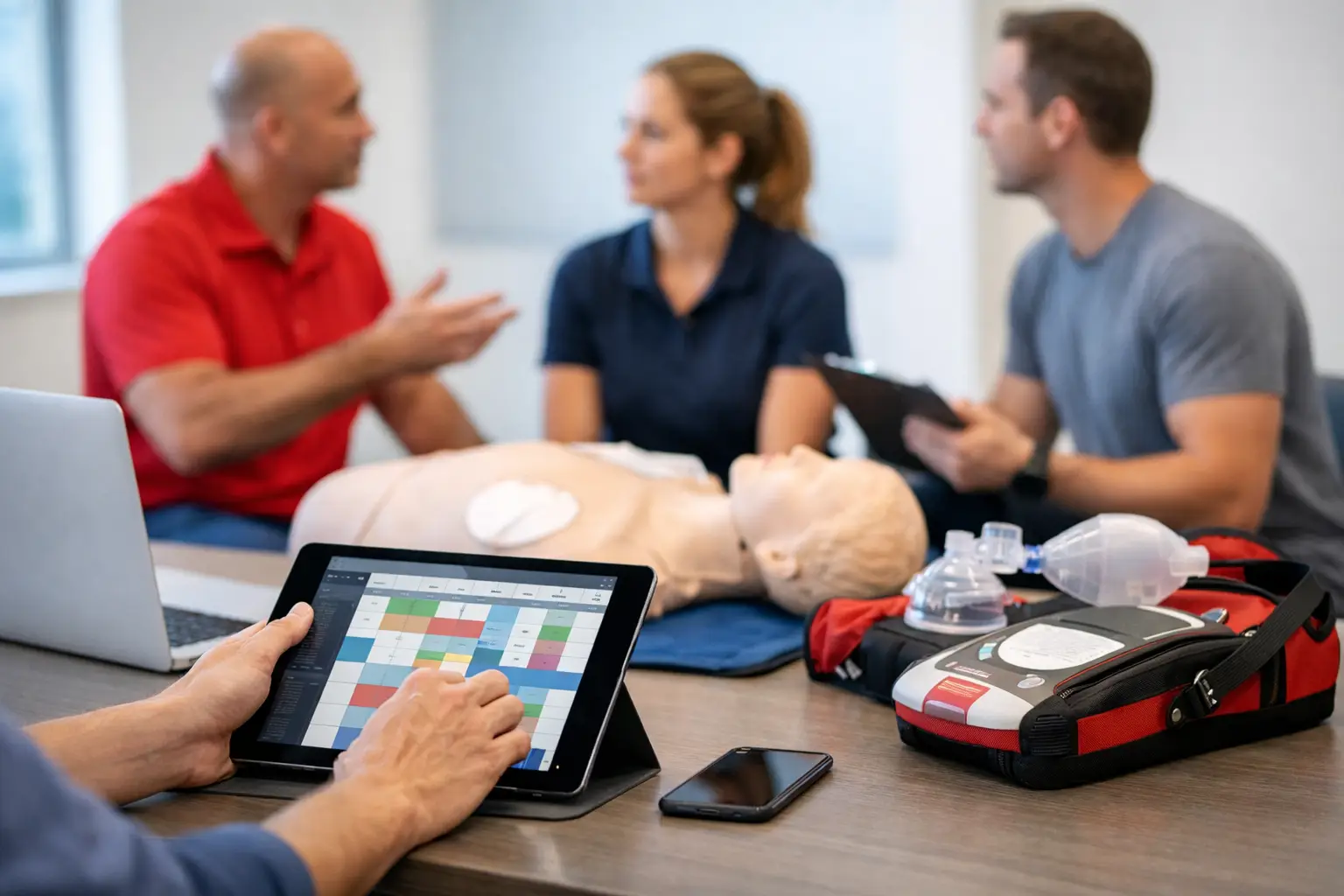
A class looks full on the calendar, but one instructor is double-booked, a skills check was assigned to the wrong location, and a corporate client is waiting for roster updates. That is where instructor scheduling software stops being a convenience and starts being part of your operating system.
For CPR, BLS, ACLS, PALS, AED, and First Aid training providers, scheduling is tied to far more than time slots. It affects enrollment capacity, instructor utilization, certification workflows, blended learning coordination, payroll accuracy, and compliance records. If your current process still depends on spreadsheets, text threads, paper notes, and a generic booking app, the real cost shows up in admin drag and preventable mistakes.
What instructor scheduling software needs to handle in training operations
In a CPR or healthcare training business, instructor scheduling is rarely just about assigning a person to a class. You are matching credentials, course types, geography, equipment needs, student counts, and often customer-specific requirements. A hospital contract may require a particular instructor qualification. A community class may need a lower-cost staffing model. A blended learning skills session has a different pacing and room setup than a full instructor-led course.
That is why generic appointment tools often create more work than they remove. They can place an instructor on a calendar, but they usually do not understand training center realities such as certification validity, course format differences, roster paperwork, or recurring renewal audiences. When software treats a CPR class the same way it treats a haircut appointment, your staff ends up rebuilding the workflow manually.
The right system should connect instructor assignment to the rest of class administration. That includes public enrollment, private client bookings, student communication, attendance tracking, document collection, and post-class certification records. If those steps live in separate systems, your schedule might look organized while the operation behind it remains fragmented.
Why generic scheduling tools break down
Many training businesses start with whatever is available fastest. A shared calendar, a form builder, and a payment app can work when class volume is low and one person manages everything. The problem appears when the business grows past a few monthly classes or adds multiple instructors, locations, and client types.
At that stage, every schedule change creates downstream work. If an instructor is replaced, someone may need to update confirmation emails, adjust the roster, confirm the correct certification documents, notify the client, and make sure the substitute meets course requirements. Generic tools rarely account for these dependencies. They capture the event but not the workflow.
This creates a common failure point for growing training companies. They believe they have a scheduling problem, when the real issue is workflow separation. The calendar is only one piece. If scheduling does not connect to enrollment, compliance, and records, staff still spend hours reconciling data across systems.
What to look for in instructor scheduling software
The strongest instructor scheduling software for training businesses supports scheduling as an operational process, not a standalone feature. First, it should make instructor assignment easy to manage across class types, locations, and availability. That sounds basic, but it matters most when you are balancing open-enrollment classes, onsite client training, and blended learning skills checks in the same week.
Second, it should tie instructor scheduling to qualifications and course requirements. Not every instructor should be assignable to every course. If your team delivers BLS, ACLS, PALS, and First Aid, the software should help prevent incorrect assignments before they create a compliance issue or a customer service problem.
Third, it should reflect capacity and enrollment in real time. An instructor assignment affects how many students a class can support, whether a second instructor is needed, and whether registration should remain open. When scheduling data and enrollment data do not sync, overbooking and understaffing become more likely.
Fourth, it should support communication without forcing staff to repeat the same work. Instructors need clear class details. Students need confirmations and reminders. Corporate clients may need attendance visibility or updated rosters. If scheduling a class triggers manual emails every time, the software is not reducing the actual workload.
Finally, reporting matters. Training businesses need to know which instructors are carrying the most classes, which class formats produce the most revenue, which locations create inefficiencies, and where schedule gaps are limiting growth. Without that visibility, scheduling stays reactive.
Instructor scheduling software and compliance are closely connected
For CPR and healthcare education providers, scheduling decisions affect compliance more than many software vendors acknowledge. A missed credential, incomplete roster, or poorly tracked skills check can create recordkeeping problems long after the class is over.
This is why instructor scheduling software should not operate in isolation from certification tracking and document management. If a class is scheduled and staffed correctly but the roster process stays manual, you still carry risk. The same applies when renewal reminders are disconnected from the class calendar. Students who need recertification are a natural source of repeat business, but only if your system supports outreach and booking before credentials expire.
There is also a practical side to compliance. Admin teams are often the ones chasing signatures, verifying attendance, correcting student records, and answering client requests for training history. Better scheduling reduces these errors upstream, especially when class details, instructor assignments, and student records all live in the same platform.
The operational gains are bigger than the calendar
Most training providers first look for software because they want a cleaner schedule. What they often need is a cleaner operation. Better instructor scheduling improves resource planning, but the larger benefit is fewer handoffs and fewer disconnected records.
When scheduling, enrollment, payment collection, roster management, and certification tracking are connected, the business becomes easier to run. Staff spend less time reentering information. Instructors receive more consistent class details. Students get a more professional registration experience. Clients get faster updates. Owners get clearer reporting.
That does not mean every provider needs the same level of complexity. A solo instructor running a few local classes may not need advanced multi-location dispatch logic. A larger training center with employer contracts, recurring renewals, and several instructors absolutely does. The right fit depends on your delivery model, your growth stage, and how much administrative friction you are carrying today.
How to evaluate software for your business model
Start with your current bottlenecks, not the feature list. If your biggest issue is assigning instructors across multiple class sites, test that first. If the real problem is that schedule changes create payment, roster, and communication errors, evaluate whether the software connects those workflows. A polished calendar view can be misleading if the back-office process still depends on manual correction.
It also helps to think in terms of exception handling. Most systems work when everything goes as planned. The real test is what happens when an instructor cancels, a client changes headcount, a blended learning student needs a different skills check time, or a class reaches capacity faster than expected. Training operations are full of these adjustments. Your software should make them manageable, not expose a chain of disconnected tasks.
Ask whether the platform was designed for certification-based education or adapted from another scheduling use case. That difference tends to show up quickly in the details. Purpose-built systems are more likely to account for recurring renewals, training records, instructor management, and course-specific workflows without forcing your team into workarounds.
For many CPR and healthcare training businesses, that is the real line between software that helps and software that gets tolerated. A platform like CPR Enroll is structured around the full class lifecycle, which matters because scheduling decisions do not stay on the schedule. They affect enrollment, documentation, certification, and the client experience all the way through.
When it is time to replace your current process
If your team spends more time fixing scheduling-related issues than actually planning classes, the process is already too expensive. The same is true if instructors rely on texts for updates, students receive inconsistent communication, or your staff has to cross-check multiple systems before confirming a class.
Another sign is when growth starts to feel risky. Adding instructors, classes, or client accounts should increase revenue, not create administrative instability. If every expansion creates more confusion around staffing, records, and follow-up, your scheduling system is limiting the business.
Good instructor scheduling software creates order where training businesses usually feel the most strain – at the point where people, classes, compliance, and customer expectations all meet. When that layer is handled correctly, the rest of the operation gets easier to trust.
