 Skip to main content
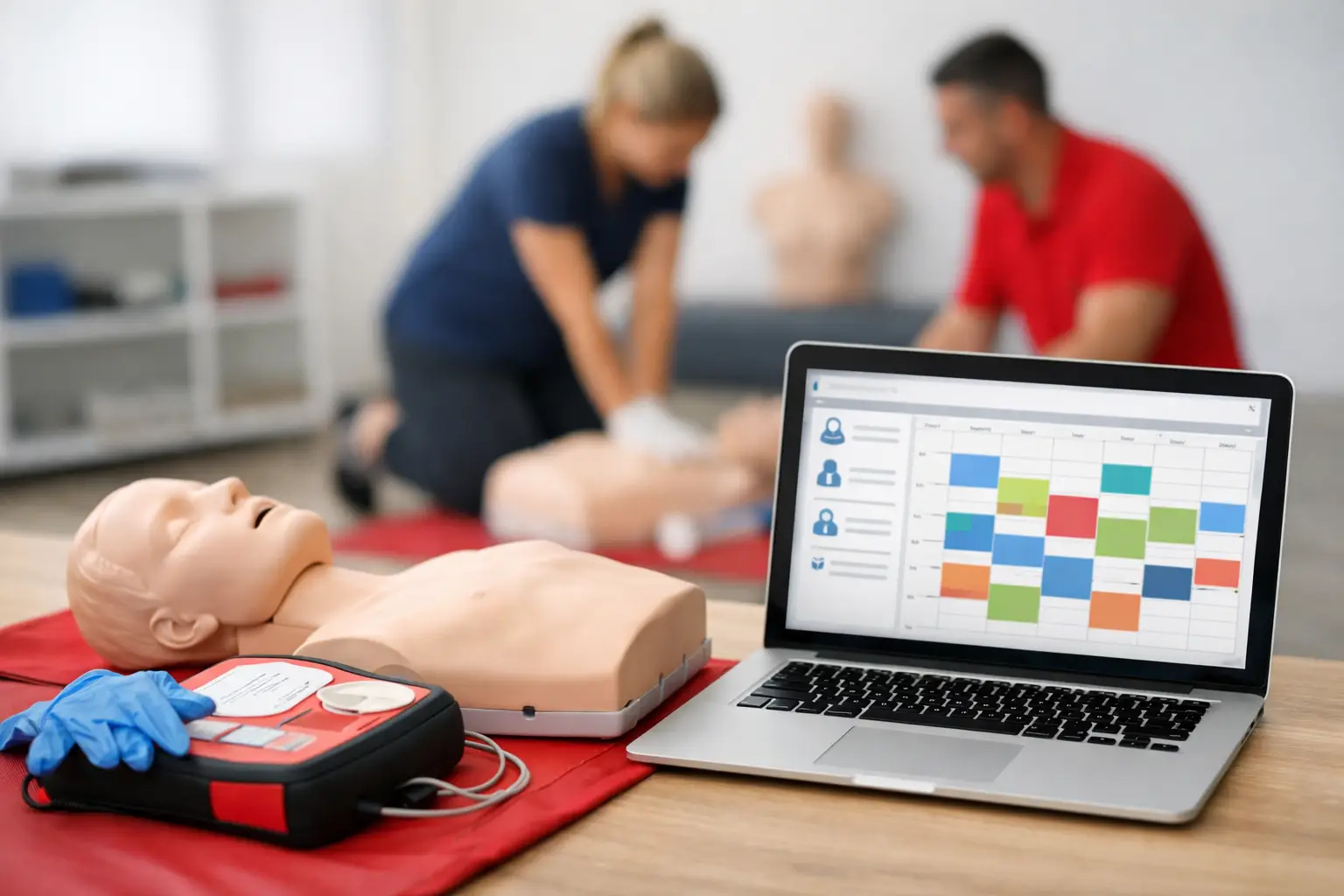
If your class calendar lives in one tool, payments in another, rosters in a folder, and certification records in someone’s inbox, a cpr booking software review is not a nice-to-have. It is an operational check. For CPR and healthcare training businesses, the wrong system does more than slow down enrollment. It creates missed reminders, inconsistent records, manual follow-up, and avoidable pressure on staff before every class.
The real question is not whether software can take bookings. Most platforms can. The question is whether the system supports how CPR, BLS, ACLS, PALS, AED, and First Aid businesses actually operate – with class capacity limits, blended learning steps, document collection, instructor assignments, recurring renewals, and compliance-driven recordkeeping.
What a CPR booking software review should actually measure
A useful review should look beyond front-end scheduling. Generic booking apps usually perform well in demos because they show a clean calendar and a checkout form. That matters, but it is only one segment of the workflow. Training providers need to evaluate what happens before enrollment, during class administration, and after course completion.
That means looking at how the platform handles roster generation, student communication, payment collection, instructor coordination, certification tracking, and document retention. If the software stops being helpful once the student pays, it is not solving the real administrative burden. It is just replacing one step.
This is where many businesses lose time without noticing it. A center may think it has a “booking system,” but staff still export class lists manually, send reminder emails by hand, chase course completion details, and store records across multiple locations. In practice, that is not an integrated operation. It is a series of workarounds.
Generic booking tools vs industry-specific systems
Most CPR training businesses start with a generic tool because it is easy to find and often inexpensive at first. These platforms work for simple appointments, one-time workshops, or service businesses that only need time-slot reservations. The problem appears when your operation includes certifications, multiple course types, blended learning prerequisites, corporate clients, and repeat students.
A generic platform may let students reserve a seat, but it often has limited support for training-specific requirements. You may still need separate systems for waivers, course instructions, renewal reminders, certificate history, and reporting. That creates duplicate data entry and increases the chance of errors.
Industry-specific systems are different because they are built around the lifecycle of a training business. Instead of asking staff to adapt their workflow to the software, they reflect the way classes are already run. That includes managing seat availability, collecting registration data, assigning instructors, tracking who completed what, and maintaining long-term records.
For independent instructors with a few classes each month, generic software may feel sufficient for a while. For growing businesses, multi-instructor teams, and providers working with healthcare organizations or corporate accounts, the cost of disconnected systems usually becomes visible fast.
Core features that matter in a cpr booking software review
The first area to evaluate is scheduling. Class creation should support recurring offerings, different course types, instructor assignment, location management, and capacity controls. If your team cannot build and update the schedule quickly, every operational change becomes slower than it should be.
Enrollment is the next pressure point. Students should be able to register online without calling your office to clarify basic details. The registration flow should capture the right information for the class type, support payment collection, and trigger confirmations automatically. For blended learning and skills sessions, the system should also help manage prerequisite completion and communication.
Then there is roster and document management. This is where training businesses often spend hours each week. Software should generate organized class records, keep student information accessible, and reduce reliance on paper forms or scattered files. A system that improves booking but leaves administration manual only solves part of the problem.
Certification tracking is another major differentiator. Healthcare and safety training businesses do not just enroll students once. They serve a recurring certification base. Software should help track completions, store history, and support renewal reminders. That directly affects retention because students who miss renewal windows often end up going elsewhere or dropping off your follow-up list entirely.
Instructor management also matters more than many buyers expect. If you run multiple instructors, class coordination becomes a scheduling and accountability issue, not just a calendar issue. The platform should make it easier to manage assignments, visibility, and class readiness without relying on text threads and last-minute spreadsheet updates.
Where many platforms fall short
The common weakness in software reviews is overvaluing simplicity at the front end and undervaluing complexity behind the scenes. A platform can appear efficient because the booking page looks modern. That does not mean it reduces admin workload.
Many systems fall short in post-booking workflows. They collect payment but do not support structured roster handling. They send a confirmation email but do not manage follow-up instructions well. They track appointments but do not maintain certification history in a way that supports future renewals. For CPR providers, those gaps are not minor. They affect compliance, staff time, and repeat business.
Another issue is reporting. If you cannot quickly see class performance, attendance history, instructor activity, or client account details, growth becomes harder to manage. Manual reporting slows decision-making and makes it more difficult to identify which classes, locations, or client segments are driving revenue.
There is also the issue of fit. Some software is technically capable of customization, but only with extra configuration, add-ons, or third-party tools. That can work for larger organizations with internal resources. For most CPR businesses, it adds complexity where they need clarity.
How to judge value beyond monthly price
Software cost should be measured against labor savings, error reduction, and operational consistency. A lower subscription price is not necessarily the better value if staff still spend hours every week handling enrollment issues, reminders, roster updates, or certification follow-up manually.
The better question is this: how many administrative tasks does the system remove from your team’s routine? If the software reduces scheduling friction, improves enrollment completion, centralizes records, and supports renewal retention, the return is not just about time. It affects professionalism, client experience, and your ability to scale without adding back-office strain.
For owner-operators, the biggest gain is usually control. Instead of managing classes reactively, they can run a more organized schedule and spend more time on instruction, sales, and client relationships. For larger training centers, the gain is consistency across staff and instructors.
Who needs specialized software most
Not every provider has the same level of urgency. If you run occasional community classes and keep a small student base, basic scheduling software may hold up for a period of time. Even then, renewal tracking and record management can become weak points.
Specialized software becomes more important when you offer multiple course lines, manage blended learning, work with corporate accounts, coordinate several instructors, or maintain a large returning student base. Those businesses feel the pain of fragmented systems much earlier because every extra process step multiplies across classes and staff.
This is also why software selection should be tied to where the business is headed, not just where it is today. A platform that works for 20 students a month may become a bottleneck at 200. Migration later is usually more disruptive than selecting a better-fit system upfront.
A practical benchmark for CPR training businesses
In a strong cpr booking software review, the winning platform is usually the one that handles the full operational chain with the least manual patchwork. It should support scheduling, online enrollment, payments, roster management, instructor coordination, certification tracking, reminders, and reporting in one structured workflow.
That does not mean every business needs the most complex system available. It means the system should reflect the realities of compliance-driven training. For this market, purpose-built software generally outperforms generic booking tools because it is organized around classes, certifications, and recurring student relationships rather than one-time appointments.
A platform like CPR Enroll stands out when the goal is not just taking bookings, but running the business with fewer gaps between scheduling, administration, and long-term record management. That distinction matters most to providers who are tired of stitching together software that was never designed for CPR operations in the first place.
The best software choice is usually the one that makes next month’s schedule easier, next quarter’s renewals more predictable, and next year’s growth less dependent on manual effort.
