 Skip to content
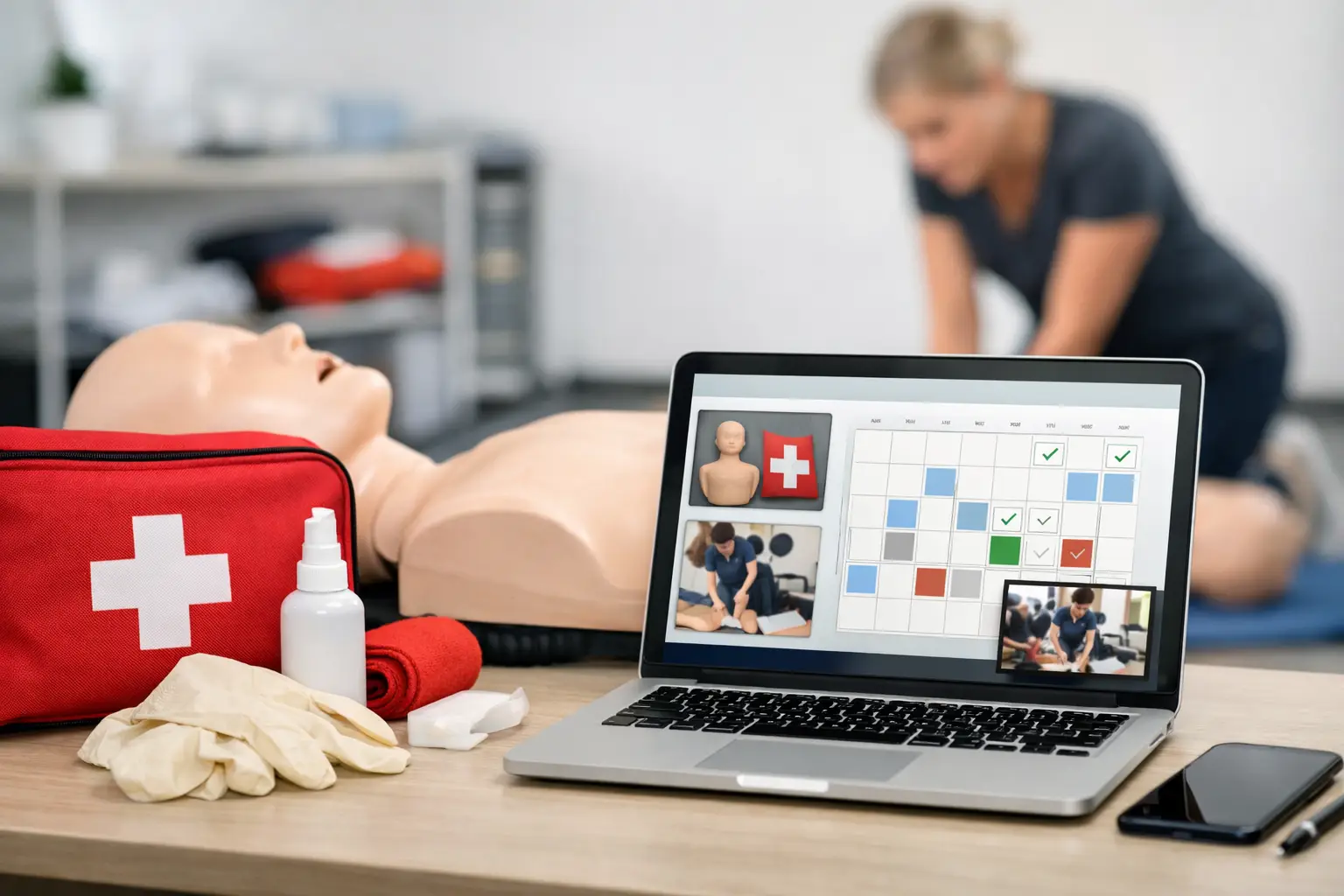
A student registers for a Saturday First Aid class at 10:30 p.m. Your first aid course booking software should do more than reserve a seat. It should collect the right details, process payment, send the confirmation, prepare the roster, and keep a record that is ready when the student or a corporate client needs proof of training months later.
That is the operational standard training providers need. A generic calendar tool can display an available time slot. It usually cannot manage the connected work behind a compliance-driven course: prerequisites, waiver forms, instructor assignments, blended learning completion, certification status, and renewal communication. For CPR, First Aid, BLS, ACLS, and related programs, booking is the first event in a larger training workflow.
Booking Is Only One Part of Course Administration
Training businesses often outgrow manual processes gradually. At first, a spreadsheet tracks class dates, a payment link handles checkout, and an instructor brings a printed roster. Then the business adds more course types, evening sessions, private group training, additional instructors, or recurring corporate accounts. Information starts moving between systems by hand.
The result is not simply extra administrative work. It creates avoidable risk. A student can be enrolled without receiving required instructions. A paid registration may not appear on the instructor’s roster. A certification record may be stored in an inbox instead of a searchable database. A renewal opportunity can disappear because no system is tracking expiration dates.
Purpose-built first aid course booking software treats these activities as one connected process. A class is created with its date, location, capacity, pricing, instructor, course requirements, and enrollment settings. Students register through an online course schedule, receive the appropriate communication, and enter a record that can support attendance, documentation, certification tracking, and future renewal reminders.
That connection matters most when volume increases. The goal is not to add more software. It is to remove the handoffs that force staff to re-enter the same information in multiple places.
What the System Should Handle From Enrollment to Records
A useful booking platform must support the operational details that occur before, during, and after class. The features that matter most depend on your business model, but the workflow should be clear from the student’s first click through long-term record management.
Public class enrollment and payment processing
For open-enrollment classes, students need a simple way to find the right course, select a date and location, register, and pay. The booking experience should accurately reflect available seats and prevent overbooking. It should also capture the participant information your business needs without creating unnecessary friction at checkout.
Payment processing should connect directly to the enrollment record. When staff have to match transactions to names manually, errors become more likely, especially when a company pays for several employees or a student registers close to class time.
Course-specific communication
A First Aid course, blended BLS skills check, and private onsite training event do not require the same instructions. Your system should send confirmations and reminders that match the class format. Students may need a location, parking guidance, pre-course materials, online learning instructions, or a reminder to bring a completion certificate to a skills session.
Automated communication reduces no-shows, but only when it is relevant and timed correctly. Too many generic messages can be ignored. Too few leave your staff answering the same questions by email and phone.
Rosters, documents, and instructor visibility
Instructors need accurate class information before they arrive. That includes participant names, contact details, payment or registration status where appropriate, and any required course documentation. Administrative staff need a consistent way to confirm attendance, manage cancellations, and retain records after the class is complete.
A system built for training operations can keep the roster connected to the original registration rather than treating it as a separate document. This reduces duplicate entry and gives the business a more reliable audit trail.
Certification and renewal tracking
The relationship with a student does not end when the class is marked complete. Many CPR and First Aid credentials expire on a predictable cycle. If records are scattered among paper files, spreadsheets, and email folders, renewal outreach becomes inconsistent or impossible.
Certification tracking creates a practical retention process. Training providers can maintain historical records, identify upcoming expirations, and communicate with past students before their credentials lapse. For corporate clients, this visibility can also help coordinate group renewals and demonstrate stronger account management.
Why Generic Booking Tools Create Friction
Generic scheduling software can be a reasonable option for a business selling one-on-one appointments or simple events. It becomes less effective when each booking carries compliance requirements, course-specific documentation, and a certification lifecycle.
The trade-off is usually hidden at the beginning. A basic booking app may be inexpensive and quick to set up, but staff often compensate with spreadsheets, shared folders, manual emails, separate payment tools, and printed forms. The subscription cost may look low while the actual operational cost rises with every additional class.
A purpose-built platform may require more thoughtful setup because it asks you to define courses, locations, instructors, pricing, and communication rules. That work is worthwhile when it creates a repeatable process. The right system should standardize routine administration without forcing every class into the same rigid template.
For example, an independent instructor primarily offering community First Aid classes may prioritize fast online enrollment and automated reminders. A larger training center may need multiple instructors, separate locations, corporate billing, client access, blended learning workflows, and reporting across a full course catalog. Both need organization, but their configuration needs differ.
Build a Workflow Around How Your Classes Actually Run
Before selecting or configuring software, map the path of a typical enrollment. Start with how the student finds the class and continue through registration, payment, reminders, attendance, credential issuance, and renewal outreach. Then identify where staff currently copy information, chase documents, or answer repeat questions.
Those friction points should drive the system design. If your staff spends time confirming whether students completed online coursework, the solution should support blended learning status and skills-check coordination. If corporate clients regularly enroll groups, the workflow should make it easier to manage employee rosters and account communication. If instructors travel between locations, they need current class details without relying on last-minute emails.
It is also worth establishing clear operating rules before automation begins. Decide who can create classes, who can adjust capacity, how refunds and transfers are handled, when reminders are sent, and who verifies attendance. Software improves consistency, but only when the business has defined the process it wants to repeat.
Use Reporting to Make Scheduling Decisions
Booking data should help you make better decisions, not just document past transactions. Look for patterns in class fill rates, cancellations, course demand, instructor utilization, revenue by course type, and corporate client activity. These details can guide decisions about when to add sessions, which locations perform well, and where pricing or promotion may need adjustment.
Reporting is especially valuable for providers running frequent certification courses. A class that appears busy may still have weak margins if it requires extra administrative effort or routinely has late cancellations. Conversely, a recurring corporate account may justify dedicated scheduling because it creates predictable revenue and renewal business.
CPR Enroll is designed around this broader operational picture, combining enrollment, payments, class management, rosters, certification records, and instructor coordination in one system built for training providers.
Choose Software That Supports Growth Without Adding Admin
The best first aid course booking software makes the class schedule easier for students to use and easier for your team to control. It should reduce manual follow-up, keep training records organized, and give instructors the information they need to deliver class confidently.
Do not evaluate a platform only by the appearance of its booking page. Ask what happens after a student enrolls, after an instructor marks attendance, after a certificate is issued, and when that credential approaches expiration. Those are the points where a training business either stays organized or returns to spreadsheets.
A well-structured booking workflow gives your team more time to focus on instruction, client relationships, and the next class on the schedule, while the administrative foundation stays in place behind every enrollment.
