 Skip to content
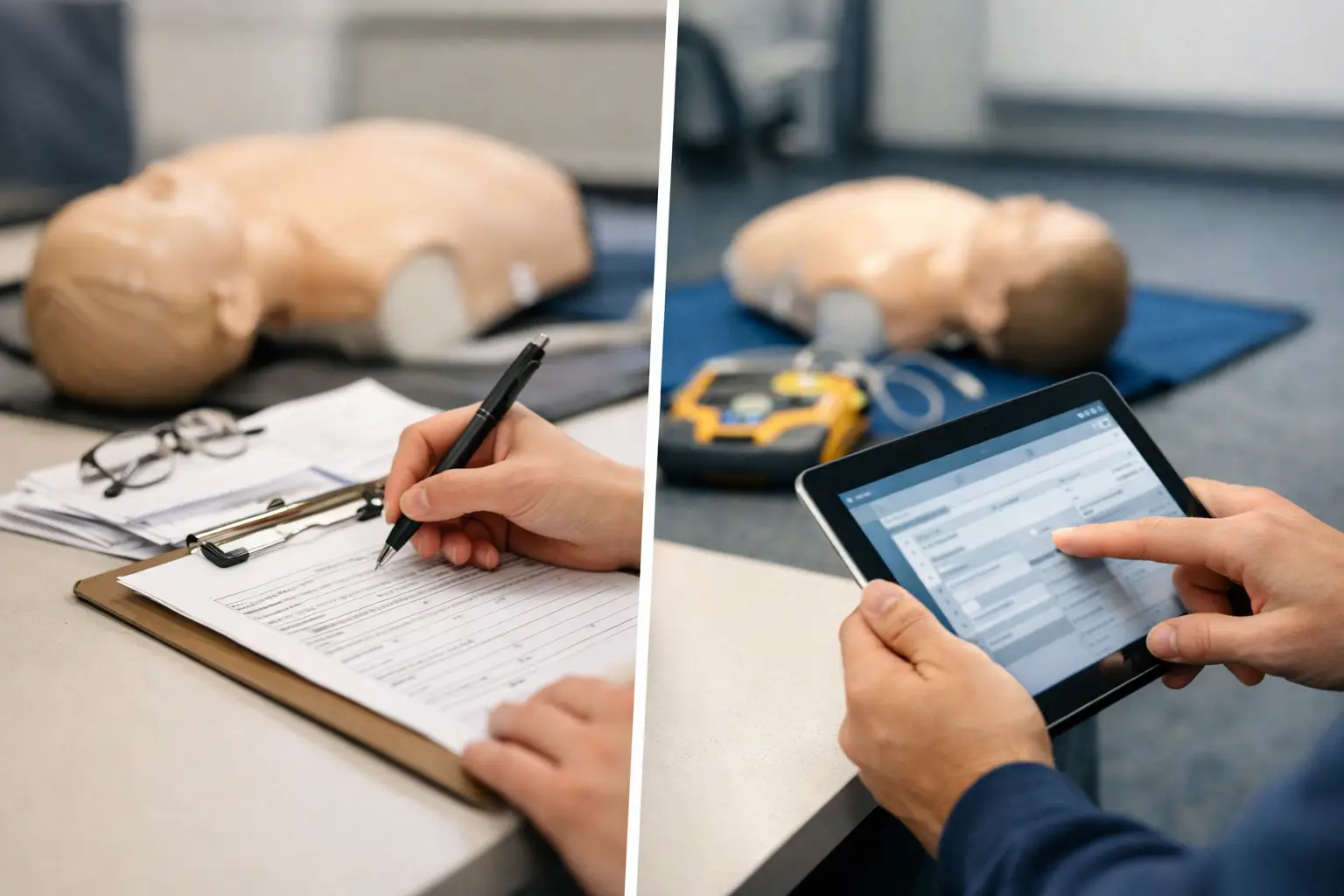
A completed CPR class can create more administrative work than the class itself. A paper roster must be checked for legibility, matched to payments, reviewed for missing signatures, stored securely, and retrieved months later when a student or corporate client needs proof of training. That is where paper rosters vs digital records becomes an operational decision, not a preference for one format over another.
For CPR, BLS, ACLS, PALS, AED, and First Aid providers, records are tied to certifications, renewal cycles, client requirements, instructor accountability, and sometimes audit requests. The better question is not whether paper can work. It can. The question is whether it can keep working reliably as class volume, instructor count, and client expectations increase.
Paper Rosters vs Digital Records: The Operational Difference
Paper rosters are familiar because they are immediate. An instructor can pass around an attendance sheet, collect signatures, make a note about a late arrival, and leave with a physical record of the class. For a single instructor running a few community classes each month, that process may feel manageable.
The difficulty starts after class. Someone still has to verify each student name and email address, confirm the correct course and completion status, issue or record certification details, file supporting documents, and answer follow-up requests. If several instructors use slightly different roster formats, the office must also interpret handwritten notes and reconcile incomplete information.
Digital records move those steps into a structured workflow. Student details can be captured during enrollment, attendance can be confirmed against the class roster, required documents can be associated with the correct student, and certification data can be stored in a searchable record. Instead of treating class paperwork as a stack to process later, the system treats it as part of class closeout.
That distinction matters. A training company does not lose time because a roster exists on paper. It loses time because information has to be entered, checked, corrected, filed, and located repeatedly.
Where Paper Creates Risk in CPR Training Operations
The most visible problem with paper is often missing information. A student may print a nickname instead of their legal name, leave an email address blank, or sign in a way that is difficult to read. An instructor may forget to mark a skills check result, course completion status, or the specific training date. These gaps are usually small at the time, but they become expensive when the office has to chase the student after the class has ended.
Paper also separates records that should be connected. A student enrollment might live in one spreadsheet, a payment receipt in a processor dashboard, a signed waiver in a file folder, and the class roster in an instructor’s car or home office. When a hospital, employer, or student asks for documentation, staff must rebuild the record from multiple locations.
Storage creates another issue. Training providers need an organized retention process that accounts for certifying organization requirements, client contracts, internal policies, and applicable rules. Filing cabinets may feel secure, but they do not provide instant searchability, activity history, or controlled access by role. A misplaced folder is not merely an inconvenience if it contains proof of completion for an employer-sponsored class.
There is also a customer-service cost. Students expect prompt certificates, accurate names, and clear confirmation of what they completed. Corporate coordinators expect reliable attendance reporting for their teams. When information must be manually transcribed from paper, every handoff adds another opportunity for delay or error.
What Digital Records Improve
A digital record system creates consistency at each point of the training lifecycle. The class record can include the course type, date, location, instructor, student roster, payment status, required forms, completion details, and certification information in one place. That gives administrators a complete view without searching through email threads or physical files.
For the instructor, the practical benefit is a clearer closeout process. Rather than turning in paperwork and waiting for staff to interpret it, the instructor can confirm attendance and completion against the scheduled class roster. This is particularly useful for blended learning programs, where online coursework, in-person skills sessions, and final completion records must align.
For the office, structured records improve follow-up. If a student has not completed a prerequisite, has an incomplete form, or needs a correction before certification is issued, the issue can be identified before it becomes a support request. The same data can support renewal reminders later, giving providers a more organized way to retain recurring students and corporate accounts.
Digital records also make reporting more practical. A growing training center may need to see class attendance by instructor, course revenue by client, completion trends, or upcoming renewals for a corporate group. Those reports are difficult to build accurately when key information exists only on handwritten pages.
Digital Does Not Remove the Need for Process
Moving from paper to digital records does not automatically fix weak administrative practices. If instructors are not trained on closeout requirements, or if staff can enter inconsistent course names and student statuses, the system will collect inconsistent data faster. Digital records are only as useful as the workflow behind them.
Training providers should define who owns each step. Enrollment data should be reviewed before class when possible. Instructors should know how to document attendance, skills completion, and exceptions. Administrative staff should have a clear process for issuing records, correcting errors, and responding to document requests. Managers should decide how long records are retained and who is allowed to access them.
Security also deserves attention. Student information should not be broadly available to every instructor or staff member. A proper system should support role-based access, organized document handling, and reliable record retrieval. Digital storage is not simply about replacing a filing cabinet. It is about creating an accountable recordkeeping process.
When Paper Still Has a Place
Paper does not need to disappear from every classroom. Some instructors prefer a printed attendance backup when teaching offsite, in areas with unreliable connectivity, or during large employer classes where a physical check-in sheet helps manage arrivals. A paper form can also be useful as a contingency when a device fails or a client requires a particular signed document.
The key is to avoid making paper the final system of record. A backup roster is different from a permanent workflow based on scanning, emailing, and manually filing documents after every class. If paper is used in the classroom, it should feed into a defined digital closeout process promptly and consistently.
This hybrid approach gives instructors flexibility without forcing the administrative team to operate from disconnected files. It also helps businesses transition gradually. A provider can standardize digital enrollment and certification tracking first, then improve instructor closeout workflows as the team becomes comfortable with the system.
A Practical Transition Plan
Start by mapping what happens from registration through certification issuance. Identify every point where staff re-enters information, searches for a document, or follows up on missing details. Those are the places where paper-based processes typically create the most friction.
Next, standardize the data required for each class. At minimum, training providers should consistently capture the student’s full name, contact information, course, class date, instructor, attendance or completion status, and any documents required by the training program or client. For employer accounts, include the company and coordinator information needed for reporting and future renewals.
Then establish a class closeout deadline. A completed class should not remain open indefinitely because paperwork is waiting in an instructor’s vehicle or inbox. Set a reasonable expectation for attendance confirmation, document upload, and exception reporting. This improves certificate turnaround and makes missing items easier to resolve while the class is still fresh.
Finally, choose tools that match CPR training workflows. Generic scheduling software may handle appointments, but it often leaves providers to build their own process for certification tracking, blended learning, skills checks, corporate rosters, and renewals. A purpose-built platform such as CPR Enroll is designed around those operational requirements, helping providers manage the connected work rather than just the calendar.
The strongest recordkeeping system is the one your team can use consistently after a busy class day. When records are accurate, searchable, and tied to the rest of the class workflow, your staff spends less time reconstructing the past and more time preparing the next class.
