 Skip to content
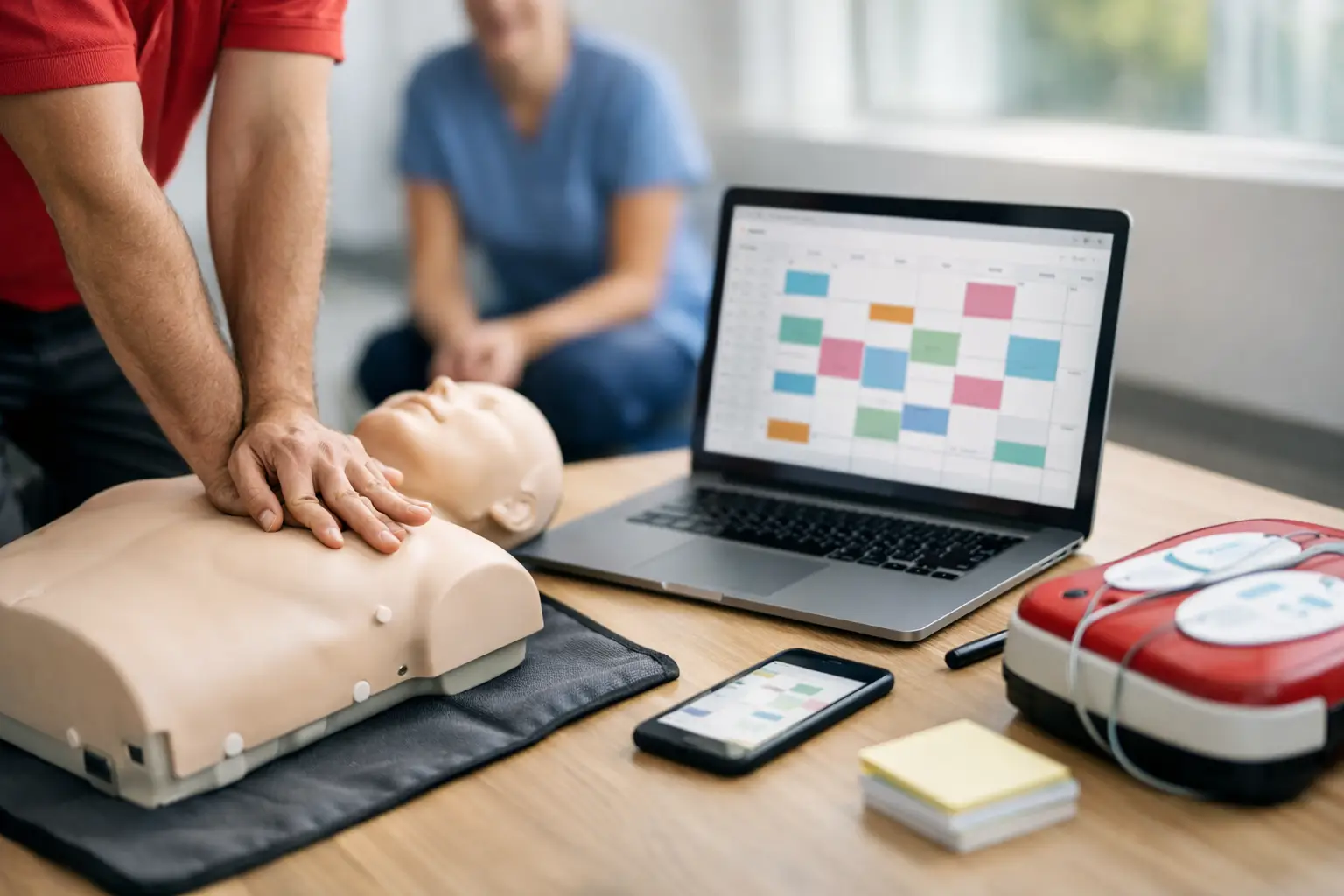
If you run CPR, BLS, ACLS, PALS, AED, or First Aid training, you already know the calendar is only part of the job. A class is not just a time slot. It includes instructor assignment, student enrollment, payment collection, reminders, rosters, skills check workflows, certification records, and often follow-up for renewals. That is why cpr class scheduling software matters so much. The wrong system creates extra admin work. The right one supports the full training operation.
Generic scheduling tools often look fine during a product demo because they can publish a calendar and accept a booking. The problem starts after the student enrolls. Training providers do not just need appointment scheduling. They need a system built around compliance, recurring certifications, document handling, and class formats that change based on course type, instructor availability, and client requirements.
What CPR class scheduling software actually needs to handle
For a CPR training business, scheduling is connected to several downstream tasks. Once a class is posted, students need a clean registration process. Staff need current rosters. Instructors need visibility into assigned sessions. The business needs payments to be tracked correctly. If blended learning is involved, the provider may also need to confirm online course completion before an in-person skills session.
That means effective CPR class scheduling software should not be evaluated as a standalone calendar. It should be evaluated as an operational system. If your staff still has to move data between a booking app, a payment processor, spreadsheets, paper sign-in sheets, and separate certification records, the scheduling tool is not really solving the workload problem.
This is where many growing providers hit a ceiling. A solo instructor can compensate for fragmented systems through memory and manual follow-up. A larger operation with multiple instructors, corporate clients, and recurring healthcare students cannot rely on that for long. Missed reminders, duplicate records, and preventable errors start to show up fast.
Why generic booking tools fall short
Most general-purpose schedulers are designed for appointments, not training programs. They can reserve a seat, but they usually do not understand course prerequisites, roster documentation, certification timelines, or the difference between a full course and a renewal. That gap creates friction in daily operations.
A training center offering BLS and ACLS, for example, may need different enrollment questions, different class capacities, different instructor qualifications, and different post-class records. A generic system treats these as minor variations. In reality, they affect staffing, documentation, and compliance.
Corporate training adds another layer. Group bookings may involve a site contact, private class coordination, invoicing instead of immediate checkout, and post-class reporting back to the client. A simple calendar tool rarely supports that workflow cleanly. Staff end up building workarounds, and workarounds are where efficiency breaks down.
There is also the issue of certification lifecycle management. The student relationship does not end when class ends. Good providers track completions, maintain records, and communicate about renewals. If your software stops at the booking stage, it leaves one of the most valuable parts of the business unmanaged.
The features that make the biggest operational difference
The most useful cpr class scheduling software reduces handoffs between systems. That usually starts with public class scheduling and online enrollment, but it should continue through payment collection, roster generation, instructor assignment, automated reminders, and record retention.
Online enrollment should be structured for training businesses, not general event registration. You may need to collect licensing details, employer information, course selection data, or blended learning status. The software should let you capture the right information at registration so staff are not chasing it later.
Payment handling matters for more than convenience. It affects no-shows, reconciliation, and customer experience. When students can register and pay in one workflow, the business gets cleaner records and faster confirmation. If the software also supports invoicing or client-based payment arrangements for company accounts, that becomes even more valuable.
Instructor management is another area where specialized software earns its keep. Multi-instructor operations need a reliable way to assign classes, avoid scheduling conflicts, and give instructors access to the information relevant to their sessions. If instructors are relying on text threads and last-minute spreadsheet updates, scaling becomes difficult.
Document and roster automation may sound administrative, but it has a direct impact on class readiness. The less time staff spend preparing attendance sheets, completion records, and student documentation, the more time they can spend on quality control and business development.
Scheduling software should support class complexity, not flatten it
Not all classes run the same way. Some are open enrollment sessions for the general public. Others are private company trainings. Some require online prework. Some are short renewal classes. Some are held at a training center, and others are delivered on-site. Your software should reflect that complexity instead of forcing every class into the same template.
This is especially important for blended learning and skills check models. Providers need to know whether the student has completed the required online component before attending the in-person session. If that information is tracked manually, errors are likely. If it is built into the workflow, staff can validate readiness before class day.
The same applies to recurring training relationships. Healthcare employers, schools, and community organizations often send students back on a predictable cycle. A platform built for training operations can help maintain those records and support renewal communication. That turns scheduling from a one-time transaction into an organized client retention process.
What to look for before you switch systems
When evaluating CPR class scheduling software, the best question is not whether it can publish classes. Almost any scheduler can do that. The better question is how many administrative tasks still happen outside the platform after the class is posted.
If staff still export rosters manually, send reminders by hand, maintain separate certification spreadsheets, or reconcile payments in another system, you are not looking at a complete solution. You are looking at a partial tool with hidden labor costs.
It also helps to think about where your business is headed, not just where it is today. A provider running five classes a month may tolerate fragmented systems. A provider planning to add instructors, serve more corporate clients, or increase renewal volume needs stronger structure. Software changes are disruptive, so choosing based only on current volume can be shortsighted.
Ask whether the platform supports multiple course types, instructor roles, client accounts, recurring students, and long-term recordkeeping. Those are not edge cases in this industry. They are normal operating requirements.
Efficiency is not just about saving time
Training providers often talk about saving admin time, and that matters. But the bigger issue is operational control. When scheduling, enrollment, payments, records, and certifications live in separate tools, the business loses visibility. Staff have to double-check everything because no system is trusted as the source of truth.
That affects more than internal efficiency. It shapes the student experience. A clean registration process, timely reminders, accurate records, and professional communication make the organization look more credible. For healthcare and safety training businesses, that credibility matters.
It also affects growth. Expansion is easier when class operations are standardized. New instructors can be onboarded faster. Corporate clients can be managed more consistently. Student records can be retrieved without digging through old files. The business becomes easier to run because the process is defined inside the system.
A specialized platform like CPR Enroll is built around that reality. Instead of treating scheduling as a single feature, it connects scheduling to the full class lifecycle, which is where most administrative pressure actually lives.
The best software fits the way training businesses operate
There is no single perfect setup for every provider. A solo instructor serving a local market may prioritize ease of use and fast enrollment. A larger center may care more about instructor coordination, reporting, and corporate account management. But both need software that understands the structure of training operations.
That is the real standard. CPR class scheduling software should not simply help you fill a calendar. It should help you run classes with fewer errors, less manual work, and more consistency from registration through certification. If your current system cannot do that, the issue is not your process. It is that the software was never designed for the work you actually do.
The best time to fix operational friction is before it becomes normal. Once manual workarounds turn into routine, they start to define the business. Better systems give you a chance to define it instead.
