 Skip to content
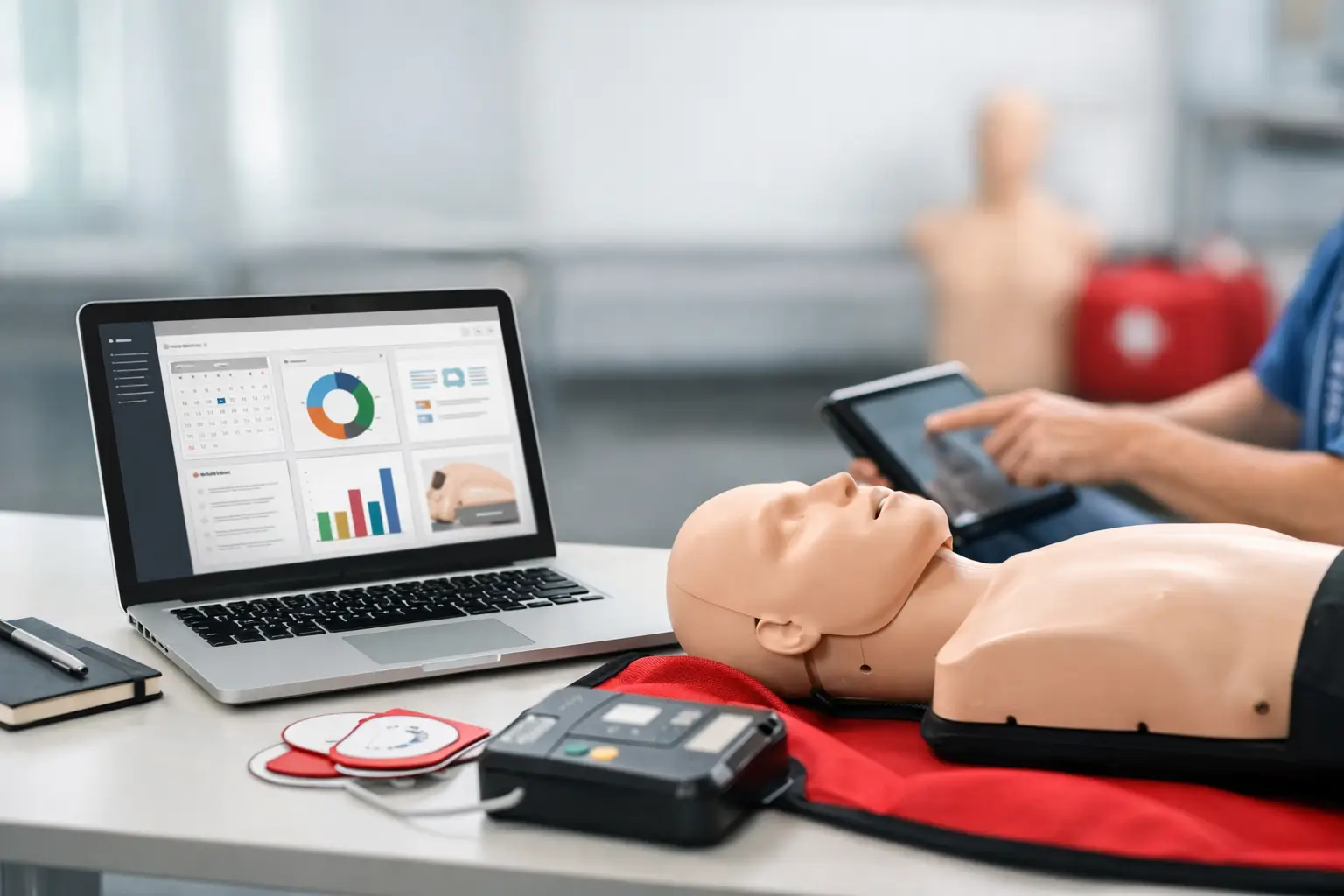
When a student misses a renewal reminder, an instructor shows up with the wrong roster, or a corporate client asks for training records from eight months ago, the problem usually is not effort. It is system design. CPR training management software exists to fix the operational gaps that appear when a training business tries to run scheduling, enrollment, certifications, payments, and reporting across disconnected tools.
For CPR and healthcare education providers, that distinction matters. Generic booking software can put a class on a calendar. It usually cannot handle blended learning workflows, skills check tracking, certification expirations, client-specific reporting, or the recordkeeping demands that come with BLS, ACLS, PALS, AED, First Aid, and CPR programs. If your operation depends on repeat training, accurate documentation, and clean handoffs between admin staff and instructors, software choice directly affects both daily workload and long-term growth.
What CPR training management software should actually manage
A training business does not operate as a simple appointment calendar. It runs a sequence of connected administrative steps. A class is created, seats are published, students enroll, payments are collected, reminders are sent, rosters are finalized, instructors deliver training, documents are completed, certifications are issued or recorded, and renewal timelines begin again.
Good CPR training management software manages that full lifecycle. That means the system should support public class scheduling, online registration, payment collection, automated confirmations, roster management, and student communications without forcing staff to re-enter the same information in multiple places.
It should also account for the compliance side of the business. Training providers are not just filling seats. They are maintaining records, proving attendance, tracking course completion, and responding quickly when students, employers, or facilities request documentation. A system that handles the front-end enrollment but leaves the back-office recordkeeping to spreadsheets is only solving part of the problem.
Why generic scheduling tools fall short
Many CPR businesses start with low-cost tools because they are easy to adopt. A calendar app, payment processor, online form, and spreadsheet can work for a solo instructor with a light class volume. The friction starts when the business adds recurring classes, multiple instructors, contract clients, or blended learning students.
At that point, every manual workaround becomes a liability. Admin staff may be copying student names from enrollment forms into rosters. Instructors may be texting attendance changes back to the office. Renewal reminders may depend on someone remembering to send them. Certification records may live in email folders, paper files, or separate databases.
The trade-off with generic tools is simple. They may look inexpensive at first, but they shift operational cost into labor, inconsistency, and preventable errors. For businesses in compliance-driven training, those errors are not minor. A missed roster detail or missing certificate record can create service issues with individual students and credibility issues with business clients.
The most important workflows to evaluate
The best way to evaluate CPR training management software is to look at your real workflow, not a feature checklist in isolation. A platform can have dozens of functions and still create bottlenecks if the pieces do not connect in the way your operation actually runs.
Scheduling and enrollment
Start with class setup. Can your team create classes quickly across multiple course types, instructors, locations, and formats? Can students self-enroll online without admin intervention? If you offer blended learning or skills sessions, can the system separate online prerequisites from in-person completion steps?
This is where specialized software creates immediate efficiency. It reduces the time spent answering repetitive availability questions, manually confirming registrations, and reconciling enrollment information across separate systems.
Payments and client billing
For public classes, payment should be part of enrollment rather than a separate follow-up process. For corporate accounts, the needs are different. Some clients need invoicing, group registrations, employee rosters, or post-class documentation tied to a company account.
A system that supports both direct student payments and business client workflows is far more useful than one designed only for one-off consumer bookings. If your business serves employers, schools, or healthcare facilities, this matters early.
Rosters, documents, and certifications
This is where operational pressure tends to build. Rosters need to be accurate before class. Completion data needs to be easy to capture after class. Supporting documents need to be stored in a way that can be retrieved later without searching through email chains or paper files.
Strong CPR training management software should reduce document handling, not add to it. The goal is to move from paper-heavy, person-dependent processes to a repeatable recordkeeping workflow. That is especially important for growing teams where consistency across instructors matters as much as speed.
Renewal tracking and repeat business
Renewal management is often treated as a marketing add-on. In reality, it is an operational function tied directly to retention and revenue stability. If your software can track certification timelines and automate reminders, your team spends less time rebuilding relationships that should have continued naturally.
This is one of the clearest differences between a training-specific system and a general scheduling platform. CPR businesses do not just sell a class once. They serve recurring training needs over time.
What to look for if you are scaling
A solo instructor and a multi-instructor training center do not need the same level of system structure, but they do need the same core principle: one source of truth. As volume increases, fragmented systems stop being manageable through personal memory and extra effort.
If you are scaling, look closely at instructor management, permissions, reporting, and client visibility. Can instructors access the information they need without exposing unrelated business data? Can admin staff see enrollment, payment, and completion status in one place? Can corporate clients access records or requests without relying on back-and-forth emails every time?
Reporting also deserves more attention than many buyers give it. You need to know which courses perform well, where enrollment is coming from, which instructors are carrying class volume, and which clients are due for retraining cycles. Software should help you run the business, not just process transactions.
The trade-offs that matter during selection
Not every training provider needs the most complex system available. If your class volume is low and your offerings are narrow, a simpler setup may feel easier in the short term. But ease at setup is not the same as operational fit over time.
The real trade-off is between flexibility and specialization. Generic systems can sometimes be adapted, but adaptation usually means more manual steps. Specialized systems may require a more defined workflow, but that structure is often what creates reliability.
There is also a timing question. Some businesses wait until administrative strain becomes severe before changing systems. That is understandable, but migration is usually easier before your records are spread across years of spreadsheets, inboxes, and paper files. Choosing earlier can prevent a lot of cleanup later.
How the right system changes day-to-day operations
When training providers move from disconnected tools to purpose-built software, the biggest gain is not one feature. It is operational continuity. The office is not chasing missing forms. Instructors are not piecing together class details from text messages and emails. Students are not waiting for manual follow-ups that should be automated.
That continuity improves the customer experience, but it also improves internal control. You can standardize how classes are published, how reminders are sent, how records are stored, and how renewals are managed. For a business built around compliance and repeat training, that kind of consistency is a growth asset.
This is why platforms built specifically for training providers, including systems like CPR Enroll, tend to outperform generic alternatives in real operations. They are designed around the actual sequence of tasks CPR businesses manage every day, not around a broad scheduling use case that happens to include classes.
A practical way to decide
Before choosing any software, map one complete class workflow from scheduling to post-class record retrieval. Include every handoff, every document, every reminder, and every place where staff currently re-enter data. Then ask whether the system reduces those steps or just relocates them.
That approach usually brings clarity fast. The right platform should make your operation easier to run under normal conditions and easier to control when volume increases, instructors change, or clients request records months later.
If your business depends on repeat certifications, clean documentation, and efficient coordination, software is not just an admin tool. It is part of the service you deliver, even when students never see it directly. Choose the system that makes your process stronger when the day gets busy, because that is when your operation shows what it is built on.
