 Skip to content
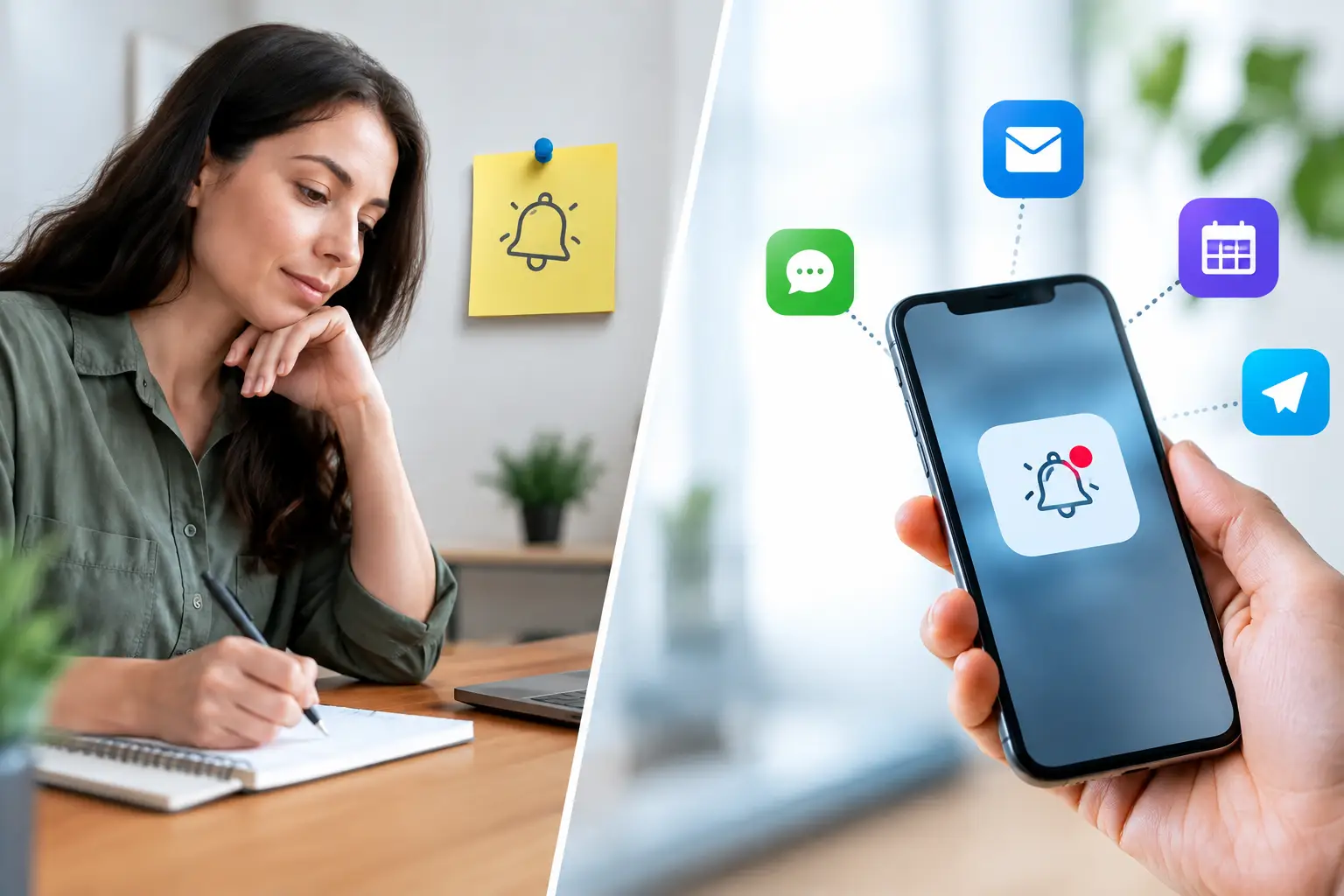
A student registers for a Saturday BLS class, pays online, and receives the confirmation. Then the administrative work begins: reminding them to complete eLearning, bring identification, arrive on time, and respond if their plans change. For CPR training providers, the choice between manual reminders vs automated notifications determines whether that work stays manageable as class volume grows.
A personal text message can be effective. It can also become a daily interruption that pulls an instructor away from teaching, skills checks, client outreach, and recordkeeping. Automated notifications reduce that burden, but only when they are built around the actual requirements of a certification-based training operation. The right approach is rarely to eliminate human communication. It is to automate repeatable messages and reserve staff attention for exceptions that need judgment.
Why reminders affect more than attendance
Missed classes are costly, but no-shows are only one part of the problem. A student who arrives without completing a required online module can delay a blended learning session. A corporate coordinator who does not receive a roster update may send the wrong employees. A learner whose certification renewal notice is missed may allow a required credential to lapse.
These are operational issues, not just communication issues. Training providers must coordinate enrollment, payments, pre-class requirements, instructors, attendance, completion documents, and future renewals. When reminders live in an instructor’s phone, an email draft folder, or a spreadsheet column, the process depends on someone remembering every step at the right time.
That approach may work for a few classes per month. It becomes unreliable when multiple instructors, locations, course types, or business clients are involved.
Manual reminders: where they still add value
Manual reminders are not automatically inefficient. They are valuable when the message requires context, reassurance, or a decision that software cannot make on its own.
For example, an instructor may need to contact a student who has an incomplete eLearning certificate the day before a skills session. A training center may need to speak directly with a corporate client about a headcount change, an onsite schedule adjustment, or an invoice question. A student with a failed payment or special accommodation request also needs a response that goes beyond a standard template.
Manual outreach is strongest when it is targeted. The problem begins when staff spend hours sending the same basic details repeatedly: class date, start time, address, parking instructions, what to wear, what to bring, and cancellation policy. Those messages are predictable, so the work should be predictable too.
The hidden cost of one-by-one follow-up
A reminder can take less than a minute to send. Multiply that minute by every enrolled student, every class, every course format, and every renewal cycle. Then add time spent checking whether the message was already sent, answering avoidable questions, and correcting mistakes when an old template includes the wrong location or start time.
Manual processes also create uneven service. One instructor may send reminders three days before class. Another may send them the night before. A busy administrator may miss a class entirely during a high-volume week. Students notice that inconsistency, especially when they are paying for professional certification training.
Automated notifications: consistency at the right moments
Automated notifications send event-based messages without requiring a staff member to initiate every communication. The trigger might be enrollment, payment completion, an upcoming class date, a missing document, class completion, certification expiration, or a schedule change.
For CPR and healthcare training businesses, automation is most useful when it follows the student lifecycle. A learner should receive the information needed for the stage they are in, rather than a generic sequence that treats every course the same.
A public First Aid class may need a confirmation and a short pre-class reminder. A blended ACLS course may require eLearning instructions, a prompt to upload or bring completion documentation, and a skills-check reminder. A corporate BLS session may require communications for both the company coordinator and individual attendees. Each workflow has different risks, deadlines, and required actions.
What an effective notification sequence includes
A well-designed sequence does not mean sending more messages. It means sending fewer messages with a clear purpose. An enrollment confirmation should verify the course, date, time, location, payment status, and next step. A pre-class reminder should focus on arrival instructions and any remaining requirements. A post-class notice can confirm what happens next with certificates or records.
Renewal messaging deserves the same discipline. A notice sent well before expiration gives learners time to enroll in a renewal class. A later follow-up can create urgency without surprising them after their certification has already lapsed. For providers with recurring healthcare or workplace clients, these notifications can support repeat enrollment and help client organizations maintain compliance.
The message must also match the channel and audience. Email works well for detailed instructions, receipts, and documents. Text messages are useful for brief time-sensitive reminders, such as a class starting the next morning or a location change. Corporate contacts may need a different communication path than individual students.
Manual reminders vs automated notifications: the practical decision
The best comparison is not personal communication against software. It is repeatable work against exception handling.
Automate a notification when the trigger, recipient, timing, and content are known in advance. Enrollment confirmations, payment receipts, class reminders, eLearning instructions, certificate availability notices, and renewal reminders are common examples. These messages should be accurate every time, regardless of who is working that day.
Use manual outreach when a person needs to interpret a situation or negotiate a solution. That includes incomplete prerequisites close to class time, rescheduling requests, disputed payments, special client requirements, instructor substitutions, and unusual accessibility needs.
This division gives staff a clearer role. Instead of acting as a reminder engine, they can resolve issues that protect the learner experience and keep classes moving.
Notification mistakes that create more work
Automation only improves operations when the underlying data and rules are reliable. A reminder with the wrong address is worse than no reminder because it creates confusion and damages trust. A renewal message sent to an expired email address provides no protection against lapsed credentials.
Training providers should review four areas before expanding automation:
- Class data: Course names, locations, start times, instructor assignments, and meeting details must be current.
- Enrollment status: Notifications should reflect whether a student is registered, paid, waitlisted, transferred, canceled, or missing a prerequisite.
- Course-specific requirements: Blended learning, skills checks, and different certifying-body rules may require distinct instructions.
- Message timing: Too many reminders train people to ignore them. Too few can leave students unprepared.
It also helps to make the subject line or opening sentence action-oriented. “Complete your online module before Thursday’s skills session” is more useful than “Important class information.” Students should understand what they need to do without reading several paragraphs.
Build an operational reminder policy
A reminder policy turns communication from an individual habit into a documented process. Start by mapping each course format from registration through certification expiration. Identify every point where a student, instructor, or client contact needs information to take the next step.
Then assign ownership. Automated notices should handle standard milestones. Staff should receive an internal task or exception alert when a learner has not met a requirement, a payment fails, or a class change needs attention. This prevents the common gap where a system sends reminders but no one follows up on unresolved issues.
Finally, measure the outcomes. Track no-show rates, incomplete blended-learning requirements, late cancellations, support inquiries, renewal enrollments, and time spent on administrative follow-up. If a particular message generates repeated questions, it may be unclear, poorly timed, or missing a key detail.
A purpose-built platform such as CPR Enroll can support this process by connecting scheduling, enrollment, payment status, student records, and certification tracking in one workflow. The value is not simply that messages send automatically. It is that the notification is tied to the actual class and certification data staff rely on.
Keep the human response where it matters
Students do not need a personal text from an instructor to confirm a standard registration. They do need fast, informed help when their eLearning is incomplete, their employer changed the training date, or they are unsure whether a renewal course meets their requirement.
That is the operating standard worth building toward: automatic communication for routine milestones, accountable human follow-up for exceptions, and records that show what happened at each stage. When reminders stop depending on memory, training providers gain more time to teach well, serve clients, and run classes with fewer preventable disruptions.
