 Skip to content
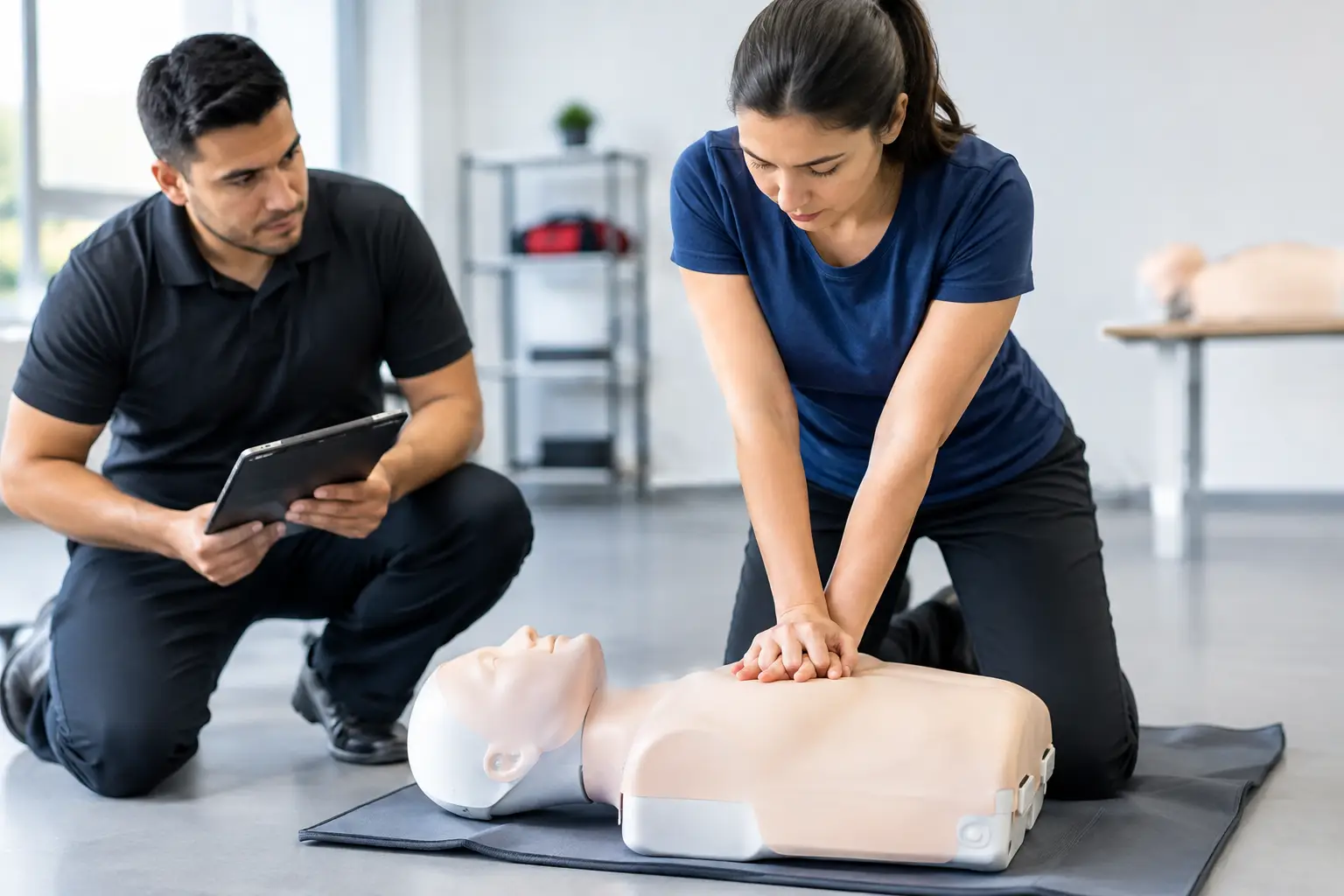
A skills check should be the final practical step in a student’s certification path, not the point where your operation slows down. Yet many CPR and healthcare training providers still coordinate skills sessions through text messages, paper rosters, separate calendars, and last-minute instructor calls. Learning how to streamline skills checks means treating them as a defined workflow with clear ownership, consistent records, and timely student communication.
For BLS, ACLS, PALS, CPR, AED, First Aid, and blended learning programs, the right process protects more than instructor time. It improves the student experience, supports accurate completion records, and makes it easier to deliver classes at scale without losing control of compliance documentation.
Start With a Defined Skills Check Workflow
A skills check is not simply an appointment on an instructor’s calendar. It has prerequisites, attendance requirements, performance verification, paperwork, completion steps, and often a certification deadline. When those steps live in different places, staff must repeatedly confirm the same details before each appointment.
Document the workflow from the moment a student completes online coursework to the moment their completion record is issued. For most training businesses, that path includes confirming the correct course, verifying the student’s online component or prework, scheduling the hands-on session, assigning an instructor, recording attendance and successful completion, and delivering the appropriate documentation.
The purpose is not to create more process. It is to identify where information is being re-entered, where a student can fall through the cracks, and where an instructor is forced to make an administrative decision during class. A clear workflow gives every team member the same answer to practical questions: Is this student eligible to attend? Which instructor is responsible? Has the skills check been documented? What happens if the student needs remediation?
Separate eligibility from scheduling
One common problem is allowing students to book a skills session before confirming that they have completed the required online course or prerequisite material. That creates avoidable no-shows, disputes, and instructor downtime.
Set eligibility rules before a student sees available skills check times. Depending on the program, this may mean requiring proof of online completion, collecting an eLearning certificate, confirming a prior credential, or completing registration and payment. If your organization permits conditional booking, make that status visible so staff can follow up before the appointment rather than discovering an issue at check-in.
Use Class-Based Scheduling Instead of Ad Hoc Appointments
A generic appointment calendar can work for an independent instructor with a few weekly sessions. It becomes difficult to manage when several instructors, locations, course types, and corporate clients are involved. Skills checks are typically better managed as scheduled class events with defined capacity, location, instructor assignment, and roster requirements.
Create repeatable skills check sessions based on actual demand. A provider serving blended BLS students may offer several short weekday sessions, while a training center handling ACLS and PALS may schedule longer, course-specific blocks. The right schedule depends on your instructor availability, equipment, room capacity, and the time needed to evaluate each learner properly.
Avoid scheduling every request manually unless volume is very low. Publish available sessions and let eligible students enroll in open seats. This reduces back-and-forth communication and gives students a clear path to completion. For corporate clients, reserve private sessions or controlled enrollment windows so their employees are not mixed into public classes by mistake.
Capacity settings matter. A skills check session may be brief, but it still requires manikins, AED trainers, PPE, instructor attention, and adequate space. Set conservative seat limits first, then adjust based on observed throughput and the requirements of the course provider you work under. Overbooking can create a rushed assessment environment, which is not a worthwhile trade-off for a few additional registrations.
Standardize Student Communication Before and After the Session
Many skills check problems start before the student arrives. They may not know the location, what to bring, whether their online certificate is required, or what happens if they arrive late. These questions consume staff time and can delay the entire session.
Build course-specific confirmation and reminder messages that include the date, time, address, parking or entry instructions when relevant, required documents, expected session length, and rescheduling policy. For blended learning students, state clearly that online coursework must be completed before the hands-on appointment. Do not rely on a generic confirmation message for every program.
Send reminders at useful intervals, such as after enrollment and again shortly before class. The exact timing depends on your booking window. A session booked weeks in advance may need an earlier reminder, while a same-week skills check may only need one detailed confirmation and a short final reminder.
After the skills check, students should know what happens next. If they passed, explain when and how they will receive their completion documentation or certification. If they need additional practice or remediation, provide a defined next step rather than handling each case through improvised messages. Consistency is especially valuable when multiple instructors serve the same training center.
Give Instructors a Clean, Complete Roster
An instructor should arrive prepared to assess skills, not sort through incomplete registrations. The roster should show the student’s name, course type, contact information, enrollment status, prerequisite status where applicable, and any special notes the instructor needs to know before the session.
Standardize what instructors must record at the end of a skills check. At minimum, establish a consistent method for marking attendance, completion status, unsuccessful attempts, and required follow-up. If signatures, waivers, or course-specific forms are required, make sure the instructor can access the correct documents for that session without searching through email threads or paper folders.
This is where digital roster and document workflows have a direct operational impact. A purpose-built system such as CPR Enroll can keep enrollment details, class rosters, instructor assignments, paperwork, and student records connected in one operational workflow. That reduces duplicate entry and gives administrative staff visibility without requiring instructors to become full-time administrators.
There is still a practical balance to maintain. Instructors need enough information to run a compliant class, but not a cluttered screen or packet filled with irrelevant details. Configure the roster around the decisions they must make on site.
Build Exceptions Into the Process
A streamlined process does not assume every student follows the standard path. It defines how to handle exceptions without turning each one into a management issue.
Students may arrive without proof of eLearning completion, need to reschedule, fail to demonstrate a required skill, enroll in the wrong course, or show up under a name that does not match their registration. Decide in advance who can approve changes, what documentation is required, whether fees apply, and how the new status is recorded.
For example, an instructor may be authorized to move a student to another open skills check session but not to waive a prerequisite. An administrator may correct a registration error but require supporting documentation before changing a legal name on a completion record. These boundaries prevent inconsistent decisions across instructors and locations.
Track exception patterns over time. If a large share of students arrive without online completion certificates, the issue may be unclear enrollment instructions rather than student carelessness. If instructors frequently report insufficient time for remediation, capacity or session duration may need adjustment. Operational data should shape the schedule, not merely document past problems.
Connect Skills Checks to Certification and Renewal Records
The work is not finished when a student leaves the room. Training providers must be able to locate completion details later, answer client questions, support replacement documentation requests, and communicate about renewal opportunities.
Store the final skills check result with the course and student record. Make sure the record identifies the session date, instructor, course format, and certification or completion outcome. For corporate training, retain the information in a way that supports client reporting while protecting individual student records appropriately.
This connection becomes more valuable as your business grows. A student who completes a blended BLS skills session today may need a renewal reminder in two years. A corporate account may ask for a roster of completed employees months after a training event. When records are scattered across paper files, email inboxes, and separate spreadsheets, responding to those requests becomes slow and risky.
Measure the Friction, Then Improve One Step at a Time
Do not judge the process only by whether sessions are full. Review no-show rates, incomplete prerequisite rates, reschedules, instructor administrative time, delayed documentation, and the number of student inquiries before class. These metrics reveal where the experience is creating unnecessary work.
If no-shows are high, improve reminder content before adding more sessions. If instructors spend too much time checking online completion documents, move verification earlier in the enrollment flow. If students cannot find appropriate appointment times, review session frequency, location coverage, and capacity before extending instructor hours.
The most effective skills check process is one your staff can follow reliably on a busy day. When scheduling, prerequisites, rosters, documentation, and follow-up operate as one connected workflow, instructors can focus on competent evaluation and students can complete their training with confidence.
