 Skip to content
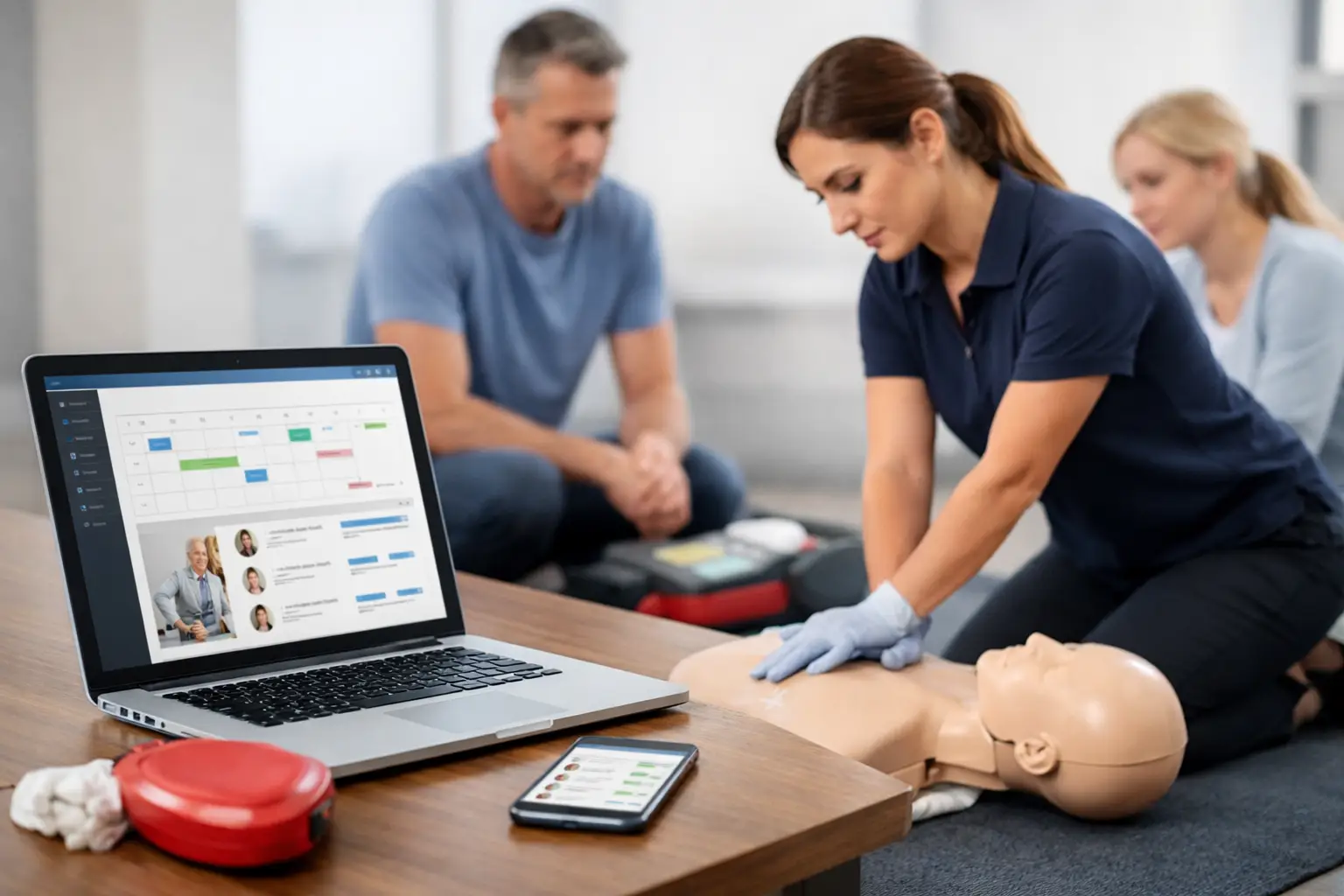
A full CPR class is only profitable when the administrative work behind it stays under control. If registrations arrive through one tool, payments through another, student documents by email, and rosters in a spreadsheet, each additional class creates more opportunities for missed details. Class enrollment software gives training providers a structured way to manage those moving parts before they become operational problems.
For CPR, BLS, ACLS, PALS, AED, and First Aid providers, enrollment is not simply a calendar booking. It starts a compliance-sensitive workflow that can include prerequisites, online coursework, skills checks, payment collection, instructor assignment, roster completion, certification delivery, and future renewal communication. The right system should reflect that reality.
What Class Enrollment Software Must Handle for Training Providers
Generic scheduling tools can show available dates and accept a payment. That may be enough for a salon appointment or a one-time consultation. Healthcare training has a different set of requirements because the provider must document attendance, manage certification records, and often support students who return every one or two years.
A purpose-built class enrollment system should create a clear path from class listing to completed record. Students need to find the right course, understand the format, select a date, provide required information, and receive confirmation without calling the office for basic details. Staff need to see who is enrolled, paid, pending, canceled, transferred, or missing a prerequisite.
That visibility matters most when class volume increases. A single instructor may be able to reconcile a short roster manually. A training center running several courses per week, using multiple instructors, or serving corporate clients cannot rely on memory and disconnected files. The business needs a shared operational record.
Enrollment should match the class format
Not every course follows the same workflow. A public BLS class may require straightforward individual registration. A blended learning course may require the student to complete online coursework before arriving for a skills session. A corporate First Aid event may require a client coordinator to submit a group roster, approve a quote, and receive records after training.
Class enrollment software should support these differences without forcing staff to build a separate workaround for every course type. If blended students need instructions before their skills check, those communications should be tied to the enrollment process. If an employer needs to register ten employees, the system should make group coordination easier rather than turn it into ten separate email threads.
The goal is not to remove every human decision. It is to ensure routine steps happen consistently, while staff can focus on exceptions that require attention.
Reduce Registration Friction Without Losing Control
Training providers often face a difficult balance. Make enrollment too simple, and students may select the wrong course, ignore prerequisites, or arrive unprepared. Add too many manual checkpoints, and prospective students abandon registration or call the office for help.
The best approach is guided enrollment. Course descriptions should clearly identify the intended audience, certification type, duration, delivery format, location, and any required pre-work. A student renewing BLS should not have to guess whether they need a renewal option, a full provider course, or a blended skills appointment.
Registration forms should collect the information needed for the class and credential record, not every detail that might be useful someday. Excessive fields slow conversion and create more data for staff to maintain. Required fields should have a direct operational purpose, such as matching a certification record, confirming employer information, or identifying a student who needs a skills check.
Payment processing belongs in the same workflow. When students register but payment status is unclear, staff spend time sending follow-ups, reconciling transactions, and deciding whether to hold a seat. A system that records payment status alongside enrollment gives the team an immediate view of which registrations are confirmed and which need action.
Refunds, transfers, and cancellations also need defined rules. A provider may allow a student to move once at no charge, assess a late-transfer fee, or require a new registration after a missed class. The policy will vary by business. The software should support the policy rather than leave staff to calculate exceptions manually for every request.
Connect Enrollment to Rosters and Compliance Records
For CPR and healthcare education, the work does not stop when a student checks out. Enrollment information must move into the class roster accurately. Names need to be correct. Attendance must be recorded. Instructors need access to the right class details. Required documents must be available when they are needed.
Manual re-entry is one of the most common sources of avoidable errors. Copying student data from a registration form into a roster can create spelling mistakes, incomplete records, and delays after class. Those errors are especially costly when a student needs proof of training for employment, licensure, or a workplace compliance file.
A well-designed system connects registration data to the operational class record. Staff can review a live roster before class, instructors can confirm attendance, and completed records can be retained in an organized history. This creates a more dependable audit trail than paper forms stored in a filing cabinet or attachments scattered across inboxes.
Document automation is equally valuable. Depending on the course and training organization, that may include waivers, completion documents, course instructions, invoices, or client reports. Automation does not replace quality control. It reduces repetitive preparation so staff can verify information rather than recreate it.
Use Reminders to Protect Attendance and Future Revenue
No-shows affect more than one seat in a classroom. They create instructor downtime, reduce class revenue, and often trigger a rush of calls from students who still need certification quickly. Reminder workflows help reduce those issues by giving students the right information before class day.
A useful reminder sequence may confirm the date, time, location, parking details, what to bring, pre-course requirements, and transfer policy. For blended courses, it should clearly state that online work must be completed before the in-person session. The exact timing depends on the course and audience, but the message should answer the questions staff hear most often.
The larger opportunity comes after certification. CPR and healthcare credentials expire, and many students do not remember renewal dates until an employer requests an updated card. Certification tracking and renewal reminders allow a training provider to remain useful after the initial class.
This is not simply a marketing function. It helps employers and individual students maintain training continuity. For the provider, it also creates a more predictable source of repeat enrollment from people who have already experienced the business.
Support Instructors and Corporate Clients in the Same System
Growing training companies need class enrollment software that serves more than the student. Instructors need schedules, rosters, locations, and course requirements. Administrators need to assign instructors and monitor capacity. Corporate clients need a practical way to coordinate employees and access completed training records.
These groups should not have to rely on the same generic inbox. Role-based access and organized client records make the operation more professional and reduce back-and-forth communication. An instructor can focus on delivery. A client contact can confirm who attended. Administrative staff can manage exceptions without becoming the bottleneck for every request.
For corporate training, the workflow may begin before public enrollment is ever posted. A client may request an onsite class, provide a preferred date, submit a participant list, and need reporting after completion. The software should accommodate that business process alongside public courses, not treat corporate training as an off-system project.
CPR Enroll is designed around these connected workflows, bringing scheduling, enrollment, payments, roster management, certification tracking, instructor coordination, and reporting into one operating system for training providers.
How to Evaluate Your Current Enrollment Process
Before selecting or replacing a platform, map what happens from the moment a student sees a class to the moment their record is retained. Include the handoffs between staff, instructors, students, and corporate contacts. The gaps are usually visible quickly.
Ask whether your team can answer basic questions without searching multiple systems: Which classes have open seats? Who has paid? Which blended students completed pre-work? Which instructor has the current roster? When does a client group’s certification expire? If finding those answers requires spreadsheets, email searches, or individual memory, the workflow is carrying unnecessary risk.
Also consider what should remain flexible. Independent instructors may not need complex corporate portals on day one. Larger organizations may need detailed reporting, multiple locations, and structured permissions. The right fit depends on class volume, course mix, staffing model, and how much recurring client work the business manages.
A better enrollment process does more than fill seats. It gives your team a reliable operating rhythm, so every class is easier to deliver, document, and build on.
