 Skip to content
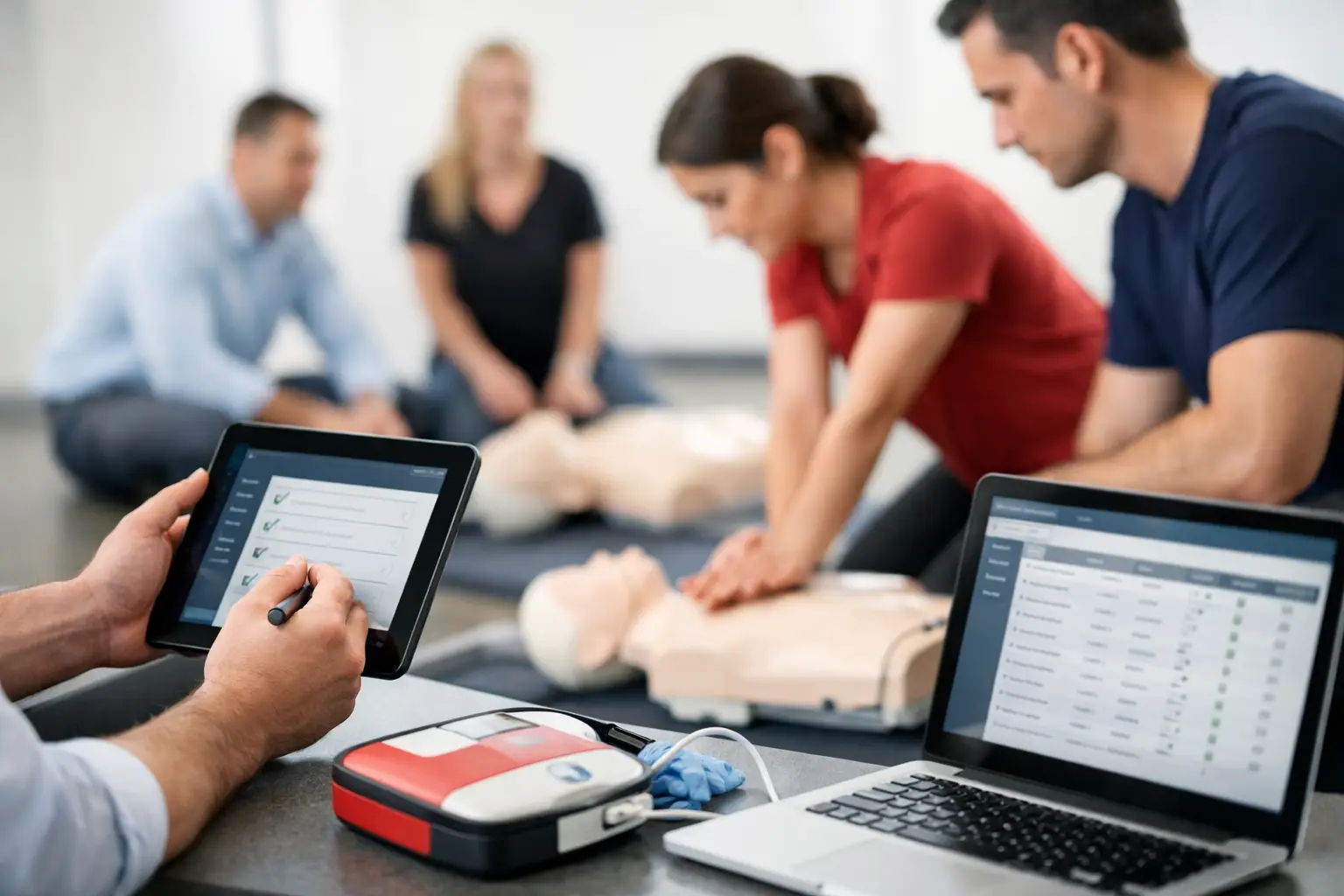
A class can look complete on the calendar and still create a recordkeeping problem. A student may have enrolled but not attended, arrived after the skills check began, left before evaluation, or completed only the online portion of a blended course. Class attendance reporting tools turn those operational details into reliable records that support certification decisions, client reporting, instructor accountability, and future renewals.
For CPR, BLS, ACLS, PALS, AED, and First Aid providers, attendance is not a simple headcount. It is part of the evidence behind a completed training record. The right system should help your team document who was present, what format they completed, which instructor delivered the class, and whether every required component was finished.
Why Attendance Reporting Is a Training Operations Issue
Many training businesses start with a paper roster, a spreadsheet, and a folder of emailed certificates. That process may work for a few monthly classes. It becomes fragile when you add multiple instructors, employer-hosted sessions, skills checks, recurring clients, or courses with online prerequisites.
A missed signature or an outdated spreadsheet entry can create more than extra administrative work. It can delay a certificate, complicate a client invoice, make a renewal campaign less accurate, or leave staff searching for proof of participation months later. When a hospital department or corporate client asks for completion records, the answer needs to be organized and defensible.
Attendance reporting also affects revenue. If staff cannot quickly separate registered students from attendees, no-shows, cancellations, and unpaid balances, the business loses visibility into class performance. You may believe a course was full when several paid seats went unused, or spend time following up with people who already rescheduled.
The goal is not to create more reporting for its own sake. It is to make attendance status available wherever the business needs it: on the class roster, in student records, in instructor workflows, in client reports, and in certification history.
What Class Attendance Reporting Tools Should Track
The most useful class attendance reporting tools are built around the actual training workflow, not a generic event check-in process. A barcode scanner or simple sign-in app may confirm that someone arrived, but that alone does not establish course completion.
At minimum, your reporting process should connect each student to the scheduled class, course type, date, location, instructor, enrollment status, payment status, and final attendance outcome. For blended learning, it should also distinguish between completing online coursework and attending the required hands-on skills session.
That distinction matters. A student who completes an eLearning module but does not pass or attend the skills check should not appear in the same completed-student report as someone who met all requirements. The same applies when a student transfers to another date, cancels within the permitted window, or attends but needs remediation before certification can be issued.
A purpose-built system should let administrators and instructors record these outcomes without creating duplicate data. If attendance is marked on a roster, that status should update the student record automatically. Staff should not need to re-enter the same information in a spreadsheet, certificate system, and client report.
Attendance status needs to be specific
A basic present-or-absent field is rarely enough for a growing training company. Operationally useful statuses often include registered, confirmed, attended, no-show, canceled, transferred, incomplete, and completed. Your exact labels may vary, but the system should reflect how your business handles enrollment and certification.
Specific statuses improve follow-up. An attendee may need a certificate issued. A no-show may need a reschedule offer. An incomplete student may need another skills check appointment. A canceled registration may require a refund review. When all of these situations are grouped as simply “not present,” your team must investigate each record manually.
Instructor visibility matters
Instructors need a roster that is clear, current, and easy to use before class starts. They should be able to see enrolled students, course details, notes that affect delivery, and any prerequisite requirements. After class, their attendance updates should flow back to the office without staff chasing paper forms or deciphering handwritten changes.
That does not mean every instructor needs unrestricted access to financial or company account data. Strong operational systems support role-based access, so instructors can manage the information required to run their assigned classes while administrators retain control over broader business records.
Reports That Help You Run Better Classes
Attendance data becomes valuable when it answers operational questions quickly. A single attendance report is useful for closing out a class. A connected reporting system supports decisions across scheduling, staffing, sales, and compliance.
Start with class-level reporting. After a course, administrators should be able to compare enrollment, attendance, no-shows, cancellations, transfers, and completions. This gives a more accurate picture of demand than registration numbers alone. If Saturday BLS classes attract many enrollments but produce a high no-show rate, your reminder sequence, payment policy, or scheduling window may need adjustment.
Student-level history is equally important. When a past participant calls about a replacement certificate or renewal, staff should be able to locate their class date, attendance outcome, instructor, and certification record without searching archived emails. This is especially valuable for organizations that maintain records over multiple renewal cycles.
For corporate and healthcare clients, reporting should work at the group level. A client contact may need confirmation of which employees attended a private session, which registrants were absent, and which employees need to be rescheduled. Clear client-facing records reduce back-and-forth and reinforce that your training operation is organized.
The following report types tend to have the strongest day-to-day value for CPR training providers:
- Class roster and final attendance reports for course closeout and documentation.
- No-show, cancellation, and transfer reports for rescheduling and policy follow-up.
- Student training histories for replacement certificates, renewals, and support requests.
- Employer or department reports for private classes and workforce compliance tracking.
- Instructor activity reports for workload planning, payroll review, and course assignment decisions.
The right mix depends on your business model. An independent instructor may prioritize quick roster closeout and renewal history. A multi-instructor training center may need deeper reporting by location, instructor, client account, and class format.
Connect Attendance to Certification and Renewal Workflows
Attendance reporting is most effective when it is connected to what happens next. Once a student is marked completed, that result should support certificate issuance, document storage, and future renewal communication. When records live in separate systems, staff must manually determine who qualifies for each next step.
This is where generic scheduling software often reaches its limit. It may tell you who booked an appointment, but it may not account for certification expiration dates, blended learning requirements, skills check outcomes, or long-term student records. Training providers need a workflow that recognizes completion as a controlled process, not just a calendar event.
For example, a student may enroll in an ACLS skills session after completing online coursework. Your process should confirm enrollment, capture required documentation, record attendance at the hands-on session, document the outcome, and retain the completion record. If any piece is missing, the record should remain visible for follow-up rather than being treated as fully complete.
CPR Enroll is designed around this type of connected training workflow, bringing scheduling, online enrollment, rosters, certifications, instructor management, and reporting into one operational system. That reduces the handoffs where attendance records are commonly delayed or lost.
Build a Reporting Process Your Team Will Actually Use
The best tool will not fix a process that instructors and administrators cannot follow consistently. Before evaluating software, define how attendance is taken, when rosters are finalized, who can change a completed record, and how exceptions are handled. A short, clear process is usually better than a complicated set of rules that only one administrator understands.
Set a standard cutoff for closing class records. For some businesses, instructors finalize attendance immediately after class. Others require an office review after paperwork and payment issues are resolved. Either approach can work, provided the responsibility and timing are clear.
You should also decide how to manage corrections. Students occasionally appear under a misspelled name, attend a transferred session, or submit paperwork after class. Your system should preserve an accurate audit trail without forcing staff to create duplicate student profiles or informal notes that are difficult to find later.
Finally, review your reports on a schedule. A weekly review can identify no-shows needing outreach and classes that require record completion. A monthly review can reveal demand patterns, instructor capacity issues, and client accounts with upcoming training needs. Reporting only when a client asks for it leaves valuable operational information unused.
Reliable attendance records make the rest of the training business easier to manage. When every class closes with clear participant outcomes, your team can issue records with confidence, respond to clients faster, and spend less time reconstructing what happened after the room is empty.
