 Skip to content
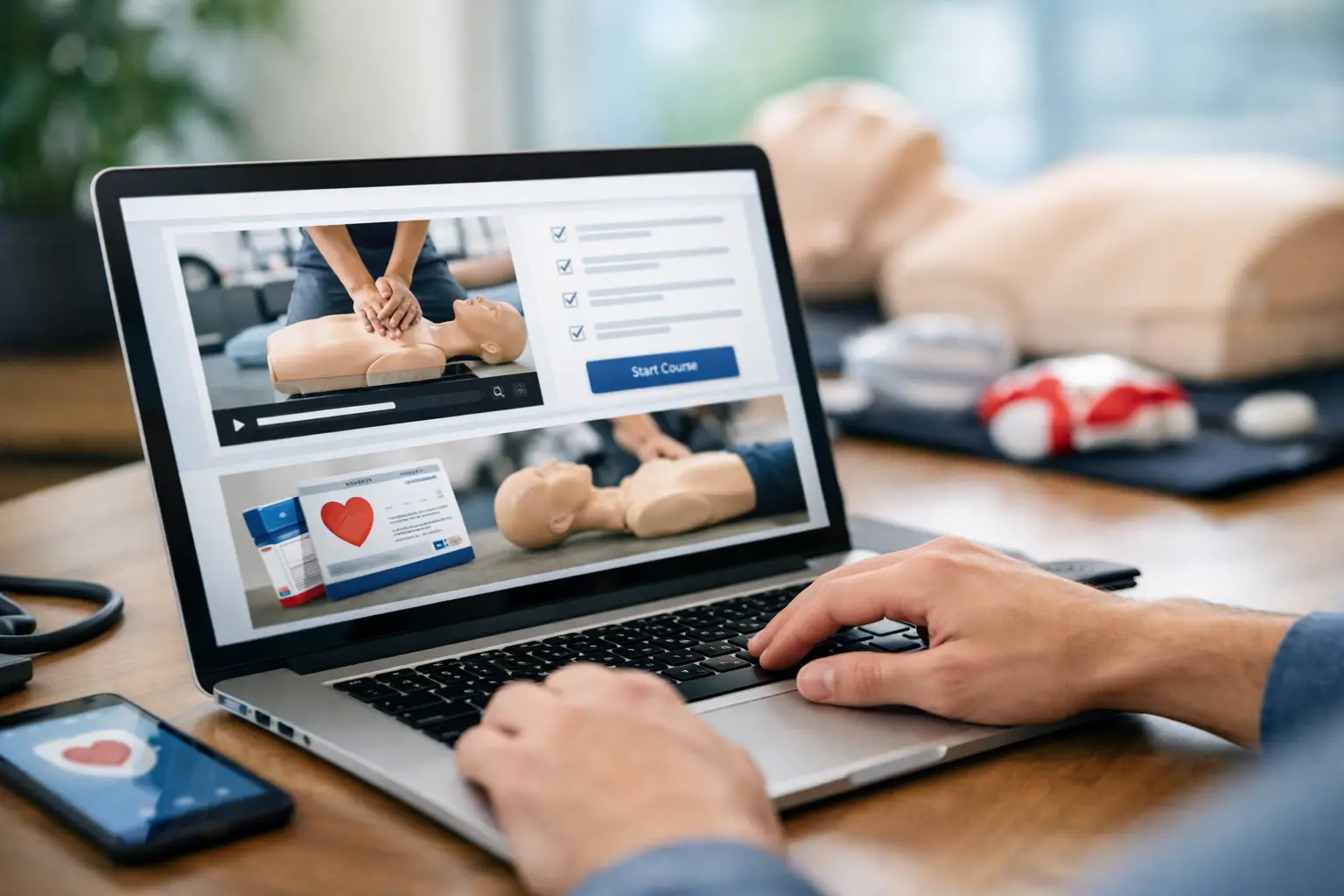
A full class does not always mean a smooth operation. Many CPR and healthcare training businesses reach a point where demand is steady, but the back office is still being held together with spreadsheets, paper rosters, text messages, and separate payment tools. That is usually the moment a cpr online enrollment system stops being a nice add-on and becomes an operational requirement.
For CPR, BLS, ACLS, PALS, AED, and First Aid providers, enrollment is not just about letting a student pick a class time. It affects payment collection, instructor assignments, blended learning verification, roster accuracy, certification records, reminder workflows, and renewal retention. If the enrollment process is disconnected from the rest of your operation, admin work expands every time your class volume grows.
Why a cpr online enrollment system matters
Generic booking software can collect a name, email, and appointment slot. That sounds acceptable until you start managing certification-based training at scale. CPR businesses do not operate like salons, tutoring centers, or basic event registrations. They need to track course types, renewal status, student documentation, classroom capacity, instructor coverage, and in many cases employer-sponsored groups.
That is where the wrong software creates hidden drag. A student may book successfully, but staff still has to verify prerequisites, send manual reminders, match the enrollment to the correct course record, reconcile payments, and build a roster by hand. Nothing breaks outright. It just takes too much labor to maintain.
A purpose-built system reduces that friction because enrollment is tied directly to the rest of the training workflow. Instead of treating registration as a standalone form, it becomes the first step in a structured process that carries through class delivery and long-term record management.
What a CPR online enrollment system should actually handle
The baseline expectation is online registration. The more important question is what happens after a student clicks enroll.
A useful system should connect enrollment to real class scheduling, not a generic calendar slot. That means the course type, date, time, location, instructor, seat availability, and class format are all part of one record. For blended learning courses, it should also account for online portion completion and skills check scheduling. If those details live in separate places, staff ends up chasing missing information before every class.
Payments also need to be built into the workflow. When payment processing sits outside the enrollment system, reconciliation becomes a recurring cleanup task. Staff has to compare registrations against payment notifications, issue manual follow-ups, and identify who is actually confirmed. A stronger setup allows students to register and pay within the same process, while the business maintains a clear view of enrollments, balances, and attendance.
The same applies to communication. Confirmation messages, class reminders, and follow-up notices should not require separate tools or manual sending. Students expect immediate confirmation and timely reminders. Training providers need those automations because no-show rates, late arrivals, and incomplete paperwork can disrupt class delivery and revenue.
The operational gaps that show up with generic tools
At first, many training businesses assemble a workable system from common software. They may use a website form for inquiries, a calendar app for scheduling, a payment processor for checkout, spreadsheets for rosters, and email templates for reminders. That can function for a solo instructor running a limited schedule.
The problems usually appear during growth. As class frequency increases, or as multiple instructors and locations are added, information starts falling out of sync. One class reaches capacity but remains visible online. A student is paid but missing from the roster. A corporate client requests a training report and staff has to piece it together from old emails and attendance sheets.
Compliance-heavy training amplifies those weaknesses. You are not just managing appointments. You are managing training records that may need to be referenced months later for employers, audits, renewals, or replacement cards. A system that was merely inconvenient at low volume becomes risky at higher volume.
This is why training businesses often outgrow generic schedulers even if those tools look less expensive upfront. The software cost may be lower, but the labor cost stays high. More importantly, inconsistency starts affecting the student experience and the professionalism of the business.
Enrollment is tied to compliance, not just convenience
For CPR and healthcare education providers, enrollment data feeds downstream compliance tasks. That is what makes this category different from ordinary booking software.
Student names must be accurate because they often flow into certification records. Course completion data must match the correct training type. Instructor assignments matter because they affect class accountability and internal reporting. Document collection may be required before or after the session. Renewal timelines matter because a past enrollment can become the basis for future outreach.
If your enrollment system is disconnected from those responsibilities, staff ends up re-entering information in multiple places. Every manual transfer creates another opportunity for errors. A misspelled student name, a wrong course code, or an incomplete roster is not just an admin nuisance. It can delay card issuance, create confusion for employers, and generate avoidable support work.
A specialized platform is valuable because it recognizes that enrollment is part of a regulated business process. It is not there to make registration look modern. It is there to support accuracy from the first transaction through the final record.
What growing training businesses should evaluate
Not every provider needs the same level of system complexity on day one. An independent instructor offering a limited number of open-enrollment classes may prioritize fast setup and simple payment collection. A multi-instructor training center may need stronger permissions, instructor management, client portals, and reporting.
That said, there are a few questions that matter for almost every operation. Can the system support multiple course types without workarounds? Can it handle blended learning and skills checks? Does it create usable rosters automatically? Can students receive confirmations and reminders without manual intervention? Can staff retrieve prior training records quickly when a student or employer calls months later?
It also helps to evaluate the business model you plan to support, not just the one you run today. If you expect to add on-site corporate training, contract instructors, recurring renewals, or multiple locations, the system should fit those workflows before growth forces a migration.
There are trade-offs here. Some providers choose simpler tools because they want the lowest possible monthly cost. Others need more structure because admin time is already limiting growth. The right decision depends on class volume, staffing, and how much operational risk you are carrying with manual processes. But for many established providers, the bigger issue is not whether to systematize enrollment. It is how long they can afford not to.
A CPR online enrollment system should reduce admin rework
The best outcome is not just easier student registration. It is less rework across the entire organization.
When enrollment data feeds directly into scheduling, payments, rosters, reminders, records, and renewal tracking, staff stops rebuilding the same information in multiple tools. Instructors receive clearer class details. Admin teams spend less time correcting rosters and answering preventable questions. Students get a more professional experience because confirmations, reminders, and records are handled consistently.
That operational consistency matters even more for businesses trying to scale. Growth in training volume should improve revenue, not multiply administrative friction. If each additional class creates another round of manual coordination, the business eventually hits a ceiling. A purpose-built platform removes that ceiling by standardizing the work that should not require human attention every time.
This is where an industry-specific system such as CPR Enroll has an advantage over generic scheduling software. It is built around the actual lifecycle of CPR and healthcare training operations, from registration and payment through certification tracking and long-term record management. That alignment reduces patchwork processes and gives training providers a cleaner path to growth.
The real value of a better enrollment system is not that it saves a few clicks. It is that it gives your business a more reliable operating structure, which becomes more important every time your schedule fills up.
