 Skip to content
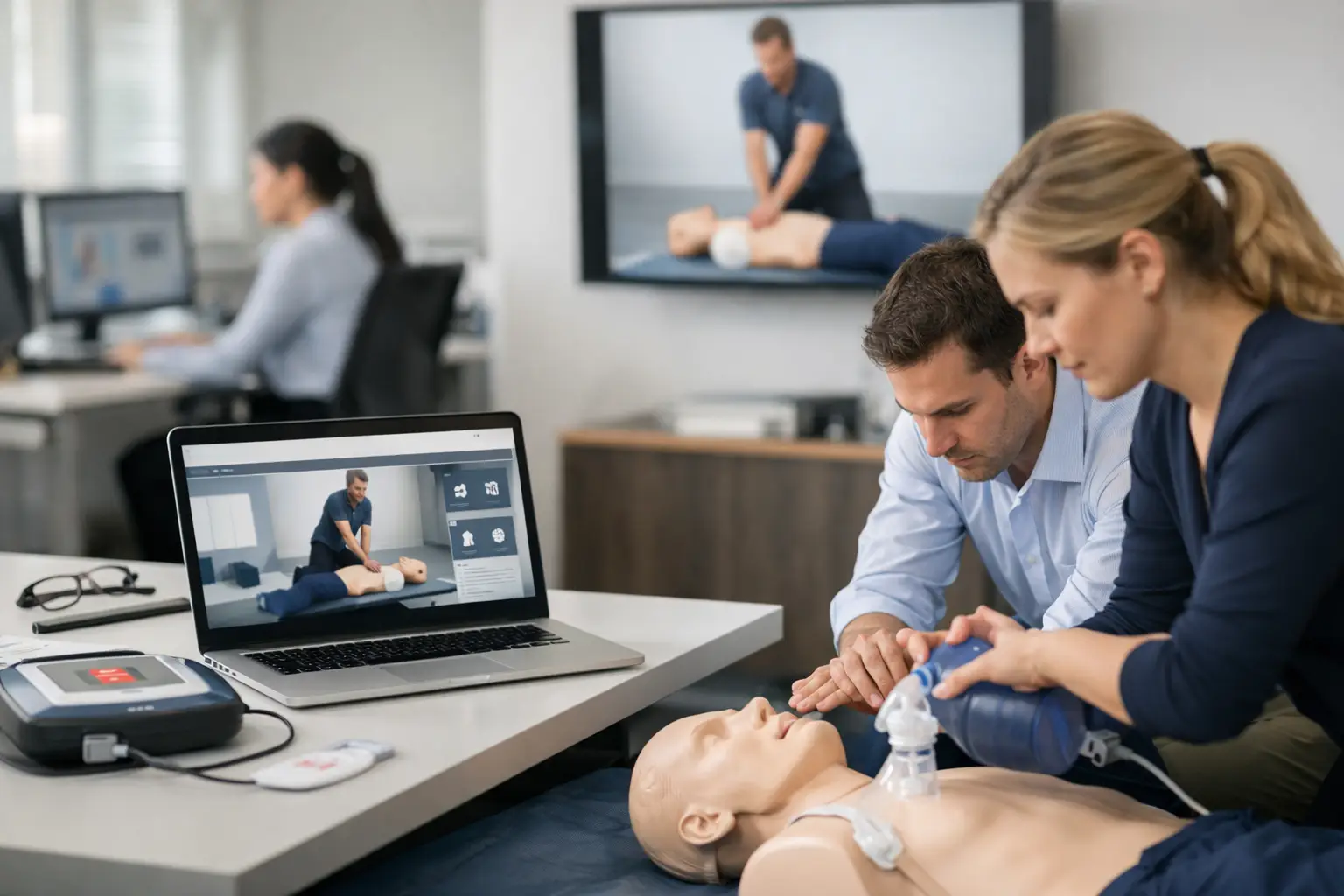
When a company books CPR training for 40 employees across three departments, the class itself is rarely the hard part. The friction usually shows up in roster collection, blended learning verification, skills check coordination, billing, reminders, and finding records six months later when someone asks for proof. A corporate CPR training portal exists to control that administrative load before it turns into missed details and extra labor.
For training providers, corporate work can be profitable and repeatable, but it is also where disconnected systems break down fastest. A spreadsheet might work for a small community class. It does not hold up well when a hospital group, manufacturer, school district, or dental practice expects organized scheduling, employee tracking, and clean documentation. Corporate clients are not just buying seats in a class. They are buying a process that feels accountable.
Why a corporate CPR training portal matters
Corporate training clients think in terms of departments, sites, employee status, due dates, and reporting. Most generic booking tools think in terms of simple appointments. That mismatch creates unnecessary admin work for CPR businesses that are trying to scale beyond one-off classes.
A well-designed corporate CPR training portal gives training providers a structured way to manage the full workflow. That includes class creation, enrollment collection, payment handling, roster management, student records, certification tracking, and client-facing visibility. Instead of chasing information across email threads, paper sign-in sheets, and separate invoicing tools, your operation stays in one system built around training delivery.
That difference matters most when you serve recurring corporate accounts. If a client needs quarterly onboarding classes, annual renewals, or multiple certification types across teams, consistency becomes part of the service. The portal is not just software in that situation. It becomes the operating layer for the account.
What corporate clients actually expect
Most companies are not asking for flashy technology. They want fewer errors, faster coordination, and confidence that their employees are properly documented. The portal should support that expectation without forcing your staff to build custom workarounds every time a new contract starts.
At a minimum, the system should let you organize classes by client, location, and course type. It should make it easy to track who is registered, who completed online prerequisites, who attended the hands-on session, and who still needs follow-up. It should also support billing arrangements that match business clients, whether that means group invoices, internal approvals, or post-training payment terms.
Another expectation is visibility. Corporate contacts often need access to employee lists, training status, and historical records. If your team has to manually respond to every record request, the account becomes expensive to maintain. A portal with client access can reduce that burden while making your business look more organized.
The operational features that make the biggest difference
The most valuable portal features are usually the least glamorous. They are the ones that remove repetitive administrative tasks from your staff’s day.
Scheduling is one of the first pressure points. Corporate training rarely follows the same pattern as public classes. You may be coordinating onsite instruction, private sessions, blended learning skills checks, or multi-date programs for a single client. The system needs to handle those formats cleanly, without forcing your team to rebuild the same details every time.
Enrollment management is another major area. In corporate training, the buyer is often not the student. HR, office managers, compliance coordinators, and department leads may register employees on their behalf. Your portal should support that relationship, allowing company contacts to submit or manage participants while preserving accurate student-level records.
Document automation is where many training businesses gain immediate efficiency. Roster forms, completion records, prerequisite verification, and certification documentation all create admin drag when handled manually. A portal that automates document flow reduces entry errors and shortens the time between class completion and final record delivery.
Certification tracking also matters more in corporate accounts than many providers expect. Once you begin managing recurring training, the question is no longer just who completed today’s class. It becomes who is due next month, which departments have expiring certifications, and how renewal reminders should be handled. A portal that tracks certification cycles turns renewal management into a repeatable process instead of a manual audit.
Where generic systems fall short
Many training businesses start with general scheduling software because it is easy to adopt. That works for a while, especially if the operation is small or mostly public-facing. The problems show up when compliance-specific workflows enter the picture.
Generic tools usually do not understand blended learning requirements, skills check validation, certification record retention, or the difference between a corporate buyer and an individual student. As a result, your staff ends up maintaining shadow processes in spreadsheets, cloud folders, and email inboxes. The software may technically handle bookings, but it does not actually run the business.
That distinction is expensive. Every manual export, duplicate entry, and custom reminder adds labor. Every scattered student file increases the risk of missing documentation. Every renewal process that depends on someone’s memory limits your ability to grow corporate accounts confidently.
A purpose-built platform approaches the workflow differently. It assumes that CPR and healthcare training businesses need to manage compliance-related details from the start, not bolt them on later.
How a portal supports growth without adding chaos
Growth creates two kinds of stress for training providers. The first is volume. More students, more classes, and more instructors mean more transactions and records. The second is complexity. As you add corporate clients, each one may have different locations, approval contacts, billing terms, and reporting expectations.
A corporate CPR training portal helps with both. It standardizes your internal process so your team is not reinventing the workflow account by account. It also makes service delivery more consistent across instructors and administrative staff. That consistency is critical when you want to grow from owner-operated scheduling into a multi-instructor operation.
Instructor coordination is a good example. If instructors are handling attendance one way, office staff are issuing records another way, and account managers are tracking renewals somewhere else, the business becomes fragile. A shared system keeps the same class data, student status, and account history visible to the people who need it.
This is also where reporting becomes practical instead of cosmetic. Useful reporting is not about having charts for the sake of it. It is about being able to answer basic business and client questions quickly. How many employees trained this quarter? Which certifications are expiring in the next 60 days? Which instructors are attached to which corporate sessions? Which clients generate recurring revenue versus one-time bookings? A portal that centralizes operations makes those answers easier to pull.
Choosing the right corporate CPR training portal
Not every system that mentions training management is built for CPR businesses. When evaluating options, the main question is whether the platform reflects the actual workflow of your operation.
Look closely at how it handles blended learning, skills checks, student records, renewals, and client-specific coordination. Review whether payments, scheduling, rosters, and certifications live in one system or require separate tools. If corporate clients need self-service access, confirm that the portal supports a usable client-facing experience rather than just an internal admin dashboard.
It is also worth thinking about how your business will look in two years, not just next month. A small provider may only need basic scheduling today, but if corporate accounts are part of the growth plan, the platform should support recurring training cycles, multiple instructors, and long-term record retrieval. Switching systems later is possible, but it usually means cleanup work that could have been avoided.
For many training companies, the best fit is software designed specifically for CPR and healthcare education operations. CPR Enroll is one example of that model, built around scheduling, enrollment, payment processing, document automation, certification tracking, and client management in a single workflow. That kind of specialization matters because the administrative demands of CPR training are not generic.
The right portal should reduce friction for your staff and create a more professional experience for your clients. If it only moves information from one screen to another, it is not solving enough. If it shortens admin time, improves record accuracy, supports renewals, and helps you manage corporate relationships at scale, it is doing real operational work.
Corporate training becomes easier to sell when your back office can support what your instructors deliver in the classroom. The portal is not the service, but it often determines whether the service feels organized enough for clients to book again.
