 Skip to content
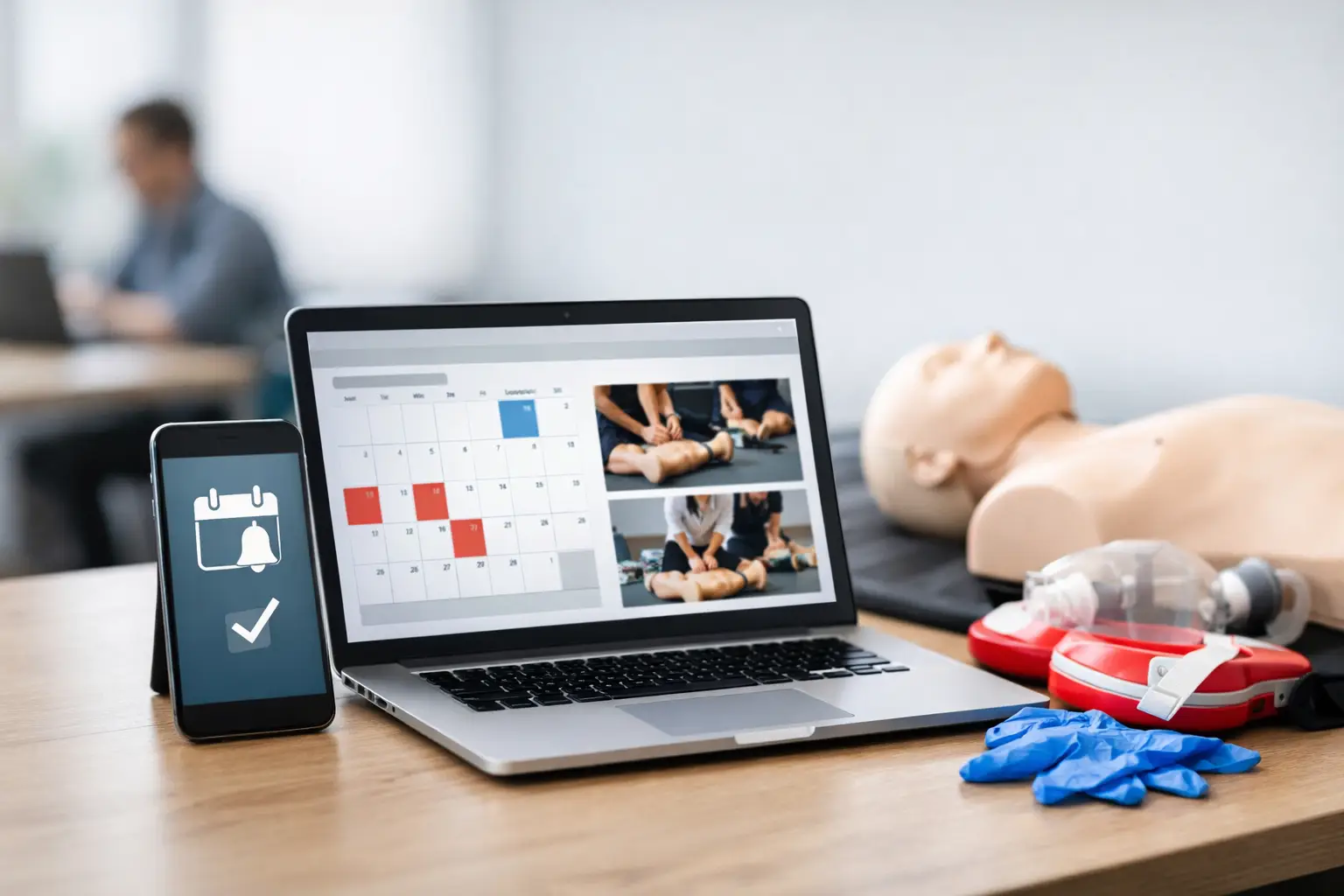
A CPR card expires quietly. What follows is not quiet at all – missed retraining revenue, students calling at the last minute, corporate clients asking for updated records, and staff chasing spreadsheets to figure out who needs what. That is why cpr renewal reminder software matters for training providers. It is not just a messaging tool. It is part of the operating system behind recurring certifications, student retention, and compliance-driven class scheduling.
For CPR, BLS, ACLS, PALS, AED, and First Aid businesses, renewal demand is one of the most dependable sources of repeat revenue. It is also one of the easiest workflows to lose control of when records live in multiple places. A reminder system only works when it is connected to certification dates, class options, student records, and communication timing. If it sits outside the rest of your operation, you still end up doing manual cleanup.
What CPR renewal reminder software should actually do
A lot of platforms claim to send reminders. That alone is not enough for a training business. Real CPR renewal reminder software needs to understand the certification lifecycle. It should know when a student completed a course, what credential they earned, when that credential expires, and what class types are available for renewal.
That distinction matters. A generic email tool can send a message six months later. A training-specific system should do more. It should trigger reminders based on expiration rules, segment students by course type, and guide them toward the correct next step, whether that is a full class, a blended learning skills check, or a corporate group session.
For many providers, the biggest operational gain is consistency. Manual reminders usually depend on one admin person remembering to export data, sort dates, draft emails, and follow up. That process breaks down during busy months, staff changes, or growth. Software creates a repeatable workflow that does not disappear when your schedule gets crowded.
Why generic reminder tools fall short
On paper, a basic CRM or calendar reminder app can look cheaper. In practice, most CPR and healthcare training businesses outgrow those tools quickly. They were not built around expiring certifications, student rosters, class capacity, or skills-session scheduling.
The problem is not only missing features. It is the extra admin work created when your reminder system has no direct relationship to your training records. If your team has to move data from enrollment forms into a spreadsheet, from the spreadsheet into an email platform, and then back into a calendar to track responses, the software is not saving time. It is adding more places for errors to happen.
This becomes even more painful with corporate clients. One company may need renewal notices for 40 employees across different expiration dates, course types, and departments. A generic tool can send messages. A training-specific system should help you manage the account, monitor upcoming expirations, and coordinate the right training format without rebuilding the process every time.
The operational value of cpr renewal reminder software
The real return on cpr renewal reminder software is not just that more students receive an email. It is that renewals become part of a controlled workflow instead of an administrative scramble.
When reminder automation is tied to certification data, you can reach students at logical intervals, such as 90, 60, and 30 days before expiration. You can also adjust communication based on audience. Individual students may need a direct class enrollment path. Employer accounts may need a roster-level view and coordinated scheduling. Healthcare audiences may need different messaging from community CPR students because their compliance stakes are higher and their scheduling constraints are tighter.
This structure improves more than communication. It helps forecast demand. If your system shows how many BLS or ACLS renewals are due in the next 60 days, you can schedule classes based on actual upcoming need instead of guesswork. That is especially useful for multi-instructor operations trying to balance instructor availability, room capacity, and client demand.
There is also a recordkeeping benefit. When reminders, enrollments, completions, and certification dates sit in one system, your team spends less time answering avoidable questions. You can confirm when a notice was sent, whether a student re-enrolled, and what credential was issued after completion. That level of visibility matters when students, employers, or internal staff need fast answers.
Features that matter most for training businesses
The best reminder workflows start with accurate certification tracking. If the expiration date is wrong, the reminder is wrong. So the software has to support reliable student records and course completion data first. Reminder automation should be built on top of that foundation, not treated as a separate marketing function.
Scheduling integration is the next major factor. A reminder should not create extra friction. If a student receives a renewal notice but then has to call, email, or wait for a manual registration step, conversion drops. The smoother path is one where the reminder connects directly to available classes, skills checks, or private session options.
Role-based visibility can also matter depending on the size of the business. An owner-operator may want everything in one dashboard. A larger training center may need admins managing renewals, instructors reviewing rosters, and account coordinators handling employer groups. Software should support those distinctions without forcing everyone into the same workflow.
Reporting is often overlooked until the business starts scaling. If you cannot measure how many expiring students were contacted, how many renewed, and which course types drive repeat business, it becomes harder to improve your scheduling and outreach strategy. Good software does not just automate reminders. It shows whether the system is producing usable results.
What to look for before you choose a system
The first question is simple: does the platform understand CPR and healthcare training operations, or are you adapting a generic tool to fit a specialized business? That difference affects almost everything downstream.
Look closely at how certification records are created and maintained. If your team still needs manual data entry after every class, reminder accuracy will suffer. Also evaluate how the system handles multiple program types. Many businesses do not offer just one course. They manage a mix of CPR, BLS, ACLS, PALS, AED, First Aid, and blended learning skills sessions. The software should support those variations without requiring workarounds.
It is also worth checking how the platform handles client communication across different business models. Independent instructors may focus on direct-to-student renewals. Training centers and safety companies often balance public classes with employer accounts. The best setup depends on your customer mix. A small provider may prioritize simplicity and automation. A larger operation may need account management features, instructor coordination, and stronger reporting.
Do not ignore implementation reality. Even the right feature set can disappoint if setup is too difficult or if staff cannot maintain the process. Practical software should make it easier to run daily operations, not create a new administrative project.
Where reminder software fits in a larger workflow
Renewal reminders work best when they are not isolated. They should connect to enrollment, payments, rosters, document collection, certification issuance, and student history. Otherwise, your team still spends time stitching together separate systems.
That is where specialized platforms have a clear advantage. A system built for training operations can use one set of data across the full student lifecycle. A completed class becomes a certification record. That record drives future reminder timing. The reminder leads back into class enrollment. The next completion updates the cycle again. This reduces duplicate entry and gives your business a cleaner operating model.
For growing providers, this is often the difference between staying manageable and becoming chaotic. Manual methods can work when class volume is low and the owner knows every student by name. Once you add more instructors, more locations, more corporate accounts, and more recurring certifications, those same methods start leaking revenue and time.
A platform like CPR Enroll is designed around that full operational cycle, not just the reminder itself. That matters because training businesses rarely have a reminder problem alone. They usually have a workflow problem that shows up most clearly at renewal time.
The trade-off to keep in mind
Not every business needs the same level of automation on day one. A solo instructor running a limited class calendar may not need advanced segmentation or complex employer account tools immediately. But even smaller operations should think beyond current volume. If your renewal process depends on memory, spreadsheets, or one staff member’s inbox, growth will expose the weakness quickly.
The trade-off is usually between short-term simplicity and long-term control. A basic tool may feel faster to start with. Purpose-built software usually provides more value once renewals, records, and scheduling start overlapping. The right choice depends on how you deliver training, how often students return, and how much administrative drag you are carrying now.
The strongest reminder system is the one your team can trust without double-checking everything by hand. When renewals are tracked accurately, messages go out on time, and students can move straight into the right class, your operation gets quieter in the best possible way.
