For CPR training centers

More classes without more chaos

Your center runs on courses, instructors, rooms, students, payments, paperwork and cards. CPR Enroll keeps them in one place so growth does not depend on the one person who knows where everything is.

Card required. No charge during your trial. Cancel anytime before it ends.

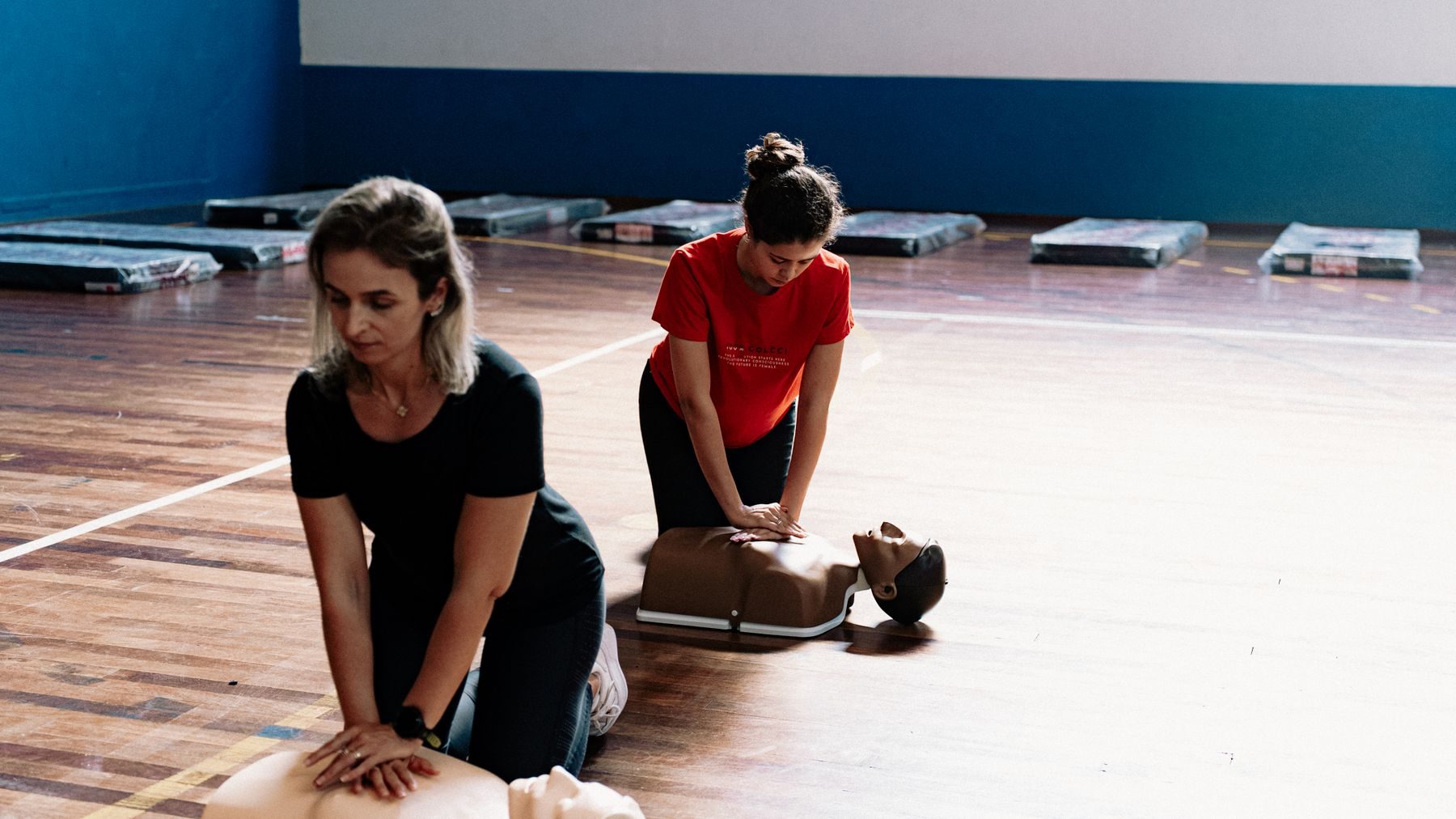
A full CPR training center classroom with students practicing on manikins

Their day

Monday morning at the front desk

Volume makes small gaps expensive. These are the questions that eat a coordinator’s morning, and where the answer lives in CPR Enroll.

  1. 8:02

    “Who is teaching Thursday’s BLS?”

    The class shows its lead and assistant instructors, and assigned classes can sync to their Google Calendar.

  2. 8:20

    “Did the Hendricks group pay?”

    Every enrollment shows paid, partially paid, unpaid, refunded or settled outside checkout.

  3. 9:05

    “Where is last week’s skills paperwork?”

    It is on the class: submitted, locked and downloadable as one package.

  4. 9:40

    “Whose instructor card expires this quarter?”

    Instructor credentials show current, coming due and expired, next to the classes they teach.

  5. 10:15

    “Can someone cover Saturday?”

    Post the opening as a job across one or more classes, review who is interested and award it.

How CPR Enroll handles it

One standard, every class, every instructor

Standardize the course, then every class matches

Set pricing, add-ons, registration questions, messages, paperwork, checklists and card settings on the course. Whoever creates the class, it starts from the same standard.

  • Start from marketplace course templates
  • Paperwork and checklists attach automatically
  • Consistent class naming for internal and external IDs

Every delivery model in one calendar

Community classes, private client sessions, blended skills checks, virtual classes on Google Meet or Zoom, flexible appointments and kiosk stations live side by side, with list, board and calendar views.

  • Multi-day and recurring classes
  • Saved views so each staff member opens what they use most

Paperwork that is done when class is done

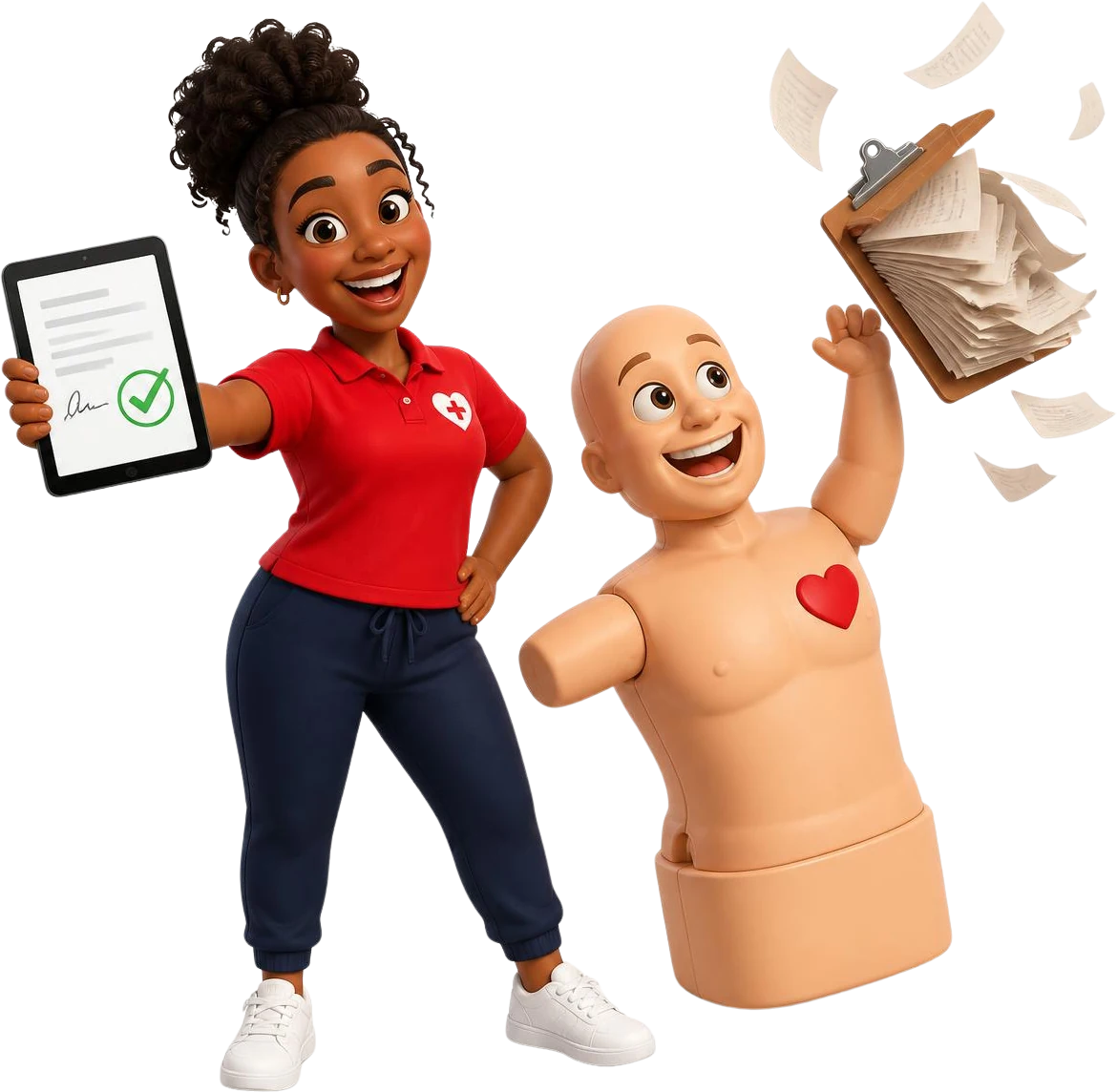
Instructors fill in checklists and documents on their phone, sign and submit. Administrators see what is in draft, submitted or returned without chasing anyone.

  • Submit and lock, with authorized reopening
  • Download one file or the whole class package
Pulse tossing away a clipboard while Coach Rae holds up a signed digital form

Clients, equipment and keycodes, too

Track corporate clients and group requests, sign manikins and AED trainers in and out, and get an alert before a keycode bank runs low.

  • Group training leads from New to Converted
  • Equipment checkout, condition and maintenance
  • Store items and registration add-ons

A team page that keeps up with your roster

Instructors come and go. Your website team page should not need a developer every time. Each instructor keeps their own public profile, you approve it if you want to, and your site shows the current team in the layout you pick.

  • Grid, list, compact circles, featured plus grid or carousel
  • Profiles go live on their own or after your approval
  • Optional next three classes on each profile, with a link to book

Roles and permissions

Everyone gets the access their job needs

No more sharing one admin login. Give each person a role and decide what they can see and change.

  • Owner Every location, setting and report, including revenue.
  • Administrator Classes, enrollments, payments, paperwork review and settings.
  • Coordinator Class schedules and student details, with financial access only if you allow it.
  • Instructor Assigned classes, rosters, check-in, checklists and paperwork.
  • Assistant instructor The classes they are assigned to, in the portal and their calendar.

These are examples. You choose what each role can do. Every plan includes unlimited instructor and staff users.

A training center administrator reviewing the day's classes at a desk

Reporting

The questions your reports should answer

  • Which classes are coming up, and which still have open seats?
  • Which enrollments are unpaid or partially paid?
  • Which paperwork is still in draft?
  • Which student and instructor cards are expiring?
  • Which instructor or equipment assignments need attention?

Save any filtered view as a tab, so each person opens straight to the list they use most.

Your 14-day trial

What to set up in your trial

Start with one workflow your team runs every week and follow it end to end.

Card required. No charge during your trial. Cancel anytime before it ends.

  1. Configure your most common course with pricing, paperwork and card settings.
  2. Add two staff users with different roles and compare what each one sees.
  3. Create a test class and assign an instructor.
  4. Complete a registration and payment.
  5. Generate the class paperwork and submit a checklist from a phone.
  6. Review the certification record and your reports.

Questions training centers ask

Can CPR Enroll handle several instructors and staff roles?

Yes. Every plan includes unlimited instructor and staff users, with roles and permissions for people who create classes, teach, coordinate, manage payments, review paperwork and run reports.

Can we standardize course settings?

Yes. Pricing, registration questions, messages, paperwork, checklists, add-ons and card settings live on the course and carry into every class created from it.

Can assistant instructors see the classes they are assigned to?

Yes, depending on the permissions you set. Assigned classes can also sync to their Google Calendar.

Can we invoice corporate clients?

Yes. You can invoice a client and record payments made outside online checkout. How you bill stays up to your payment terms and accountant.

Can we track instructor certifications?

Yes. Instructor credentials show discipline, program, expiry and status, so you can see who is coming due.

Does CPR Enroll guarantee we meet certifying-body or regulatory requirements?

No. It gives you tools to standardize and keep records. Your center stays responsible for knowing and meeting the requirements that apply to you.

Give your team one place to run every class.

Set up your first class in an afternoon. Rae and Pulse will be waiting.

Card required. No charge during your trial. Cancel anytime before it ends.

Coach Rae cheering as Pulse shows a certification card on his phone